
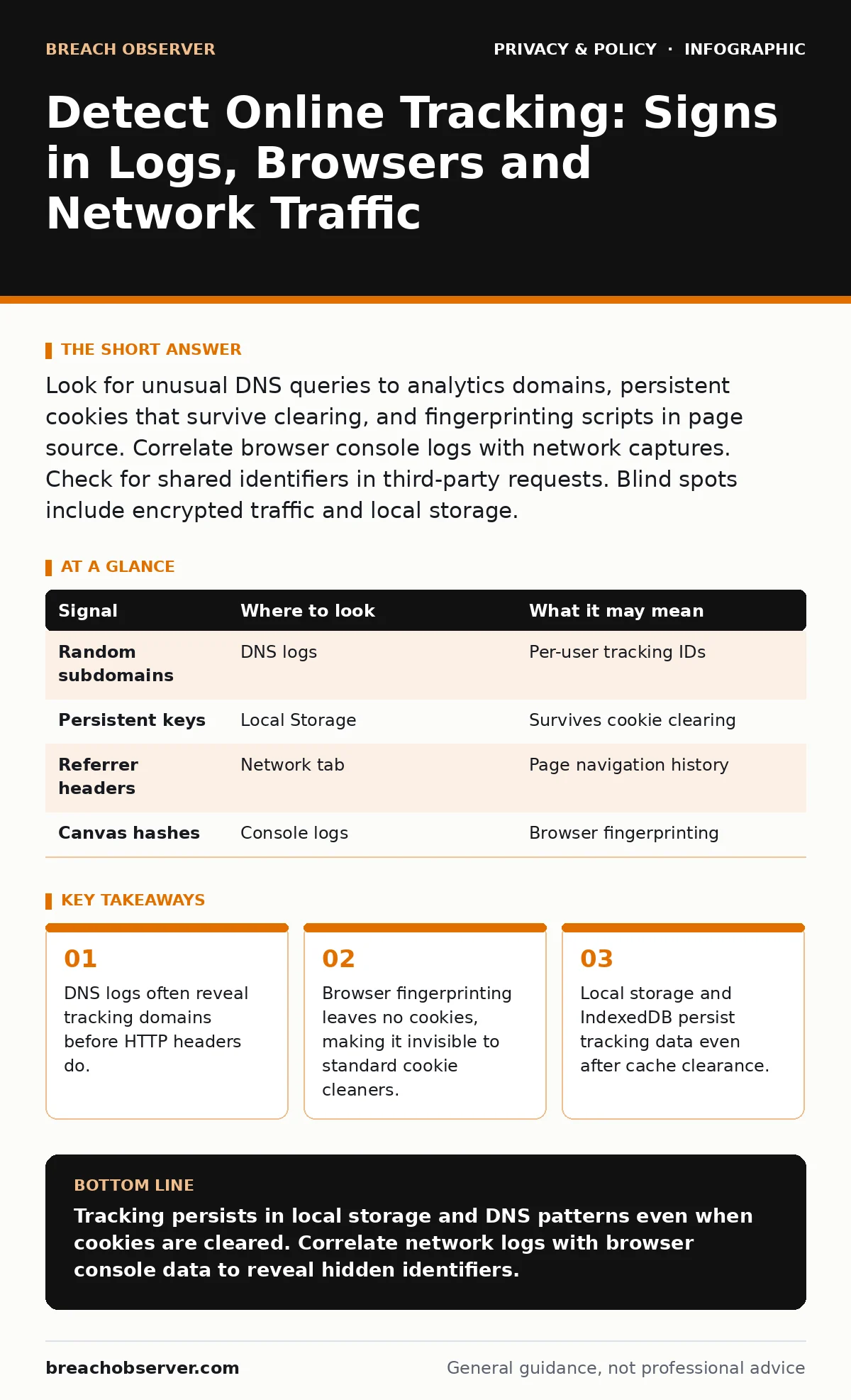
Look for unusual DNS queries to analytics domains, persistent cookies that survive clearing, and fingerprinting scripts in page source. Correlate browser console logs with network captures. Check for shared identifiers in third-party requests. Blind spots include encrypted traffic and local storage.
Tracing the Request Chain
Online tracking rarely operates in isolation. It functions through a chain of requests initiated by the primary site and its partners. When a user loads a webpage, the browser fetches resources from multiple origins. Each request carries headers and parameters that can identify the user’s device, location, and behaviour.
You must examine the full request chain, not just the primary domain. Third-party scripts often embed tracking pixels or beacon calls. These calls send data to external servers without the user’s explicit interaction. The data includes the referrer URL, which reveals the previous page visited.
Inspect the network tab in your browser’s developer tools. Look for requests to domains unrelated to the main content. These are often short-lived connections that transmit small amounts of data. The payload may contain a unique identifier or a hash of the user’s browsing history.
Decoding DNS Telemetry
Domain Name System (DNS) logs provide a foundational layer of visibility. Every resource loaded by a browser requires a DNS resolution. Tracking services often use unique subdomains for each user or session. This creates a distinct pattern in DNS query logs.
Suppose you see repeated queries to random-looking subdomains of a known analytics provider. This indicates per-user tracking IDs. The domain structure itself can leak information about the user’s journey. Correlating these queries with timestamps helps reconstruct the browsing sequence.
DNS over HTTPS (DoH) and DNS over TLS (DoT) encrypt these queries. This prevents network-level inspection. If your organisation uses DoH, you lose visibility into the specific subdomains queried. You can only see that a DNS request was made to a resolver. This is a significant blind spot for network monitoring.
Inspecting Browser Storage
Cookies are the most known tracking mechanism, but they are not the only one. Modern browsers support Local Storage and IndexedDB. These storage mechanisms allow websites to store larger amounts of data locally. Unlike cookies, this data is not automatically sent with every HTTP request.
Scripts must explicitly read from Local Storage to use the data. This makes it harder to detect via standard network monitoring. You must inspect the browser’s application storage tab to find these entries. Look for keys that contain user IDs, preferences, or tracking tokens.
Clearing cookies does not remove data from Local Storage. Users often assume their browser is clean after a cookie wipe. However, the tracking script can recreate the cookie from the local data. This persistence allows trackers to maintain a profile across sessions.
| Signal | Where to look | What it may mean |
|---|---|---|
| Random subdomains | DNS logs | Per-user tracking IDs |
| Persistent keys | Local Storage | Survives cookie clearing |
| Referrer headers | Network tab | Page navigation history |
| Canvas hashes | Console logs | Browser fingerprinting |
Identifying Fingerprinting Scripts
Browser fingerprinting creates a unique identifier based on device and browser configuration. It does not rely on cookies or local storage. Instead, it queries the browser for hardware and software details. This includes screen resolution, installed fonts, and GPU information.
This method is difficult to detect because it does not leave persistent data on the disk. The fingerprint is generated in memory and sent to the tracker. You can detect it by looking for calls to canvas or WebGL APIs. These calls generate images or graphics that are hashed and transmitted.
Imagine a script that renders a hidden image using specific text and shapes. The resulting pixel data varies slightly between devices. The hash of this data serves as a unique ID. This technique works even in private browsing modes. It bypasses standard cookie-blocking extensions.
Analyzing HTTP Headers and Referrers
HTTP headers contain metadata about the request and the client. The User-Agent header identifies the browser and operating system. The Referrer header reveals the URL of the page that linked to the current resource. Tracking services use these headers to build a profile of the user’s environment and behaviour.
The Referrer header is particularly useful for mapping navigation paths. It shows which sites the user has visited recently. However, modern browsers and privacy tools often strip or limit this information. Strict Referrer Policies can prevent the header from being sent to third parties.
Check for custom headers added by tracking scripts. These may contain session IDs or correlation tokens. Correlate these headers with the request payload. The payload often contains encrypted or encoded data. Decoding this data may reveal additional tracking parameters.
Detecting Shared Identifiers
Tracking networks often share identifiers across multiple domains. This allows them to track a user across different websites. These identifiers are often embedded in URLs or cookies. They may appear as query parameters in image requests or script tags.
Look for common patterns in these identifiers. They may be UUIDs, base64-encoded strings, or hashed values. Matching these patterns across different domains reveals the tracking network. This helps you understand the extent of the tracking ecosystem.
Suppose you see the same identifier in requests to an ad network and a social media platform. This indicates data sharing between these entities. The user’s activity on one site is linked to their activity on another. This cross-site tracking builds a comprehensive profile of the user.
Common Blind Spots and Limitations
No detection method is perfect. Encrypted traffic prevents inspection of request contents. You can see the destination but not the data sent. This limits your ability to detect fingerprinting or custom headers.
Local storage and IndexedDB are not visible in network logs. You must inspect the browser directly to find them. This requires access to the user’s device or browser profile. Remote monitoring cannot see these storage mechanisms.
Browser fingerprinting leaves no persistent trace. It is generated on the fly and sent immediately. Detecting it requires monitoring API calls in real-time. This is resource-intensive and may impact performance.
Integrating Detection into Workflow
Effective detection requires integrating multiple sources of evidence. Combine DNS logs, network captures, and browser console logs. Correlate these data points to build a complete picture. Automate the collection and analysis of these logs.
Use standard frameworks to classify tracking signals. This helps in prioritising responses. Focus on high-impact trackers that compromise privacy or security. Implement controls to mitigate the risk. This includes blocking known tracking domains and enforcing strict Referrer Policies.
Regularly review and update your detection rules. Tracking techniques evolve constantly. New methods emerge to bypass existing controls. Stay informed about the latest developments in tracking technology. Adapt your strategies accordingly.
Key takeaways
- DNS logs often reveal tracking domains before HTTP headers do.
- Browser fingerprinting leaves no cookies, making it invisible to standard cookie cleaners.
- Local storage and IndexedDB persist tracking data even after cache clearance.
Tracking persists in local storage and DNS patterns even when cookies are cleared. Correlate network logs with browser console data to reveal hidden identifiers.
Frequently asked questions
Can I detect tracking if all traffic is encrypted?
You can see destination domains in DNS logs and TLS handshake data, but not the payload content or specific tracking IDs within the encrypted stream.
Does private browsing mode stop all tracking?
It prevents persistent storage like cookies from saving, but it does not stop real-time fingerprinting or tracking during the session.
How do I find tracking scripts in a web page?
Inspect the page source and network tab in developer tools to identify external scripts and requests to third-party domains.
Are browser extensions enough to stop tracking?
They block many known trackers, but they cannot stop fingerprinting or trackers that use novel, unlisted domains or techniques.
How this guide was produced: written by the Breach Observer editorial team with AI assistance, checked against the public references listed below, and reviewed when the facts change. See our editorial policy or report an error.