
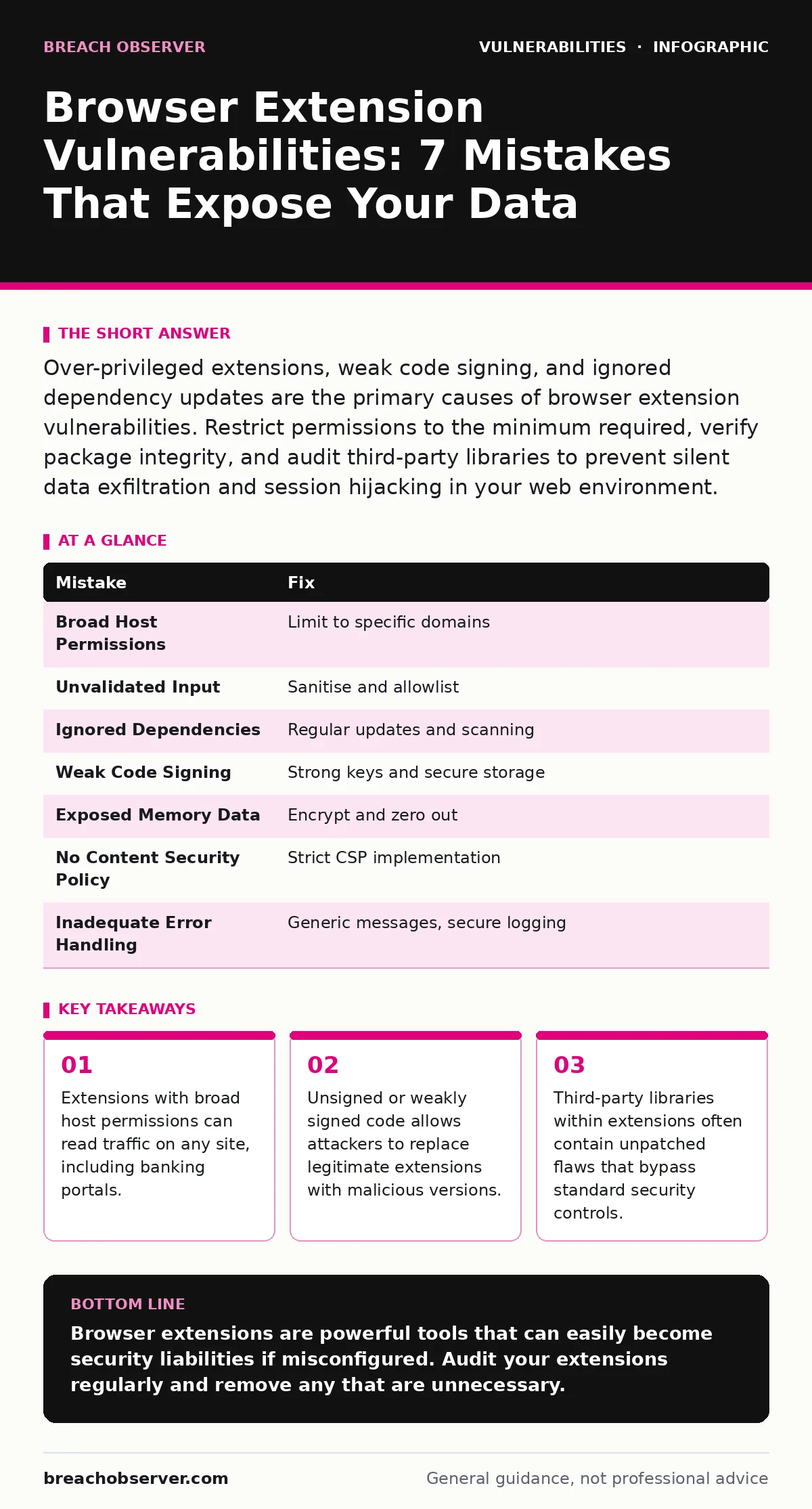
Over-privileged extensions, weak code signing, and ignored dependency updates are the primary causes of browser extension vulnerabilities. Restrict permissions to the minimum required, verify package integrity, and audit third-party libraries to prevent silent data exfiltration and session hijacking in your web environment.
Mistake 1: Granting Broad Host Permissions
Extensions request access to specific websites or all websites. When you grant an extension access to "all sites," it can read and modify traffic on every page you visit. This includes sensitive banking sessions and corporate dashboards. The extension gains the same visibility as a man-in-the-middle attacker.
Why it hurts: A compromised extension with broad host permissions can capture credentials, session tokens, and personal data from any site. It can inject malicious scripts into legitimate pages, leading to drive-by downloads or credential harvesting. The damage occurs silently in the background.
The fix: Request permissions only for the specific domains the extension needs to function. Use host permission patterns that limit scope to exact URLs. Review permission requests during installation and reject any that seem unrelated to the core functionality.
Mistake 2: Trusting User Input Without Validation
Extensions often process data from web pages or user input. Developers sometimes assume this data is safe. When an extension processes untrusted input without sanitisation, it becomes vulnerable to injection attacks. This includes cross-site scripting and command injection flaws.
Why it hurts: An attacker can craft a malicious webpage that tricks the extension into executing arbitrary code. This code runs with the extension's privileges, bypassing same-origin policy restrictions. The attacker gains control over the extension's background scripts and can access sensitive browser APIs.
The fix: Validate and sanitise all input received from web pages or users. Use allowlists for expected data formats. Never execute dynamic code based on external input. Treat all data from the web as hostile until proven otherwise.
Mistake 3: Ignoring Third-Party Dependencies
Extensions frequently rely on third-party libraries for common tasks. These libraries may contain known vulnerabilities. If developers do not update these dependencies, the extension inherits the flaws. This is a common oversight in small development teams.
Why it hurts: A vulnerable library can be exploited to compromise the entire extension. Attackers target popular libraries because a single fix can compromise thousands of users. The vulnerability may exist in code you did not write and cannot easily audit.
The fix: Regularly update third-party libraries. Use dependency scanning tools to identify known vulnerabilities in your supply chain. Pin specific versions of libraries to avoid unexpected changes. Review the security posture of the libraries you include.
Mistake 4: Weak Code Signing Practices
Browser extensions must be signed to prove their origin. Some developers use weak signing keys or store signing certificates insecurely. If an attacker obtains the signing key, they can publish malicious updates that appear legitimate. The browser trusts the signature, not the content.
Why it hurts: Users and organisations trust signed extensions. A compromised signing key allows attackers to push malicious updates to existing installations. The update installs silently, maintaining the extension's permissions and access. Detection is difficult because the signature is valid.
The fix: Use strong cryptographic keys for signing. Store signing certificates in secure hardware modules or isolated environments. Rotate keys regularly. Monitor for unauthorized use of your signing keys. Consider multi-party computation for signing to prevent single points of failure.
Mistake 5: Exposing Sensitive Data in Memory
Extensions often handle sensitive data such as passwords or tokens. If this data is stored in memory without encryption or proper cleanup, it can be extracted by other processes. Memory dumps or debugging tools can reveal this plaintext information.
Why it hurts: An attacker with access to the system or another compromised extension can read memory and extract sensitive data. This includes session cookies, API keys, and authentication tokens. The data remains in memory long after it is no longer needed, increasing the attack window.
The fix: Encrypt sensitive data in memory. Zero out memory buffers after use to prevent residual data leakage. Use secure storage mechanisms provided by the browser API. Avoid logging sensitive information to console or debug outputs.
See also: Remediation Tracking: How to Close Vulnerabilities Before Exploitation · Pre-authentication vulnerabilities: detection, exploitation and mitigation
Mistake 6: Lack of Content Security Policy
Content Security Policy restricts the sources from which an extension can load resources. Without a strict CSP, an extension can load scripts from arbitrary domains. This increases the risk of supply chain attacks and code injection.
Why it hurts: If an extension loads external scripts without validation, an attacker can compromise those external servers and inject malicious code. The extension then executes the malicious code, compromising the user's browser session. The attack vector is indirect but effective.
The fix: Implement a strict Content Security Policy for your extension. Restrict script sources to your own domains. Disable inline scripts and eval functions. Regularly audit your CSP to ensure it remains effective as the extension evolves.
Mistake 7: Inadequate Error Handling
Extensions often fail to handle errors gracefully. When an error occurs, detailed error messages may be exposed to the user or logged publicly. These messages can reveal internal logic, file paths, or database structures.
Why it hurts: Detailed error messages provide attackers with valuable information for crafting further attacks. They can identify vulnerable endpoints or logic flaws. This information reduces the effort required to exploit the extension successfully.
The fix: Implement generic error messages for users. Log detailed errors securely on the server side. Avoid exposing stack traces or internal details in client-side responses. Use structured logging to track issues without revealing sensitive information.
| Mistake | Fix |
|---|---|
| Broad Host Permissions | Limit to specific domains |
| Unvalidated Input | Sanitise and allowlist |
| Ignored Dependencies | Regular updates and scanning |
| Weak Code Signing | Strong keys and secure storage |
| Exposed Memory Data | Encrypt and zero out |
| No Content Security Policy | Strict CSP implementation |
| Inadequate Error Handling | Generic messages, secure logging |
Key takeaways
- Extensions with broad host permissions can read traffic on any site, including banking portals.
- Unsigned or weakly signed code allows attackers to replace legitimate extensions with malicious versions.
- Third-party libraries within extensions often contain unpatched flaws that bypass standard security controls.
Browser extensions are powerful tools that can easily become security liabilities if misconfigured. Audit your extensions regularly and remove any that are unnecessary.
Frequently asked questions
How do I know if an extension is compromised?
Check for unusual network activity, unexpected permission requests, and changes in browser behaviour. Review the extension's update history and developer reputation.
Can a browser extension steal my passwords?
Yes, if it has permission to access websites where you enter passwords. It can read the page content and capture input fields. Always audit extension permissions carefully.
Do I need penetration testing for extensions?
Yes, penetration testing helps identify vulnerabilities in the extension's code and logic. It simulates real-world attacks to find weaknesses before malicious actors do.
What is the risk of open-source extensions?
Open-source extensions allow community review, which can improve security. However, they may also be scrutinised by attackers looking for flaws. Ensure the project is actively maintained.
How this guide was produced: written by the Breach Observer editorial team with AI assistance, checked against the public references listed below, and reviewed when the facts change. See our editorial policy or report an error.