Key points
- MapQuest app includes a new toggleable layer showing outdoor license plate reader locations.
- The feature displays cameras from multiple vendors including Flock Safety, Motorola Solutions and Axon.
- MapQuest has not confirmed the data source but it appears reliable and likely crowdsourced.
MapQuest has introduced a new feature in its mobile application that allows users to view the locations of outdoor license plate reading cameras. According to ZDNET Security, this addition provides visibility into surveillance infrastructure that competitors like Google Maps and Apple Maps do not currently display. The feature helps users identify where automated license plate readers are installed in their local areas.
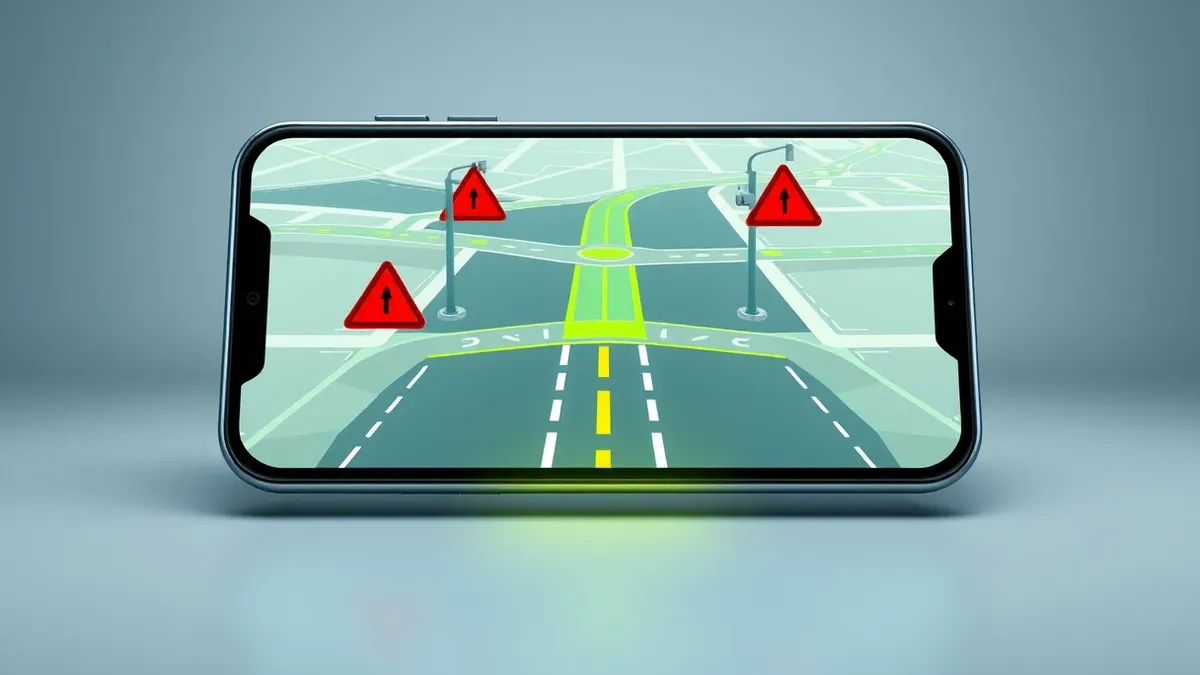
The surveillance layer shows devices from a wide range of manufacturers. MapQuest listed Flock Safety, Motorola Solutions, Genetec, Axis Communications, Axon, Leonardo, Neology, Rekor, PlateSmart, Ubicquia and Verkada as brands included in the map data. When users activate the layer, cameras appear on the map as small red eye icons. A vision cone indicates the direction each camera is facing, providing clear visual context for the surveillance coverage area.
How the feature works
Users can enable the surveillance layer by tapping the layer icon on the main navigation screen within the MapQuest app. A toggle switch allows users to turn the visibility on or off. Currently, there is no automated setting to route drivers around these license plate reading cameras. Users must manually review the map and choose alternative routes if they wish to avoid areas with known surveillance devices.
Who is affected
Drivers and residents in areas with high concentrations of license plate readers are the primary users of this feature. ZDNET Security noted that the reporter observed more than thirty cameras in a medium-sized town of eighty thousand people, highlighting the density of such infrastructure. While Waze identifies police cameras, it mixes speed cameras and traffic monitors with surveillance devices, making it difficult to distinguish specific license plate tracking equipment. MapQuest offers a more targeted view of ANPR locations.
Our take on the response
MapQuest announced the feature on Bluesky but did not explain how it obtained the camera location data. ZDNET Security reported reaching out for clarification. The outlet noted that crowdsourced maps, including OpenStreetMap, already show Flock and similar camera locations. It seems likely that MapQuest is using user-generated data, which appears reliable despite the lack of official confirmation from the vendor regarding the data collection methodology.
What affected people can do
Users who wish to avoid being tracked by automated license plate readers should regularly check this layer before travelling. Teams usually advise reviewing local map data to understand surveillance density in residential or commercial zones. Check whether the camera orientation points towards your usual routes. Be aware that data may be user-generated and potentially incomplete, so do not rely solely on this feature for privacy protection. Monitor vendor updates for any changes to data accuracy or new camera installations in your area.
What to do and how to stay safe: MapQuest
- Enable the surveillance layer in the MapQuest app to view known ANPR camera locations.
- Review the direction of camera vision cones to assess coverage of your usual routes.
- Manually plan alternative routes if you wish to avoid areas with high camera density.
- Cross-reference MapQuest data with other sources, as the dataset may be crowdsourced.
Step-by-step guide: Detect Online Tracking: Signs in Logs, Browsers and Network Traffic
General security guidance from the Breach Observer newsroom. It is not confirmed advice from the organisations named in this story.
Frequently asked questions
Which companies' cameras are shown on the MapQuest surveillance layer?
The layer includes cameras from Flock Safety, Motorola Solutions, Genetec, Axis Communications, Axon, Leonardo, Neology, Rekor, PlateSmart, Ubicquia and Verkada.
Does MapQuest automatically route users around license plate cameras?
No, there is currently no setting to automatically route around license plate reading cameras; users must manually avoid them.
Where does MapQuest get its camera location data?
MapQuest has not explained the data source, but it is likely user-generated or crowdsourced, similar to OpenStreetMap.