
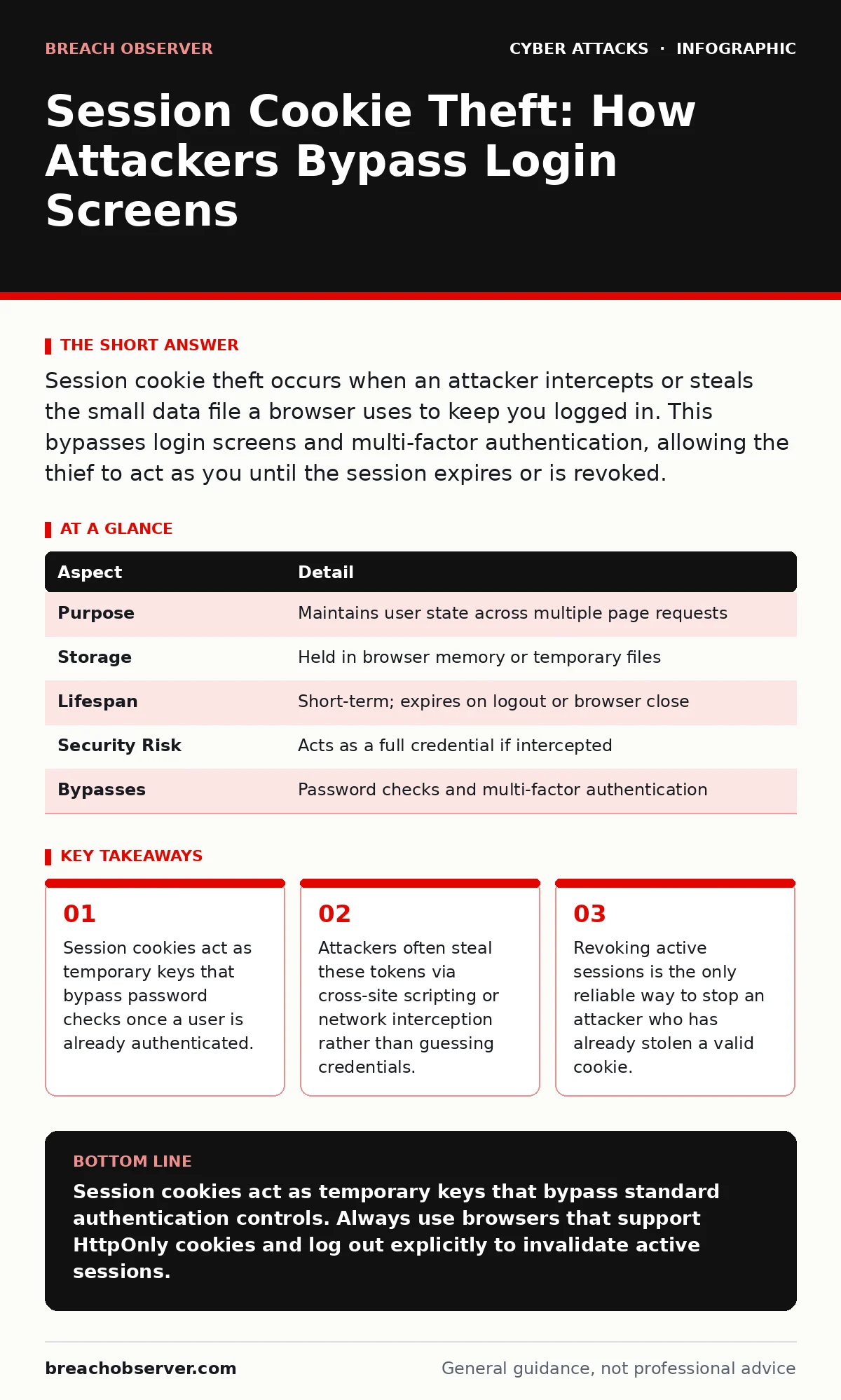
Session cookie theft occurs when an attacker intercepts or steals the small data file a browser uses to keep you logged in. This bypasses login screens and multi-factor authentication, allowing the thief to act as you until the session expires or is revoked.
The Library Card Analogy
Imagine you enter a library using your photo ID and a PIN. The librarian checks them, then hands you a temporary wristband. For the rest of the day, you simply show the wristband to staff to access restricted areas. You do not need to present your ID or PIN again.
If a thief steals that wristband, they can walk straight into restricted zones. They do not need your PIN. They do not need your photo ID. They just need the wristband. In digital security, that wristband is the session cookie.
What Is a Session Cookie?
A session cookie is a small piece of data stored by your web browser. Websites issue these cookies after you successfully log in. The cookie contains a unique identifier that tells the server, "This user is already verified."
The server checks this identifier with every request you make. If the identifier matches a valid, active session, the server grants access to your data. The cookie is temporary. It usually expires when you close your browser or after a set period of inactivity.
| Aspect | Detail |
|---|---|
| Purpose | Maintains user state across multiple page requests |
| Storage | Held in browser memory or temporary files |
| Lifespan | Short-term; expires on logout or browser close |
| Security Risk | Acts as a full credential if intercepted |
| Bypasses | Password checks and multi-factor authentication |
How the Theft Occurs
Attackers do not usually guess session IDs. These strings are long, random, and difficult to predict. Instead, they intercept the cookie while it is being transmitted or steal it from your device.
The most common method is cross-site scripting. An attacker injects malicious code into a trusted website. When you visit that page, the code runs in your browser. It reads your cookies and sends them to the attacker's server. You see nothing unusual. The page loads normally, but your session token is now in the hands of a third party.
Network interception is another vector. On unsecured Wi-Fi networks, data travels in plain text. An attacker on the same network can capture the traffic flowing between your device and the website. If the connection is not encrypted, they can read the session cookie directly from the data stream.
Who Is Affected
Any user who logs into web applications is vulnerable. This includes personal accounts for email and social media, as well as corporate accounts for email, project management, and financial systems.
Employees with high privileges are prime targets. An attacker stealing a session cookie for an administrator account gains immediate access to sensitive infrastructure. They do not need to bypass complex account lockout policies because they are not attempting to log in. They are already "in."
Developers and IT staff are also at risk. They often use internal tools and dashboards that rely on session management. If these tools have weak security configurations, the session cookies become easy targets.
Common Forms of Cookie Theft
Cross-site scripting remains the leading cause of session theft. It exploits vulnerabilities in web applications. If a website does not properly sanitise user input, an attacker can embed scripts that run in the visitor's browser.
Man-in-the-middle attacks exploit weak network security. If a site uses HTTP instead of HTTPS, the connection is vulnerable. Even with HTTPS, certificate spoofing can trick users into connecting to a malicious server that captures the cookies.
Malware on the endpoint is a growing threat. Keyloggers and browser hijackers can directly read the cookie store on your hard drive. This bypasses network protections entirely. The attacker already has access to your device, so network-level defences like DNS filtering offer little help.
What People Usually Get Wrong
Many users believe that a strong password prevents session theft. This is incorrect. A strong password protects the initial login. It does not protect the session once it is established.
Another common misconception is that multi-factor authentication stops this attack. MFA verifies your identity at login. Once the session is created, the server trusts the cookie. It does not ask for MFA again for every action. The stolen cookie bypasses the MFA requirement entirely.
Users also often ignore session expiry settings. Leaving sessions open indefinitely increases the window of opportunity for an attacker. If a cookie is stolen, a long-lived session gives the attacker more time to act before the token expires.
How to Reduce the Risk
The first line of defence is secure coding. Developers must implement the HttpOnly flag on cookies. This flag prevents JavaScript from accessing the cookie. If an attacker injects a script via cross-site scripting, the script cannot read the cookie.
The Secure flag is equally important. It ensures the cookie is only transmitted over encrypted HTTPS connections. This prevents interception on unsecured networks. Always enforce HTTPS for all pages, especially those handling authentication.
Users should log out explicitly when finished, especially on shared devices. Closing the browser tab is not always enough. Some browsers keep sessions alive even after the tab is closed. Clicking "Log Out" sends a command to the server to destroy the session token.
Organisations should implement short session timeouts. If a user is inactive for a few minutes, the server should invalidate the session. This limits the damage if a cookie is stolen. You can combine this with web filtering to block access to known malicious sites that might host exploit kits.
Be aware of attack vectors that target the user directly. Social engineering attacks, such as pretexting, can trick users into visiting malicious pages that steal cookies. Training users to recognise suspicious links is vital. While MFA fatigue attacks target the authentication process, session theft bypasses it, so defence-in-depth strategies must address both.
Key takeaways
- Session cookies act as temporary keys that bypass password checks once a user is already authenticated.
- Attackers often steal these tokens via cross-site scripting or network interception rather than guessing credentials.
- Revoking active sessions is the only reliable way to stop an attacker who has already stolen a valid cookie.
Session cookies act as temporary keys that bypass standard authentication controls. Always use browsers that support HttpOnly cookies and log out explicitly to invalidate active sessions.
Frequently asked questions
Can an attacker steal my session cookie if I use a password manager?
Yes, a password manager protects your credentials at login. It does not protect the session cookie generated after successful authentication.
Does two-factor authentication prevent session cookie theft?
No, two-factor authentication only verifies identity during the initial login. A stolen session cookie allows an attacker to bypass this check entirely.
How can I tell if my session cookie has been stolen?
You may notice unauthorised actions in your account history or receive alerts for logins from unfamiliar locations. Check active sessions in your account settings.
Is it safe to use public Wi-Fi for banking?
It is risky. Even with HTTPS, public networks can be compromised. Use a trusted mobile data connection or a secure virtual private network for sensitive transactions.
How this guide was produced: written by the Breach Observer editorial team with AI assistance, checked against the public references listed below, and reviewed when the facts change. See our editorial policy or report an error.