
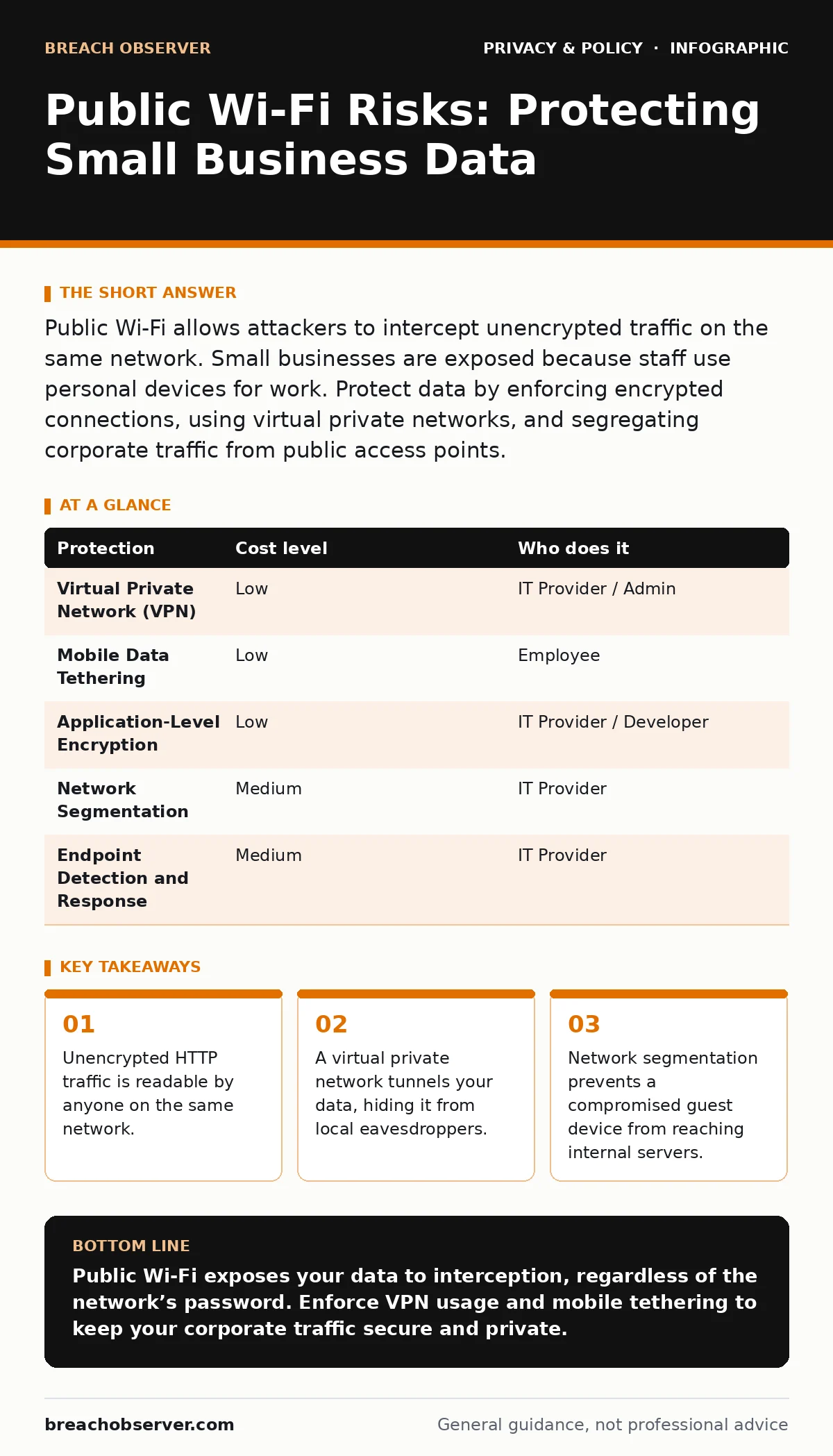
Public Wi-Fi allows attackers to intercept unencrypted traffic on the same network. Small businesses are exposed because staff use personal devices for work. Protect data by enforcing encrypted connections, using virtual private networks, and segregating corporate traffic from public access points.
The Illusion of Convenience
Public Wi-Fi networks are designed for ease of access, not security. When you connect to an open network, your device communicates with a wireless access point without any initial verification of identity. This means any device within range can see the signal and, potentially, the data flowing through it. For a small organisation, this convenience creates a blind spot. Staff members often assume that because they are not entering banking details, the risk is negligible. This assumption is dangerous.
The primary risk is not usually a direct hack of your computer. It is the interception of data in transit. If your application does not encrypt its own traffic, the data travels in plain text. An attacker sitting nearby can use standard software to capture this traffic. They do not need advanced skills or expensive tools. They simply need to be on the same network segment as you. This is known as a man-in-the-middle attack, where the attacker inserts themselves between your device and the internet to read or modify data.
Why Small Organisations Are Exposed
Small businesses often lack the layered defences of larger corporations. You may not have a dedicated security operations centre or a complex firewall architecture. This makes your endpoints, such as laptops and smartphones, the primary line of defence. When staff use these devices on public networks, the corporate perimeter effectively dissolves. The public Wi-Fi becomes your new, uncontrolled perimeter.
Another factor is the mixing of personal and professional data. Employees often use the same device for both purposes. If a personal app has a security flaw, it can expose the entire device. On a public network, this flaw is more dangerous because the network itself is hostile. Attackers scan for vulnerable devices actively. A small organisation with fewer devices is a smaller target, but it is also an easier one to overwhelm or exploit due to likely weaker configurations.
The Mechanics of Interception
To understand the risk, you must understand how data moves. When you visit a website, your browser sends a request to a server. If the site uses HTTP, the request and the response are sent in clear text. This includes login credentials, email contents, and file uploads. On a public Wi-Fi, this data passes through the local router. An attacker with a packet sniffer can capture these packets and read them.
HTTPS, which stands for Hypertext Transfer Protocol Secure, encrypts this data. However, not all applications use HTTPS. Some internal corporate tools, older software, or poorly configured services may still rely on HTTP or weak encryption. Even with HTTPS, there are edge cases. If your device has a compromised certificate store, an attacker can perform a downgrade attack. This forces your connection to use weaker, breakable encryption. This is why relying solely on the lock icon in your browser is insufficient.
Low-Cost Protections for Teams
You do not need expensive hardware to mitigate these risks. The most effective protections are procedural and software-based. The first step is to enforce the use of a virtual private network, or VPN, for all work-related traffic. A VPN creates an encrypted tunnel between your device and a remote server. All data passing through this tunnel is unreadable to anyone on the local network.
Secondly, implement a strict policy against using public Wi-Fi for sensitive tasks. If staff must work remotely, they should use their mobile data tethering instead. Mobile networks are significantly harder to intercept than local Wi-Fi. This is because the signal is directed specifically between your device and the carrier’s tower, rather than broadcast openly in a room.
Thirdly, ensure all corporate applications use modern encryption standards. This includes end-to-end encryption for messaging and file sharing. Refer to our guide on encrypted messaging apps for specific protocols that verify the identity of the sender and receiver, ensuring that even the service provider cannot read the content.
| Protection | Cost level | Who does it |
|---|---|---|
| Virtual Private Network (VPN) | Low | IT Provider / Admin |
| Mobile Data Tethering | Low | Employee |
| Application-Level Encryption | Low | IT Provider / Developer |
| Network Segmentation | Medium | IT Provider |
| Endpoint Detection and Response | Medium | IT Provider |
What to Ask Your IT Provider
Your IT provider plays a critical role in securing remote work. You need to ensure they are not just providing access, but enforcing security. Ask them specific questions about how they handle traffic from untrusted networks. Do they inspect traffic for anomalies? Do they block known malicious domains?
You should also ask about identity management. Multi-factor authentication is non-negotiable. It ensures that even if an attacker steals a password via a public network, they cannot access the account. Ask your provider how they enforce this across all corporate services. Furthermore, discuss data loss prevention measures. These tools monitor and control the movement of data, preventing sensitive information from leaving the corporate environment via unsecured channels.
- How do you enforce VPN usage for all remote connections?
- Do you provide mobile device management solutions to enforce security policies on personal devices?
- What is your process for detecting and responding to compromised credentials?
- How do you ensure that corporate data is encrypted at rest and in transit?
- Can you segment guest networks from corporate networks to prevent lateral movement?
See also: Data Exfiltration: How Attackers Steal Information and How to Stop It · GDPR in Germany: How Strict Enforcement Shapes Data Compliance
Beyond the Network Layer
Securing the network is only part of the equation. You must also consider the data itself. If your business processes personal data, you must comply with privacy regulations. Understanding legitimate interest under the GDPR helps you determine when you can process data without explicit consent, but it does not exempt you from security obligations.
Consider the broader implications of data handling. If you collect biometric data, the risks are higher because this data cannot be changed if compromised. Refer to our guide on biometric data for best practices on storing and processing this sensitive information. Similarly, if you use facial recognition technology, be aware of the facial recognition risks associated with public data sources and algorithmic bias.
Finally, think about how you handle user requests. If a client asks for their data, you must be able to provide it securely. Our guide on data subject access requests outlines the steps to verify the requester’s identity and deliver the data without exposing it to interception.
Building a Resilient Culture
Technology alone cannot solve the problem. You need a culture that prioritises security. Train your staff to recognise the risks of public networks. Teach them to check for HTTPS, but also to understand its limitations. Encourage them to report suspicious behaviour or unusual network prompts.
Regularly review your security policies. As technology evolves, so do the threats. Stay informed about new vulnerabilities and update your protections accordingly. Remember that security is a continuous process, not a one-time fix. By combining technical controls with user awareness, you can significantly reduce the risks associated with public Wi-Fi.
Also, consider the impact of advertising on your users. Our guide on ad tracking explains how third-party trackers can follow users across sites, potentially revealing sensitive information about their browsing habits. Blocking these trackers can enhance both privacy and security.
Key takeaways
- Unencrypted HTTP traffic is readable by anyone on the same network.
- A virtual private network tunnels your data, hiding it from local eavesdroppers.
- Network segmentation prevents a compromised guest device from reaching internal servers.
Public Wi-Fi exposes your data to interception, regardless of the network’s password. Enforce VPN usage and mobile tethering to keep your corporate traffic secure and private.
Frequently asked questions
Is public Wi-Fi safe if I only check personal email?
It is safer than banking, but still risky. Attackers can steal your email credentials, which may be linked to other accounts. Use a VPN or mobile data for better protection.
Can a VPN protect me from all public Wi-Fi risks?
A VPN protects data in transit, but not from malware or phishing. If you click a malicious link, the VPN will not stop the infection. Always verify URLs and attachments.
Should I disable Wi-Fi when not in use?
Yes. Disabling Wi-Fi prevents your device from automatically connecting to open networks. This reduces the attack surface and saves battery life.
How do I know if my data is being intercepted?
You usually cannot tell. Interception is silent. Rely on preventive measures like encryption and VPNs rather than trying to detect an active attack.
How this guide was produced: written by the Breach Observer editorial team with AI assistance, checked against the public references listed below, and reviewed when the facts change. See our editorial policy or report an error.