
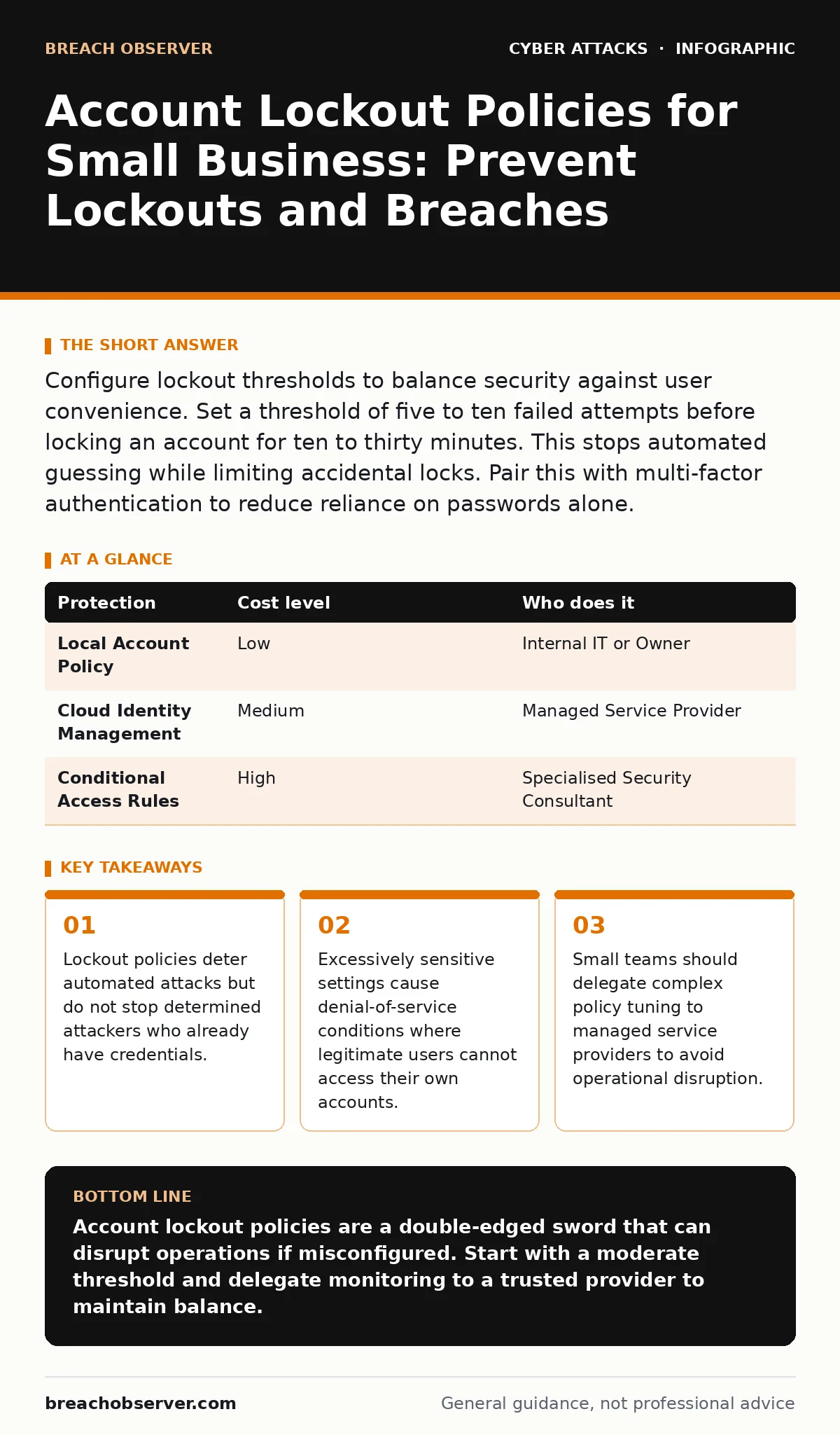
Configure lockout thresholds to balance security against user convenience. Set a threshold of five to ten failed attempts before locking an account for ten to thirty minutes. This stops automated guessing while limiting accidental locks. Pair this with multi-factor authentication to reduce reliance on passwords alone.
The Paradox of Protection
Account lockout policies are designed to stop brute-force attacks. These are automated attempts to guess passwords by trying many combinations rapidly. When an account locks after a set number of failures, the attacker must slow down or stop. This buys time for your team to detect the intrusion.
However, this mechanism has a hidden cost. It creates a single point of failure for user access. If the policy is too strict, a simple typo can lock out a critical user. This is known as a denial-of-service condition. The attacker does not need to break the password; they only need to make the user unable to log in.
Small organisations often lack the staff to handle these lockouts quickly. When a key employee is locked out, work stops. The security measure intended to protect the business actually disrupts its core function. You must balance the speed of detection with the friction of access.
Setting the Threshold Correctly
The lockout threshold is the number of failed logins allowed before the account locks. Setting this too low, such as three attempts, invites chaos. Users make mistakes. Caps Lock errors or keyboard malfunctions are common. A low threshold turns these minor issues into major blockers.
Setting the threshold too high, such as fifty attempts, offers little protection. An attacker can cycle through hundreds of passwords before the lock triggers. This allows them to harvest valid credentials before the system reacts. The sweet spot usually lies between five and ten attempts.
You must also define the lockout duration. This is how long the account remains inaccessible. A short duration, like five minutes, allows an attacker to resume guessing quickly. A long duration, like an hour, inconveniences the legitimate user significantly. A duration of ten to thirty minutes is often the best compromise. It stops the immediate automated burst while allowing the user to return after a short wait.
The Human Element in Small Teams
In a large corporation, a helpdesk team handles lockouts. In a small business, you or a generalist IT person handle it. This creates a bottleneck. When multiple users lock themselves out simultaneously, your operational capacity drops.
Consider the impact on remote workers. If a remote employee is locked out, they cannot call over to the IT desk. They must email or message for help. This adds delay. The attacker exploits this delay to move laterally through the network.
You should educate users on the consequences of failed logins. Tell them that repeated failures will lock them out. Encourage them to use password managers. These tools store and auto-fill credentials, reducing typing errors. This simple change reduces the volume of lockout requests significantly.
| Protection | Cost level | Who does it |
|---|---|---|
| Local Account Policy | Low | Internal IT or Owner |
| Cloud Identity Management | Medium | Managed Service Provider |
| Conditional Access Rules | High | Specialised Security Consultant |
Delegating to Managed Providers
Small businesses often lack the expertise to tune these policies dynamically. A managed service provider (MSP) can monitor login patterns in real time. They can distinguish between a user struggling with a password and an automated attack script.
Delegating this task allows you to focus on your core business. The MSP handles the technical tuning. They adjust thresholds based on observed behaviour. If they see a spike in failures from a specific location, they can tighten the policy temporarily.
This approach also provides continuity. If your internal IT person is away, the MSP ensures the system remains secure. They have the tools to unlock accounts quickly without compromising security. This reduces the operational risk associated with account lockouts.
Questions for Your IT Provider
Before handing over control of your identity policies, ask specific questions. Do not accept vague assurances. You need to know how they handle the edge cases.
- How do you distinguish between a user error and an attack?
- What is the process for unlocking a legitimate user who is locked out?
- Do you monitor for MFA fatigue attacks where attackers spam approval requests?
- How do you handle DNS spoofing attempts that might redirect login pages?
- What is the response time for a mass lockout event?
These questions reveal the depth of their monitoring. A provider who cannot answer clearly may not have the tools or expertise to protect you. They might rely on static rules that fail against modern threats.
See also: Detect Password Reuse in Logs and Identity Systems · Disaster Recovery for Small Teams: Restore Operations Fast
Integrating with Broader Security
Account lockout is not a standalone solution. It works best when combined with other measures. Multi-factor authentication adds a layer of security that passwords alone cannot provide. Even if an attacker guesses the password, they cannot log in without the second factor.
You should also consider web filtering to block access to known malicious sites. This reduces the risk of users downloading malware that captures credentials. DNS filtering can prevent connections to command-and-control servers used by attackers.
Shoulder surfing remains a risk in physical offices. Ensure users are not exposing their screens to outsiders. Pretexting attacks, where attackers trick users into revealing passwords, bypass technical controls entirely. Training users to recognise these social engineering tactics is vital.
Avoiding Common Misconfigurations
A common mistake is disabling lockout policies for administrative accounts. This seems logical to prevent locking yourself out. However, it makes these high-privilege accounts prime targets for brute-force attacks. Attackers know that admin accounts are often exempt.
Another error is setting a global policy that applies to all accounts equally. Service accounts and human users have different risk profiles. Service accounts might have automated scripts that fail occasionally. Applying the same strict policy to them causes service disruptions.
You must also consider the session cookie theft risk. If an attacker steals a valid session cookie, they bypass the login process entirely. Lockout policies do not protect against this. You need to monitor for unusual session activity and enforce session timeouts.
Monitoring and Adjustment
Security is not a set-and-forget task. You must review lockout events regularly. Look for patterns. Are certain users locking out frequently? This might indicate a need for password manager training. Are lockouts coming from specific IP addresses? This might indicate an attack.
Adjust your policies based on this data. If you see too many false positives, increase the threshold slightly. If you see successful breaches, decrease it. The goal is to find the balance that works for your specific environment.
Document your policies and procedures. Ensure that everyone on the team knows what to do when a lockout occurs. This reduces panic and ensures a swift response. Regular testing of these procedures helps identify gaps before an attacker exploits them.
Key takeaways
- Lockout policies deter automated attacks but do not stop determined attackers who already have credentials.
- Excessively sensitive settings cause denial-of-service conditions where legitimate users cannot access their own accounts.
- Small teams should delegate complex policy tuning to managed service providers to avoid operational disruption.
Account lockout policies are a double-edged sword that can disrupt operations if misconfigured. Start with a moderate threshold and delegate monitoring to a trusted provider to maintain balance.
Frequently asked questions
What is the best lockout threshold for a small business?
A threshold of five to ten failed attempts is generally recommended. This balances security against the risk of locking out legitimate users due to typos.
Should I lock out accounts permanently after failures?
No, permanent lockouts create operational bottlenecks. Use a timed lockout of ten to thirty minutes to allow users to regain access without manual intervention.
Does account lockout protect against password spraying?
It slows down password spraying but does not stop it. Password spraying involves trying one common password against many accounts. Combine lockouts with multi-factor authentication for better protection.
How do I prevent lockouts from disrupting remote work?
Use conditional access policies that allow logins from trusted networks or devices. This reduces the impact of accidental lockouts on remote employees who cannot easily get help.
How this guide was produced: written by the Breach Observer editorial team with AI assistance, checked against the public references listed below, and reviewed when the facts change. See our editorial policy or report an error.