
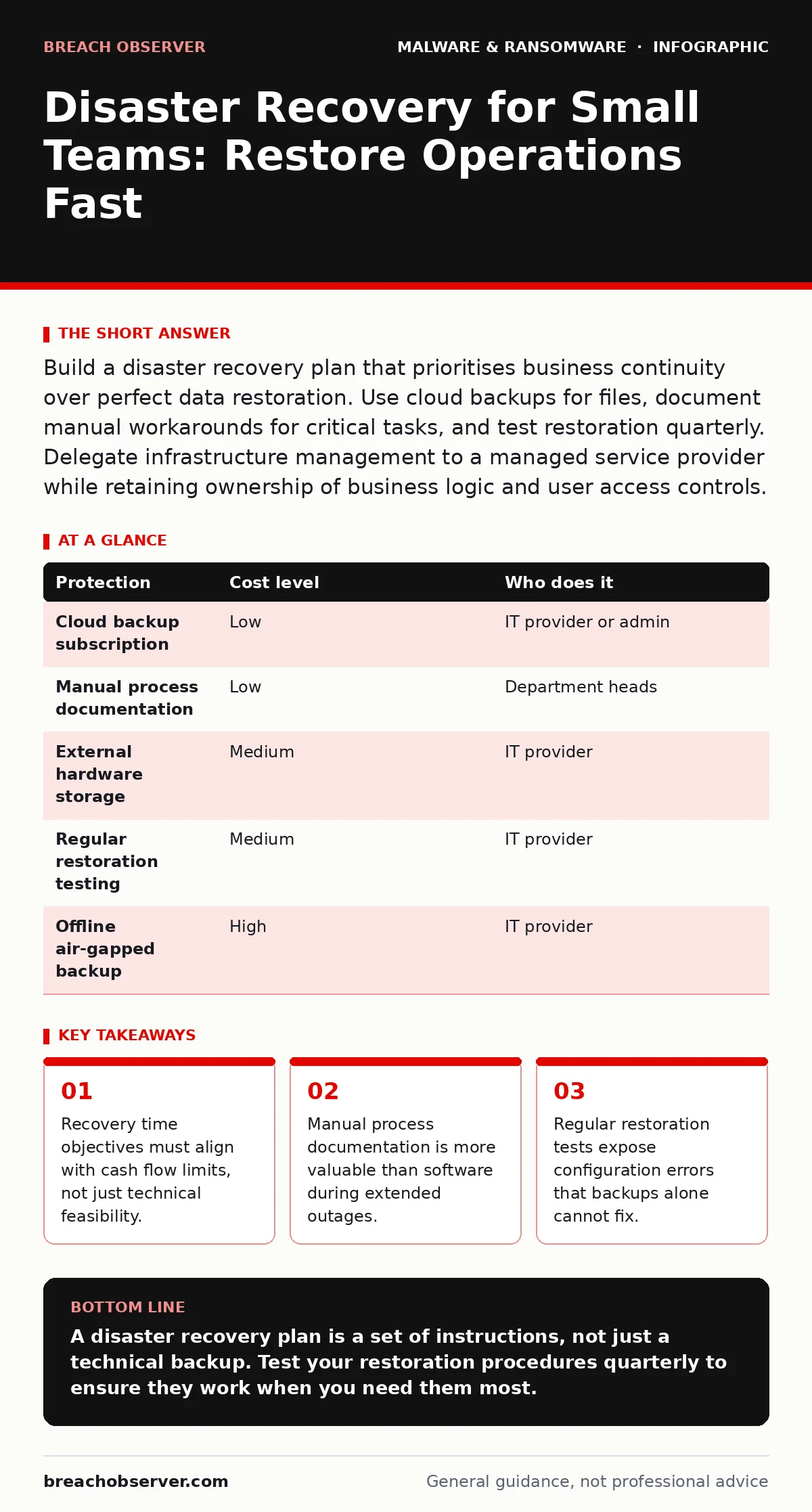
Build a disaster recovery plan that prioritises business continuity over perfect data restoration. Use cloud backups for files, document manual workarounds for critical tasks, and test restoration quarterly. Delegate infrastructure management to a managed service provider while retaining ownership of business logic and user access controls.
The Ten-Person Reality Check
Small organisations often assume that backing up data equals disaster recovery. This assumption fails under pressure. A backup is a copy of files. A disaster recovery plan is a set of instructions to resume business operations when those files are inaccessible or corrupted. The gap between having data and using data is where small teams lose revenue.
The constraint is not technology. It is human coordination. In a small team, roles overlap. When the system administrator is also the network engineer, a single point of human failure exists. If that person is unavailable during an incident, the team cannot execute recovery steps. Documentation bridges this gap.
Defining Recovery Time Limits
Recovery Time Objective (RTO) defines how quickly systems must be back online. Recovery Point Objective (RPO) defines how much data loss is acceptable. For a small business, these metrics dictate strategy. An RTO of one hour requires expensive, active replication. An RTO of twenty-four hours allows for slower, cheaper restoration methods.
You must define these limits based on cash flow. Calculate the hourly cost of downtime. This figure justifies investment in faster recovery tools.
Do not aim for zero downtime. Aim for acceptable downtime. Perfect availability is a theoretical ideal that consumes disproportionate resources. Focus on restoring core functions first. Email can wait. Invoicing systems cannot. Prioritise applications that generate revenue or maintain legal compliance.
Affordable Protection Strategies
Protection does not require enterprise-grade hardware. Cloud-based backup solutions offer scalable storage at predictable costs. These services replicate data to remote servers, protecting against local physical damage such as fire or theft. They also protect against ransomware that encrypts local files.
The 3-2-1 rule remains the standard. Keep three copies of data. Store them on two different media types. Keep one copy offsite. For small teams, this usually means local file server backups, external hard drive archives for critical assets, and cloud storage for the third copy. This distribution prevents a single failure from destroying all data.
Avoid relying solely on cloud sync services like Dropbox or OneDrive for backup. Sync services delete files when you delete them. Backup services retain version history and allow restoration of deleted items. Verify that your chosen service offers immutable storage, which prevents ransomware from encrypting the backup itself.
| Protection | Cost level | Who does it |
|---|---|---|
| Cloud backup subscription | Low | IT provider or admin |
| Manual process documentation | Low | Department heads |
| External hardware storage | Medium | IT provider |
| Regular restoration testing | Medium | IT provider |
| Offline air-gapped backup | High | IT provider |
Delegating Infrastructure Management
Small teams lack the bandwidth to monitor systems continuously. Delegating infrastructure management to a Managed Service Provider (MSP) transfers the operational burden. The MSP monitors servers, applies patches, and manages backup configurations. This allows your team to focus on core business activities.
Delegation does not mean abdication. You must retain ownership of business logic. The MSP knows how to restore a server. They do not know which user accounts need access to which files. You must provide the context. Define user roles, data classification levels, and critical application dependencies.
When selecting a provider, ask specific questions. Do not accept generic promises of "24/7 support". Verify their incident response capabilities. Ask how they handle ransomware detection. Ask about their communication protocols during an outage. Clarity on these points prevents confusion when seconds count.
- What is your average time to detect a breach?
- How do you verify backup integrity before an incident?
- Who is the single point of contact during a crisis?
- Can you demonstrate a full system restoration?
Documenting Manual Workarounds
Technology fails. Processes must continue. Document manual workarounds for every critical business function. If the invoicing system is down, how does the team create invoices? If email is offline, how do clients place orders? These procedures are often overlooked because they seem irrelevant during normal operations.
Create simple checklists for each scenario. Include phone numbers, alternative email addresses, and physical document templates. Store these documents offline. A printed binder in the office serves as a reliable reference when digital systems are compromised. Do not store recovery instructions on the systems you are trying to recover.
Test these procedures annually. Simulate a scenario where core software is unavailable. Have the team execute the manual process. Identify bottlenecks. Update the documentation based on feedback. This exercise reveals gaps in knowledge and exposes dependencies that were not previously visible.
See also: Email Attachment Scanning: Practical Defences for Small Teams · Account Lockout Policies for Small Business: Prevent Lockouts and Breaches
Testing and Validation
A backup is useless if it cannot be restored. Schedule quarterly restoration tests. Select a random subset of files and restore them to a isolated environment. Verify that the files are readable and intact. This process validates that the backup software works correctly and that the data has not degraded over time.
Test different scenarios. Restore a single file. Restore an entire user profile. Restore a complete server image. Each test reveals different potential issues. File-level restores test application compatibility. Server-level restores test network configuration and dependency management.
Record the time taken for each test. Compare this against your defined RTO. If the test exceeds the limit, adjust your strategy. Perhaps you need faster storage. Perhaps you need a more streamlined restoration process. Continuous improvement is the only way to maintain confidence in your plan.
Handling Specific Threats
Ransomware targets backups as aggressively as live systems. Ensure your backup solution supports immutable storage or append-only modes. These features prevent attackers from modifying or deleting backup data once it is written. This protection is critical against sophisticated attacks that seek to destroy recovery options.
Malware droppers and loaders often reside in email attachments or drive-by downloads. Implement strict email filtering and endpoint detection. However, technical controls are not foolproof. User training remains a necessary layer. Teach staff to recognise suspicious links and unexpected attachments. This human layer reduces the likelihood of initial infection.
For mobile devices, the risk is different. Malicious mobile apps can compromise corporate data if devices are not properly secured. Enforce mobile device management policies. Require encryption and remote wipe capabilities. This ensures that lost or stolen devices do not become entry points for attackers.
Maintaining the Plan
Disaster recovery plans degrade over time. Staff change. Systems update. Processes evolve. A plan written two years ago may be obsolete today. Review the plan every six months. Update contact lists. Verify backup configurations. Test restoration procedures. This maintenance ensures that the plan remains relevant and actionable.
Assign ownership of the plan to a specific individual. This person is responsible for updates and testing. Do not leave this task to the general IT team. Specific accountability ensures that the plan receives the attention it requires. Rotate this responsibility if necessary to prevent burnout, but maintain clear ownership.
The goal is not perfection. It is resilience. You will face challenges. Systems will fail. Data will be lost. A well-maintained disaster recovery plan ensures that you recover quickly and minimise impact. It transforms a catastrophic event into a manageable incident.
Key takeaways
- Recovery time objectives must align with cash flow limits, not just technical feasibility.
- Manual process documentation is more valuable than software during extended outages.
- Regular restoration tests expose configuration errors that backups alone cannot fix.
A disaster recovery plan is a set of instructions, not just a technical backup. Test your restoration procedures quarterly to ensure they work when you need them most.
Frequently asked questions
How often should I test my disaster recovery plan?
Test at least quarterly. This frequency balances the effort required with the need to catch configuration drift and personnel changes before a real incident occurs.
Is cloud backup enough for disaster recovery?
Cloud backup provides data redundancy, but it does not provide business continuity. You still need documented procedures for manual operations and a strategy for restoring systems quickly.
Who should manage the disaster recovery plan?
Assign a specific individual to own the plan. This person coordinates updates, tests, and communication. They may delegate technical tasks to an IT provider, but they retain overall responsibility.
What is the first step in creating a plan?
Identify your critical business functions. Determine which applications and data are essential for daily operations. Define your acceptable downtime and data loss limits for these functions.
How this guide was produced: written by the Breach Observer editorial team with AI assistance, checked against the public references listed below, and reviewed when the facts change. See our editorial policy or report an error.