
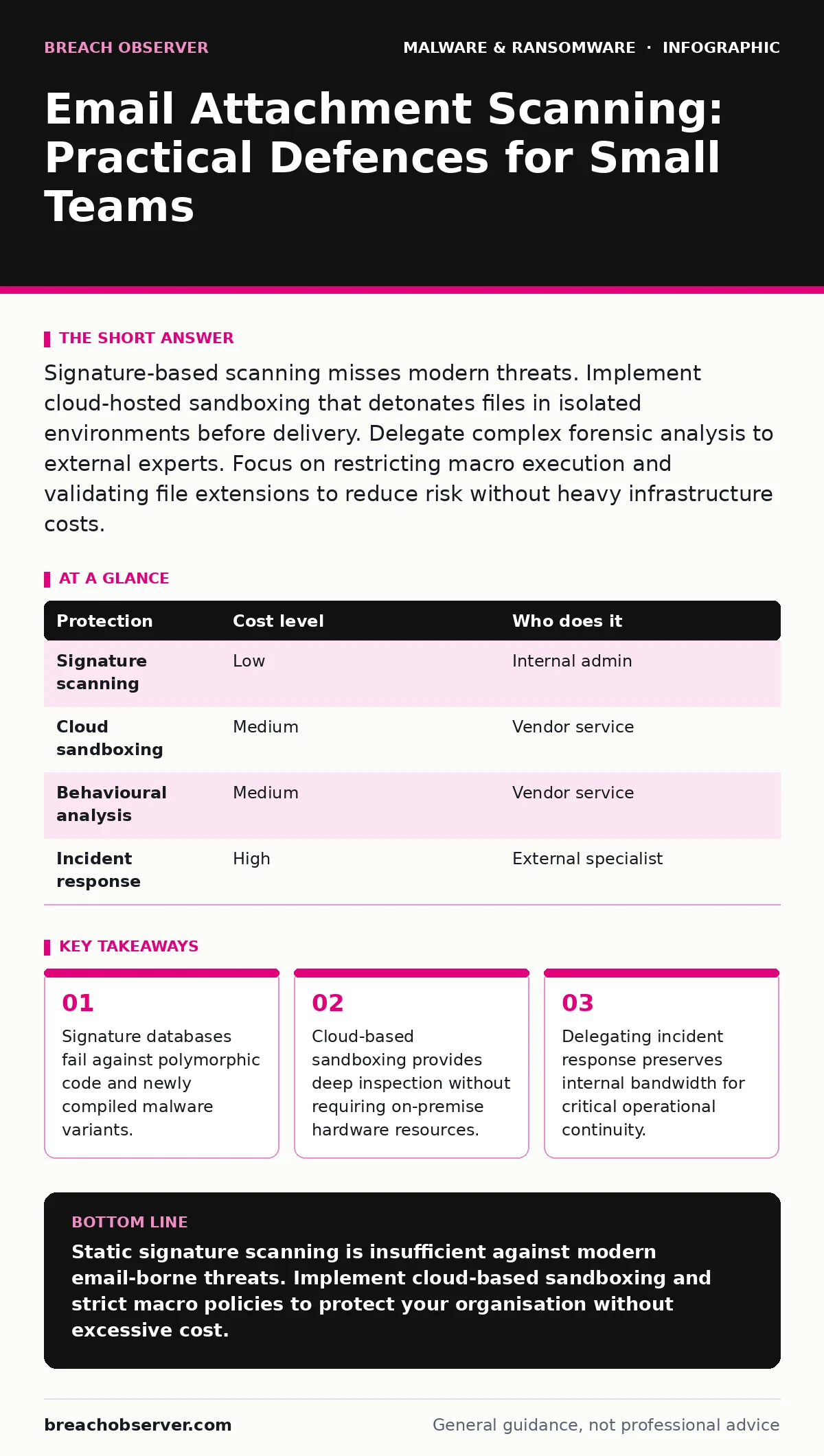
Signature-based scanning misses modern threats. Implement cloud-hosted sandboxing that detonates files in isolated environments before delivery. Delegate complex forensic analysis to external experts. Focus on restricting macro execution and validating file extensions to reduce risk without heavy infrastructure costs.
The Signature Blind Spot
Traditional antivirus engines rely on known digital fingerprints. They compare incoming files against a database of previously identified malicious hashes. This method works poorly against new threats. Attackers modify code slightly to change its hash while keeping the malicious logic intact. This technique is called polymorphism.
You face a different problem with obfuscation. Attackers wrap malicious code in layers of encryption or packing. The outer layer looks benign until it executes on the target machine. Standard scanners often approve these files because the static signature matches nothing in their database.
This limitation is why your email gateway cannot be your sole defence. You need a layer that examines behaviour, not just identity. Without behavioural analysis, you remain vulnerable to zero-day exploits and custom-built malware.
Execution Sandboxing
Sandboxing isolates suspicious files from your production environment. It detonates the attachment in a virtual machine that mimics a real user’s desktop. The system observes what the file does during this simulated session.
If the file attempts to modify system registry keys, create new user accounts, or contact known command-and-control servers, the sandbox flags it as malicious. This happens before the email reaches the recipient’s inbox.
Cloud-hosted sandboxing services offer this capability without requiring local hardware. You send the file to the vendor’s secure environment. They return a verdict based on observed behaviour. This approach reduces the computational load on your internal servers.
The trade-off is latency. Sandboxing takes seconds or minutes. Real-time delivery may be delayed. You must configure your gateway to hold emails while the sandbox completes its analysis. For small teams, this delay is acceptable compared to the risk of infection.
File Type and Macro Restrictions
Not all threats require complex analysis. Many attacks rely on social engineering and weak file handling policies. Users often enable macros in Word or Excel documents without understanding the consequences. Macros are small programs that automate tasks within office applications.
Disable macro execution by default in your email gateway and endpoint policies. Allow macros only from trusted internal sources or explicitly whitelisted domains. This single step blocks a vast majority of document-based attacks.
Inspect file extensions carefully. Attackers use double extensions to trick users. A file named invoice.pdf.exe appears as a PDF in some file explorers but executes as a program. Configure your gateway to block executable files, scripts, and archives unless explicitly permitted.
Be wary of seemingly harmless formats. PDF, HTML, and image files can contain embedded scripts or exploits. Ensure your scanner supports deep inspection of these common formats. Do not rely on the file icon or name provided by the sender.
Cost-Effective Implementation
You do not need enterprise-grade infrastructure to achieve strong protection. Cloud-native email security platforms offer scalable scanning capabilities. These services handle the computational heavy lifting for you.
| Protection | Cost level | Who does it |
|---|---|---|
| Signature scanning | Low | Internal admin |
| Cloud sandboxing | Medium | Vendor service |
| Behavioural analysis | Medium | Vendor service |
| Incident response | High | External specialist |
Start with a cloud-based email security provider. Look for features like detonation chambers and dynamic analysis. These features often come bundled in mid-tier packages. Avoid solutions that only offer static signature matching.
Integrate this service with your existing email provider. Most platforms offer standard connectors. This integration ensures all inbound traffic is inspected. You pay for what you use, scaling up or down as your email volume changes.
Delegation and Expertise
Small teams lack the bandwidth for deep forensic analysis. When a threat slips through, you need to know why and how to stop it. Investigating complex malware requires specialized tools and experience.
Delegate incident response to a trusted provider. These specialists can analyse the malware in isolation. They determine the scope of compromise and the persistence mechanisms used.
Do not attempt to clean an infected system manually. Removing malware from a Mac or Windows machine often leaves residual components. These remnants can reinstall the malware or open new backdoors. Reimaging infected computers is the most reliable method for restoring security.
You might consider managed detection and response (MDR) services. These providers monitor your environment 24/7. They respond to alerts and contain threats faster than an internal team can. This service reduces the burden on your staff while increasing detection speed.
See also: Disaster Recovery for Small Teams: Restore Operations Fast · Malicious Mobile Apps: Risks and Protection for Small Businesses
Policy and User Awareness
Technology alone cannot stop all attacks. Users will always receive unexpected emails. They will always be curious about attachments. You must design policies that account for human error.
Train users to verify sender identities. Phishing emails often spoof legitimate domains. Teach staff to check the actual email address, not just the display name. Encourage them to report suspicious messages rather than deleting them silently.
Restrict administrative privileges. Most users do not need root or administrator access. Limiting permissions prevents malware from installing itself or modifying system settings. This principle is called least privilege.
Regularly review your email filtering rules. Attackers adapt their tactics. What worked last year may fail today. Update your blocklists and allowlists frequently. Test your defences with simulated phishing campaigns to identify gaps.
Maintaining Clean Baselines
Prevention is preferable to cure. Maintain golden images of your standard workstations. These are pre-configured, clean installations of the operating system and essential software.
When a machine is compromised, restore it from this baseline. This ensures no hidden malware remains. Do not attempt to patch infected systems. The effort is often wasted and leaves the system vulnerable to re-infection.
Backup your data regularly. Store backups offline or in a separate cloud account. Ensure backups are immutable, meaning they cannot be altered or deleted by malware. This protects you against ransomware encryption.
Test your recovery process periodically. A backup is useless if you cannot restore it quickly. Document the steps required to rebuild a workstation from a golden image. Share this documentation with your support team.
Summary of Controls
Your defence strategy must be layered. No single tool provides complete protection. Combine email filtering, endpoint controls, and user training.
Prioritise behavioural analysis over static signatures. Use cloud sandboxing to inspect suspicious files. Restrict macros and executable files. Delegate complex incidents to experts.
Maintain clean baselines and test your recovery procedures. This approach balances security with operational efficiency. You protect your data without slowing down your business.
Key takeaways
- Signature databases fail against polymorphic code and newly compiled malware variants.
- Cloud-based sandboxing provides deep inspection without requiring on-premise hardware resources.
- Delegating incident response preserves internal bandwidth for critical operational continuity.
Static signature scanning is insufficient against modern email-borne threats. Implement cloud-based sandboxing and strict macro policies to protect your organisation without excessive cost.
Frequently asked questions
Can I scan attachments on-premise?
Yes, but you must maintain the hardware and update signature databases regularly. Cloud solutions are generally more cost-effective for small teams.
Does sandboxing slow down email delivery?
It adds a delay of seconds to minutes. This is usually acceptable for business communications and prevents faster infection cycles.
What if a legitimate file is blocked?
Users should report false positives. Your security team can whitelist the file or adjust the scanning rules to prevent recurrence.
How often should I review my email security settings?
Review them monthly. Attackers change their tactics frequently. Regular reviews ensure your defences remain effective.
How this guide was produced: written by the Breach Observer editorial team with AI assistance, checked against the public references listed below, and reviewed when the facts change. See our editorial policy or report an error.