
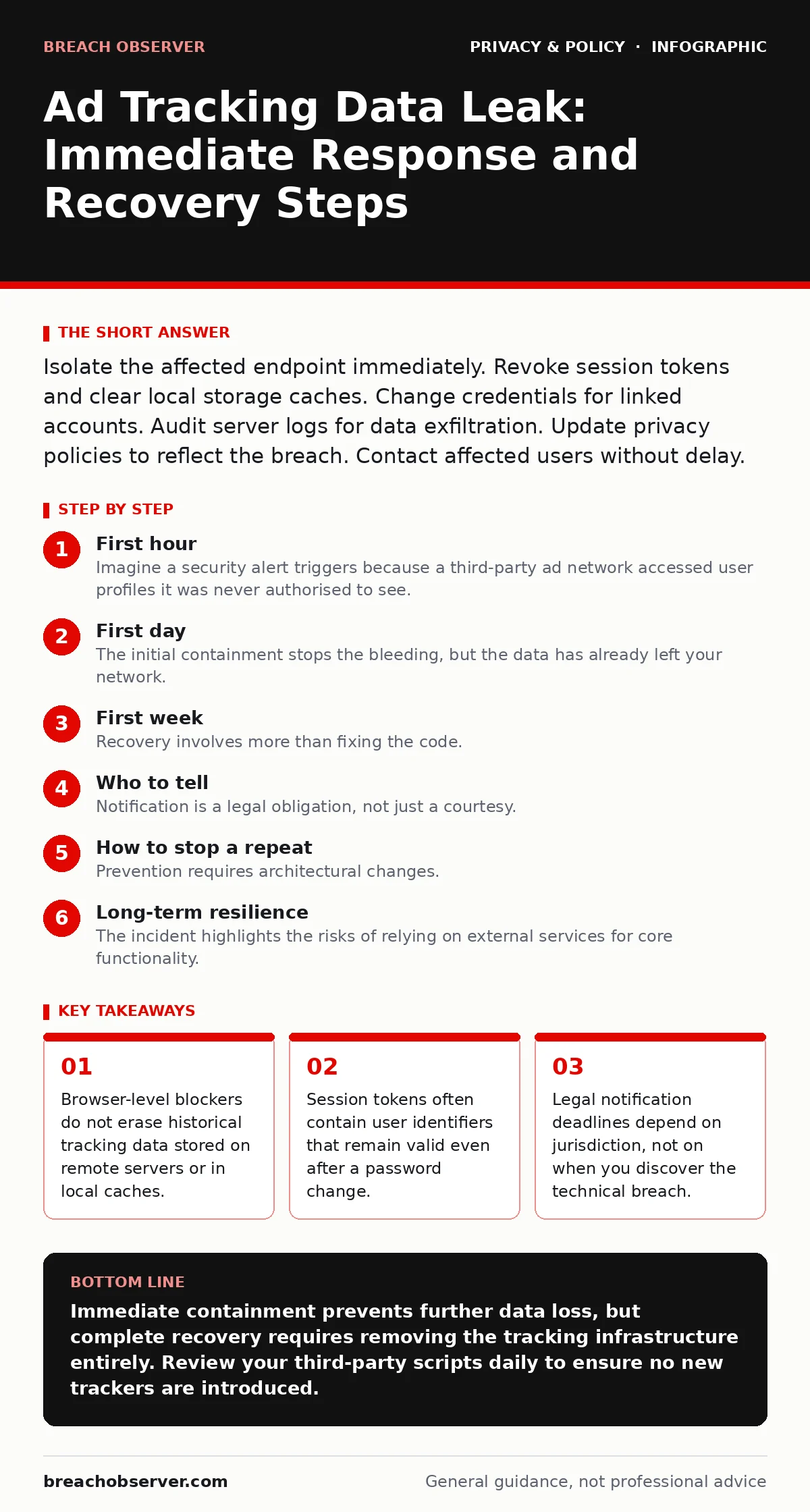
Isolate the affected endpoint immediately. Revoke session tokens and clear local storage caches. Change credentials for linked accounts. Audit server logs for data exfiltration. Update privacy policies to reflect the breach. Contact affected users without delay.
First hour
Imagine a security alert triggers because a third-party ad network accessed user profiles it was never authorised to see. The immediate priority is to stop the flow of data. Do not wait for a full investigation. You must sever the connection between your infrastructure and the tracking payload.
You need to identify which scripts are loading. Ad tracking relies on JavaScript snippets that execute in the user’s browser. These scripts send data to external domains. Your first task is to locate these domains in your web application firewall logs.
Check the Content Security Policy headers. These headers tell the browser which sources are allowed to load scripts. If the policy is too permissive, it allows any external script to run. Tighten this policy to reject the offending domains.
Review the list of active sessions. Ad identifiers often tie into user session tokens. If those tokens are compromised, attackers can impersonate users. You must invalidate all current session cookies for affected accounts.
- Identify the specific ad vendor domains involved in the data leak.
- Block outbound traffic to those domains at the firewall level.
- Invalidate all active user session tokens to prevent impersonation.
- Capture memory dumps from the affected web servers for later analysis.
- Notify your legal team to begin calculating notification deadlines.
First day
The initial containment stops the bleeding, but the data has already left your network. You must now assess the scope. Did the tracking script capture just a browsing habit, or did it access personally identifiable information? This distinction changes the legal and operational response.
Analyse the server access logs. Look for unusual query parameters. Ad trackers often append user IDs or email hashes to URLs. If you see these identifiers in logs, the data is compromised. You cannot rely on client-side fixes alone.
Check your third-party integrations. Many analytics platforms share data with ad networks automatically. Review the data sharing agreements. Some contracts allow vendors to retain data for profiling. You may need to invoke termination clauses to force deletion.
You must also secure the development environment. How did the malicious script get there? It may be a compromised dependency. Check your software bill of materials. If a library is infected, you must rebuild your application with a clean version.
Consider the impact on user trust. Transparency is a legal requirement in many jurisdictions. Prepare a draft notification. It must state what happened, what data was involved, and what users should do. Avoid jargon. Be clear about the risk.
First week
Recovery involves more than fixing the code. You must restore the integrity of your data handling processes. The ad tracking mechanism was a vulnerability because it prioritised revenue over privacy. You need to redesign this balance.
Implement stricter data minimisation. Collect only what you need for the core service. If you do not need to track user behaviour for advertising, do not install the tracking pixels. Remove the scripts entirely from the production codebase.
Audit your privacy policy. It must accurately reflect your data practices. If you were sharing data with ad networks, the policy must have stated this. If it did not, you have a compliance violation. Update the policy to be truthful about current and future practices.
You should also review your vendor management process. Third-party scripts are a major attack vector. Establish a rigorous vetting process for any new JavaScript library. Require security audits before integration.
Monitor for repeat attempts. Attackers may try to reinject tracking scripts. Set up alerts for any new outbound connections to known ad exchange domains. These alerts should trigger immediate investigation.
Who to tell
Notification is a legal obligation, not just a courtesy. You must tell the affected users. They need to know if their data was exposed. This allows them to take protective actions, such as enabling two-factor authentication or monitoring their credit reports.
The timing depends on local laws. Some jurisdictions require notification within seventy-two hours of becoming aware of the breach. Others have different timelines. Consult your legal counsel to determine the exact deadline.
You must also inform regulatory bodies. Data protection authorities need to assess the severity of the breach. They may investigate whether you met your security obligations. Cooperate fully with their inquiries. Provide all requested logs and documentation.
If the breach involves sensitive data, such as health or financial information, the requirements are stricter. You may need to notify credit bureaus or other external agencies. Ensure your notification plan covers all these scenarios.
How to stop a repeat
Prevention requires architectural changes. Relying on user-side tools is insufficient. You must control the server-side environment. Implement strict input validation and output encoding. This prevents script injection attacks that often deliver ad trackers.
Use subresource integrity checks. These hashes ensure that scripts loaded from third parties have not been tampered with. If a script is modified, the browser will refuse to execute it. This stops compromised libraries from running.
Regularly audit your dependencies. Use automated tools to scan for known vulnerabilities in your software supply chain. Remove unused libraries. Each unused library is a potential entry point for attackers.
Consider adopting an allowlist approach for external scripts. Only permit scripts from trusted, verified domains. Block all other outbound requests from the web application. This significantly reduces the attack surface.
Long-term resilience
The incident highlights the risks of relying on external services for core functionality. You must build resilience into your privacy framework. This means having a plan for when third parties fail or act maliciously.
Regularly test your incident response plan. Simulate a data leak scenario. Practice containment and notification. This ensures your team can act quickly under pressure. Document the lessons learned from each exercise.
Stay informed about emerging threats. The tactics used by ad networks evolve. New techniques for tracking users emerge regularly. Keep your security team updated on these changes. Adapt your controls accordingly.
For more on handling user data rights, see our guide on data subject access requests. Understanding these rights helps you respond to user queries about their data.
Conclusion of steps
The recovery from an ad tracking leak is a multi-stage process. It requires technical action, legal compliance, and communication. You must address each area systematically. Neglecting any one aspect can lead to further damage.
Remember that prevention is cheaper than response. Invest in secure architecture and vendor management. This reduces the likelihood of future incidents. Protect your users by protecting their data.
Key takeaways
- Browser-level blockers do not erase historical tracking data stored on remote servers or in local caches.
- Session tokens often contain user identifiers that remain valid even after a password change.
- Legal notification deadlines depend on jurisdiction, not on when you discover the technical breach.
Immediate containment prevents further data loss, but complete recovery requires removing the tracking infrastructure entirely. Review your third-party scripts daily to ensure no new trackers are introduced.
Frequently asked questions
Does clearing browser cookies fix an ad tracking leak?
No. Cookies only store local data. The leak involves data already sent to external servers. Clearing cookies does not erase the server-side records of the user's activity.
How do I know if an ad script is malicious?
Check the domain reputation and review the code for unusual data exfiltration patterns. Look for requests sending large amounts of data to unknown endpoints.
Should I notify users if only non-sensitive data was leaked?
Yes. Many regulations require notification if there is a risk to user rights and freedoms. Even non-sensitive data can be used for profiling or fraud.
Can I sue the ad network for the breach?
Legal recourse depends on your contract and local laws. If the vendor violated their security obligations, you may have a claim for damages. Consult legal counsel.
How this guide was produced: written by the Breach Observer editorial team with AI assistance, checked against the public references listed below, and reviewed when the facts change. See our editorial policy or report an error.