
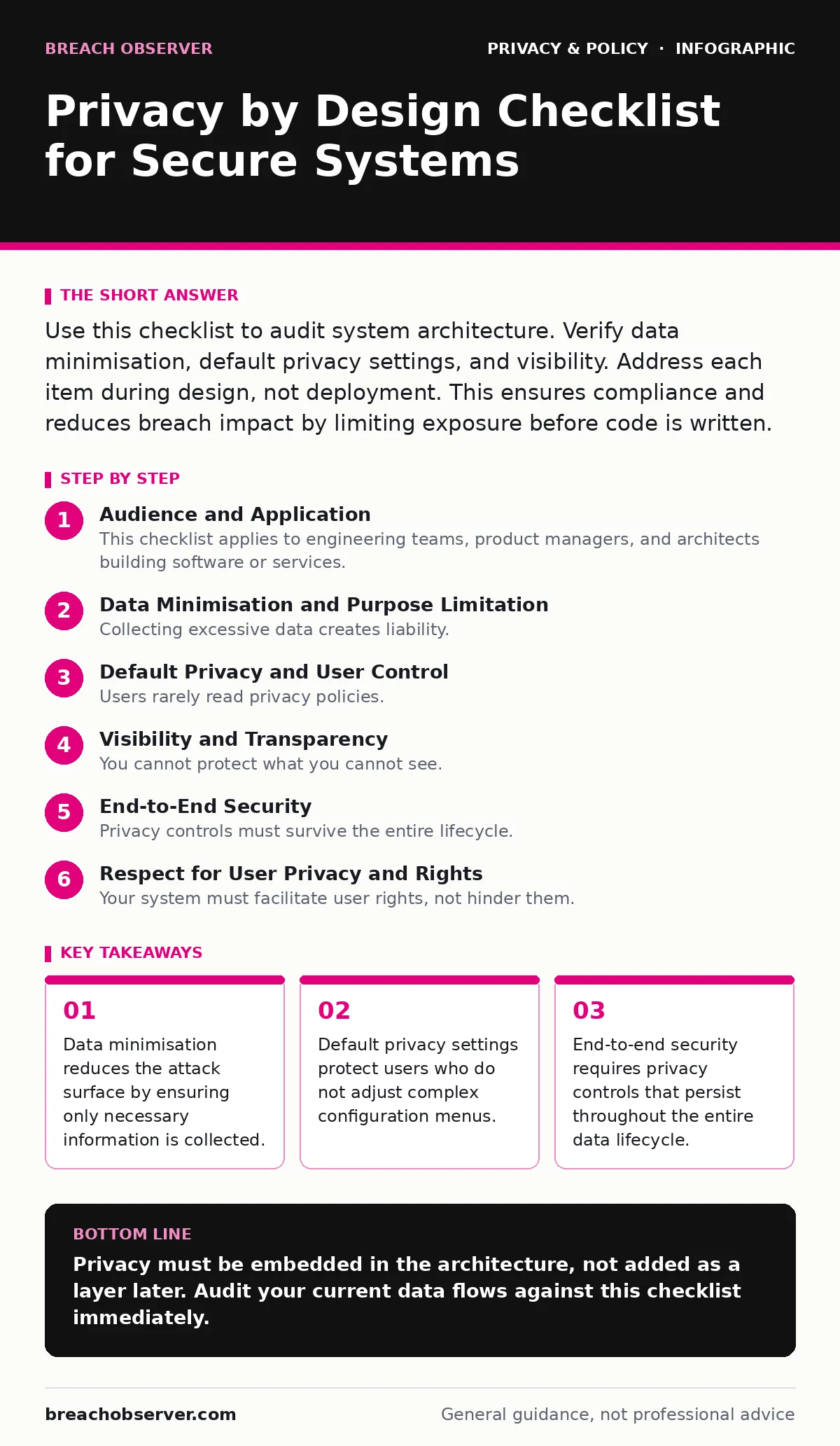
Use this checklist to audit system architecture. Verify data minimisation, default privacy settings, and visibility. Address each item during design, not deployment. This ensures compliance and reduces breach impact by limiting exposure before code is written.
Audience and Application
This checklist applies to engineering teams, product managers, and architects building software or services. You use it during the requirements phase, before coding begins. It forces you to consider privacy as a functional requirement, not an afterthought. Applying these checks early prevents costly refactoring later.
Data Minimisation and Purpose Limitation
Collecting excessive data creates liability. Each byte stored is a potential target. You must define exactly why you need each data point. If the purpose is vague, do not collect it.
- Define explicit purpose for each data field: Vague purposes lead to scope creep and unnecessary retention.
- Collect only what is strictly necessary: Extra data increases risk without adding value to the user.
- Retain data only for the required duration: Long-term storage increases exposure to future threats.
- Anonymise data where identification is not needed: This protects identity even if the dataset is compromised. See our guide on anonymization for techniques that prevent re-identification.
Default Privacy and User Control
Users rarely read privacy policies. They also rarely change default settings. Your system must protect them by default. If the user must opt-in to privacy, you have failed. Privacy should be the baseline state.
- Set highest privacy as the default: Users accept defaults; making privacy optional exposes them to risk.
- Provide clear opt-out mechanisms: Complex opt-outs discourage users from exercising their rights.
- Allow easy data deletion: Friction in deletion violates the spirit of the right to be forgotten.
- Display clear consent requests: Pre-ticked boxes are invalid and erode trust.
Visibility and Transparency
You cannot protect what you cannot see. Data flows must be mapped and documented. Hidden data stores are security liabilities. Engineers need to know where data lives and who accesses it.
- Map all data flows within the system: Unknown paths create blind spots for attackers.
- Document external data sharing: Third-party processors introduce risks you do not directly control.
- Log access to personal data: Audits require proof of who accessed what and when.
- Provide clear privacy notices: Users must understand how their data is used to give valid consent. See digital privacy rights for the legal baseline of transparency.
End-to-End Security
Privacy controls must survive the entire lifecycle. Encryption at rest is insufficient if data is exposed in transit. You must secure data from creation to deletion.
- Encrypt data in transit and at rest: Encryption protects data if storage or networks are breached.
- Implement strong access controls: Least privilege ensures only authorised staff can view data.
- Securely delete data when no longer needed: Overwriting ensures data cannot be recovered from storage.
- Test for privacy vulnerabilities: Regular audits find gaps before attackers do.
Respect for User Privacy and Rights
Your system must facilitate user rights, not hinder them. Technical barriers to exercising rights are a design failure. You must build features that support these requests automatically.
- Enable easy data export: Formats must be machine-readable for portability.
- Automate data subject access requests: Manual processes are slow and error-prone. See our guide on data subject access requests for implementation details.
- Allow preference changes in real-time: Delays in applying choices expose users to unwanted tracking.
- Protect children's data specifically: Younger users require higher safeguards due to vulnerability. See children's online privacy risks for specific architectural constraints.
Non-Discrimination and Legitimate Interest
Privacy features must not restrict service availability. You cannot deny service because a user exercises their privacy rights. This often conflicts with business models reliant on data harvesting.
- Ensure privacy does not limit service: Users should not pay more or get less for privacy.
- Document legitimate interest assessments: You must prove your interest outweighs user rights. See legitimate interest under the GDPR for the balancing test.
- Avoid dark patterns in UI: Manipulative interfaces coerce consent and are legally risky.
- Monitor for bias in automated decisions: Algorithms can discriminate if trained on biased data.
Continuous Improvement and Monitoring
Privacy is not a one-time task. Threats evolve, and regulations change. You must monitor your system continuously. Regular reviews ensure your design remains effective.
- Conduct privacy impact assessments: Formal reviews identify high-risk processing activities.
- Update policies with system changes: Documentation must reflect current technical reality.
- Train staff on privacy principles: Human error is a major cause of privacy failures.
- Monitor third-party compliance: Vendors must adhere to your privacy standards. See ad tracking for common third-party risks.
Key takeaways
- Data minimisation reduces the attack surface by ensuring only necessary information is collected.
- Default privacy settings protect users who do not adjust complex configuration menus.
- End-to-end security requires privacy controls that persist throughout the entire data lifecycle.
Privacy must be embedded in the architecture, not added as a layer later. Audit your current data flows against this checklist immediately.
Frequently asked questions
Does privacy by design stop all data breaches?
No. It reduces the amount of data exposed and limits the impact if a breach occurs. It does not prevent all attacks.
Can I implement privacy by design on legacy systems?
Partially. You can add controls, but full implementation requires architectural changes. Refactoring may be necessary.
Is privacy by design legally required?
Many jurisdictions, including the EU, mandate it. Compliance reduces legal risk and builds user trust.
How does this relate to security?
Privacy and security are complementary. Security protects data confidentiality; privacy ensures lawful and fair processing.
How this guide was produced: written by the Breach Observer editorial team with AI assistance, checked against the public references listed below, and reviewed when the facts change. See our editorial policy or report an error.