
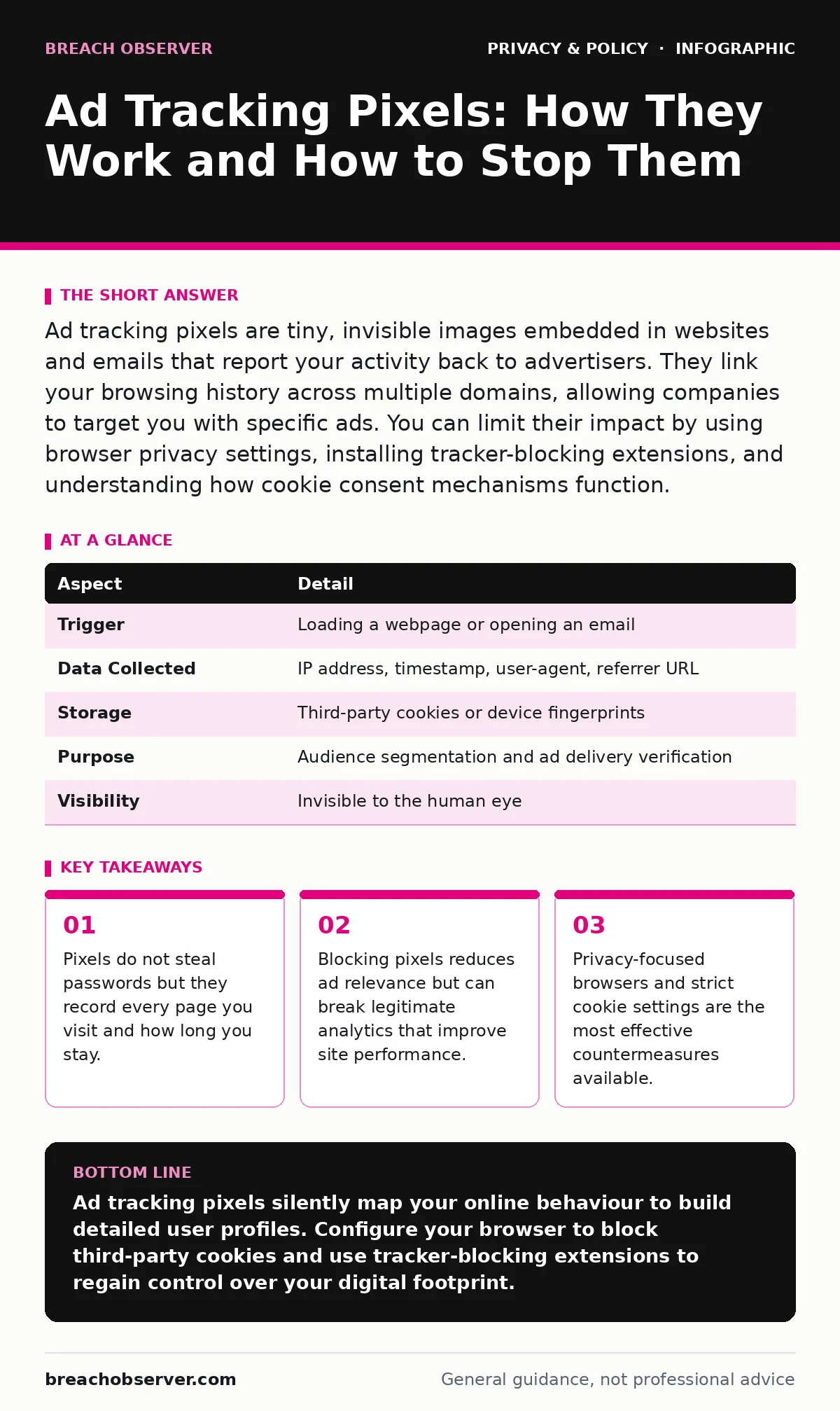
Ad tracking pixels are tiny, invisible images embedded in websites and emails that report your activity back to advertisers. They link your browsing history across multiple domains, allowing companies to target you with specific ads. You can limit their impact by using browser privacy settings, installing tracker-blocking extensions, and understanding how cookie consent mechanisms function.
What are ad tracking pixels
Ad tracking pixels are small, transparent image files or snippets of code embedded in web pages and email messages. They act as silent observers that notify an external server when you load the content containing them. This mechanism allows advertisers to verify that you saw a specific message or visited a specific page. The term "pixel" refers to the original method of using a one-pixel image, though modern implementations often use scripts.
These elements are part of the broader ecosystem of online tracking that monetises user attention. When you view a page, your browser requests the pixel image from the advertiser's server. The server records your IP address, the time of the request, and the URL of the page you are viewing. This data point is then matched against other data points to build a profile of your interests and behaviours.
How ad tracking pixels work
The process begins when your browser encounters the hidden code on a webpage. It sends an HTTP request to the server hosting the pixel. This request includes headers that reveal technical details about your device and browsing environment. The server logs this interaction, associating it with a unique identifier stored in your browser, usually a cookie.
If you have visited other sites with pixels from the same network, the server links these visits together. This creates a cross-site view of your activity. For example, if you look at shoes on one site and read travel blogs on another, the pixel data allows an advertiser to see both interests. The system does not know your name, but it knows the pattern of your digital life.
| Aspect | Detail |
|---|---|
| Trigger | Loading a webpage or opening an email |
| Data Collected | IP address, timestamp, user-agent, referrer URL |
| Storage | Third-party cookies or device fingerprints |
| Purpose | Audience segmentation and ad delivery verification |
| Visibility | Invisible to the human eye |
Who is affected by pixel tracking
Every internet user who visits commercial websites or opens marketing emails is affected by this technology. The impact varies based on your browser choice and privacy settings. Users of standard browsers with default settings share the most data. Those who use privacy-focused browsers or strict do-not-track settings share less, but not none, as fingerprinting techniques persist.
Advertisers and data brokers are the primary beneficiaries. They use this data to refine their targeting algorithms. Content publishers also benefit, as they earn revenue when ads are displayed and clicked. However, the user pays with their privacy. The data collected can reveal sensitive information about health conditions, political views, or financial status, depending on the sites you visit.
Common misconceptions about ad tracking
Many people believe that ad tracking pixels can access files on their computer or read their private messages. This is incorrect. Pixels only record the specific action of loading the image or script. They cannot look at your hard drive, read your emails, or capture your webcam. Their power lies in aggregation, not intrusion.
Another common error is assuming that deleting cookies stops all tracking. While clearing cookies removes the immediate identifier, pixels can re-establish tracking through device fingerprinting. This technique analyses your browser configuration, screen resolution, and installed fonts to create a unique profile. This profile persists even after you clear your data, making complete anonymity difficult without specialised tools.
Practical steps to limit exposure
You can reduce the data collected by pixels through several concrete actions. First, configure your browser to block third-party cookies. Most modern browsers offer settings to restrict or block these cookies entirely. This prevents the pixel from linking your activity across different domains. Second, install reputable tracker-blocking extensions. These tools recognise known pixel domains and block the requests before they leave your browser.
Third, consider using a privacy-focused browser that blocks trackers by default. These browsers are designed to minimise the data you share with advertisers. Fourth, be cautious with email clients that automatically load remote images. Disable automatic image loading to prevent email pixels from confirming that you have opened a message. These steps significantly reduce the accuracy of the profiles built about you.
The trade-off of blocking pixels
Blocking ad tracking pixels is not without cost. Some websites rely on these pixels for legitimate analytics to understand user behaviour and improve their services. When you block all trackers, you may encounter broken layouts or missing functionality on certain sites. Ad-supported websites may show you less relevant ads, which can be less helpful and more intrusive.
Furthermore, some essential services use similar technologies for security and fraud prevention. Blocking these can trigger false positives, leading to account lockouts or failed transactions. You must balance your privacy needs with your usability requirements. A middle ground often involves blocking known advertising networks while allowing analytics from trusted publishers.
Managing consent and policy compliance
Regulations like the CCPA and similar global frameworks require websites to disclose their data collection practices and obtain consent. You should read privacy policies to understand how your data is used and shared. Look for sections detailing "cookies," "tracking technologies," and "third-party data sharing."
Most websites provide a consent banner that allows you to reject non-essential cookies. Use this feature to opt out of marketing and analytics tracking. However, be aware that some sites may still use non-cookie-based tracking methods that are not covered by these consent mechanisms. Privacy by design principles encourage companies to minimise data collection from the start, but adoption varies across the industry.
Beyond pixels: other tracking vectors
Pixels are just one method of online tracking. Other techniques include canvas fingerprinting, which uses the HTML5 canvas element to create a unique identifier based on how your device renders graphics. Audio fingerprinting is another emerging method that uses the unique characteristics of your audio hardware.
Understanding these broader mechanisms helps you appreciate why blocking pixels alone is insufficient. A layered defence strategy that includes browser hardening, network-level filtering, and awareness of these technologies provides better protection. For more on how data moves across borders and the risks involved, see our guide on cross-border data transfers.
Key takeaways
- Pixels do not steal passwords but they record every page you visit and how long you stay.
- Blocking pixels reduces ad relevance but can break legitimate analytics that improve site performance.
- Privacy-focused browsers and strict cookie settings are the most effective countermeasures available.
Ad tracking pixels silently map your online behaviour to build detailed user profiles. Configure your browser to block third-party cookies and use tracker-blocking extensions to regain control over your digital footprint.
Frequently asked questions
Do ad tracking pixels know my name?
No, pixels typically only collect technical data and browsing habits. They do not know your real name unless you have explicitly provided it on a site that links that identity to your browser profile.
Can ad tracking pixels infect my device with malware?
No, pixels are passive data collection tools. They do not contain executable code that can infect your device, though the ads they help target might sometimes lead to malicious sites.
Is it illegal to use ad tracking pixels?
No, using pixels is legal in most jurisdictions, provided companies comply with privacy laws like CCPA and GDPR. They must disclose their use and often require user consent for non-essential tracking.
Do mobile apps use ad tracking pixels?
Mobile apps use similar technologies, often called SDKs (Software Development Kits), to track usage. These can be more invasive than web pixels as they have deeper access to device information.
How this guide was produced: written by the Breach Observer editorial team with AI assistance, checked against the public references listed below, and reviewed when the facts change. See our editorial policy or report an error.