
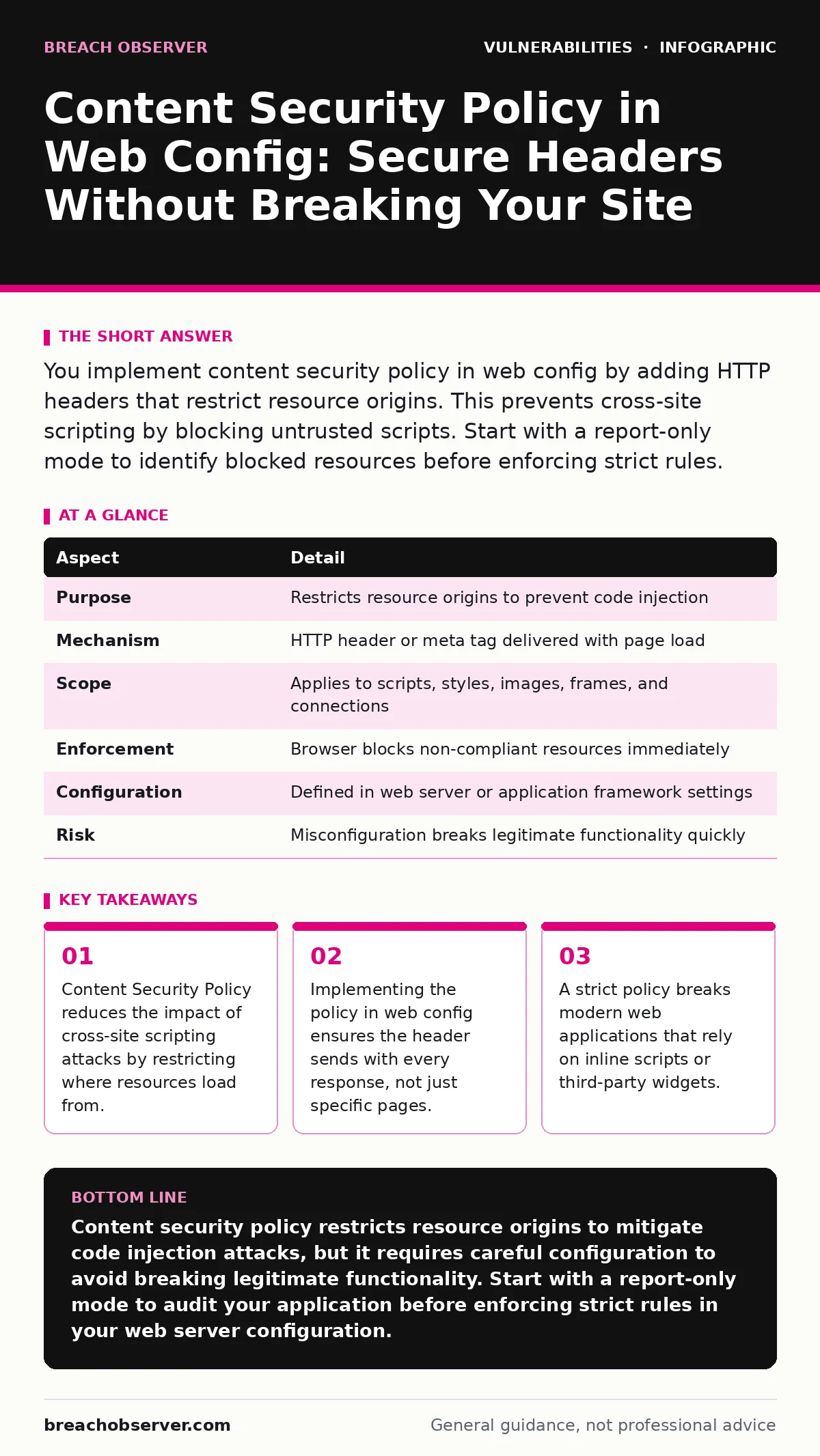
You implement content security policy in web config by adding HTTP headers that restrict resource origins. This prevents cross-site scripting by blocking untrusted scripts. Start with a report-only mode to identify blocked resources before enforcing strict rules.
The Library Analogy
Imagine a library that allows anyone to place books on the shelves. A malicious actor could slip in a book containing harmful instructions. The librarian cannot read every book, so they instead restrict who can place books on the shelves. Only approved authors can add content. This restriction prevents harmful books from appearing, even if the librarian misses a specific bad title. Content security policy works the same way for web browsers. It restricts where a page can load resources like scripts, images, and styles. The browser ignores resources from unapproved sources. This mechanism protects users even if the server sends malicious code.
What Is Content Security Policy
Content security policy is a browser feature that prevents cross-site scripting, clickjacking, and other code injection attacks. Cross-site scripting occurs when an attacker injects malicious scripts into benign websites. The policy defines a whitelist of approved sources for executing code. It tells the browser which domains are allowed to serve scripts, styles, images, and fonts.
The browser enforces these rules before rendering the page. If a resource comes from a disallowed source, the browser blocks it. This defence sits at the client side, not the server. The server sends the rules, but the browser applies them. This separation means the policy protects the user’s browser environment directly.
| Aspect | Detail |
|---|---|
| Purpose | Restricts resource origins to prevent code injection |
| Mechanism | HTTP header or meta tag delivered with page load |
| Scope | Applies to scripts, styles, images, frames, and connections |
| Enforcement | Browser blocks non-compliant resources immediately |
| Configuration | Defined in web server or application framework settings |
| Risk | Misconfiguration breaks legitimate functionality quickly |
How Content Security Policy Works
The browser receives the content security policy header with every HTML response. It parses the directives to understand allowed actions. Common directives include script-src for JavaScript and style-src for CSS. Each directive specifies allowed origins. These origins can be specific domains, schemes like https, or keywords like self. The keyword self allows resources only from the same origin.
This is the safest default for most applications. The browser checks every resource against these rules. If a script tries to load from an external domain not in the list, the browser aborts the request. The page still loads, but the missing script may cause functionality to fail. This failure is visible in the browser console. Developers use this console to debug policy violations.
Content Security Policy in Web Config
You place the policy in your web server configuration to ensure consistency. This approach is superior to embedding the policy in every HTML page. Embedding meta tags in HTML is prone to human error and omission. A server-side configuration applies the header to all responses automatically. This method covers static files and dynamic pages equally. You edit the configuration file of your web server.
The exact syntax depends on the server software. The header name is Content-Security-Policy. You define the directives in a single string value. This centralised control simplifies updates and audits. It also prevents developers from accidentally bypassing the policy in individual files. Consistency is key for security. A single missing header leaves an endpoint vulnerable. Server configuration eliminates this gap.
Who It Affects
This policy affects developers, security teams, and end users. Developers must audit their code for inline scripts and external dependencies. Inline scripts often fail under strict policies. They must refactor code to use external files or nonce values. Security teams must balance security with functionality. A policy that is too strict breaks the application.
A policy that is too loose provides little protection. The trade-off is constant. End users benefit from increased protection against injection attacks. They rarely see the policy in action. They only notice when a feature stops working due to a blocked resource. This invisible protection is effective only if configured correctly. Broken functionality leads to user frustration and support tickets.
See also: Exploit Kits: How Automated Malware Delivery Works and Fails · Prevent Type Confusion Vulnerabilities: Code Hardening and Runtime Checks
What People Usually Get Wrong
Many teams enable the policy immediately with strict rules. This causes immediate breakage. They block legitimate scripts and confuse users. The correct approach is to start with a report-only mode. This mode monitors violations without blocking resources. It logs where the browser would have blocked content. You review these logs to identify necessary exceptions. This phase can take weeks or months.
Another common error is using unsafe-inline directives. This keyword allows all inline scripts, defeating the purpose of the policy. It negates the protection against cross-site scripting. Teams often add this to fix broken functionality quickly. It is a temporary fix that leaves a permanent hole. You should avoid unsafe-inline unless you have no other option. Refactoring code is safer long term.
Maintenance and Edge Cases
The policy requires ongoing maintenance. New features often introduce new external dependencies. Each dependency needs explicit approval in the policy. You must update the configuration when adding new services. This process slows down development but improves security. It forces developers to consider the security impact of new integrations. Another edge case is dynamic content generation.
Some applications generate scripts on the fly. These scripts cannot use fixed URLs. You must use nonce values or hash values for these cases. A nonce is a random string generated per request. You include this string in the script tag and the policy header. The browser only executes scripts with the matching nonce. This method is complex but secure. It requires server-side changes to generate the nonce.
Related Security Controls
Content security policy works best with other security measures. It does not replace input validation or output encoding. Those practices prevent the initial injection. The policy limits the damage if injection occurs. You should also review your default credentials to ensure attackers cannot access configuration files. Weak password policies allow unauthorized access to server settings. If an attacker changes your web config, they can disable the policy. Therefore, access control remains fundamental. You should also monitor security bulletins for new bypass techniques. Attackers constantly find ways around browser restrictions. Keeping your software updated helps mitigate these risks.
Key takeaways
- Content Security Policy reduces the impact of cross-site scripting attacks by restricting where resources load from.
- Implementing the policy in web config ensures the header sends with every response, not just specific pages.
- A strict policy breaks modern web applications that rely on inline scripts or third-party widgets.
Content security policy restricts resource origins to mitigate code injection attacks, but it requires careful configuration to avoid breaking legitimate functionality. Start with a report-only mode to audit your application before enforcing strict rules in your web server configuration.
Frequently asked questions
Does content security policy protect against SQL injection?
No, content security policy only restricts resource loading in the browser. It does not protect server-side databases from SQL injection attacks. You must use parameterised queries for database security.
Can I use content security policy with server-side rendering?
Yes, server-side rendered pages can include the policy header. The server generates the HTML and sends the header simultaneously. The browser enforces the policy upon receiving the response.
How do I handle inline styles?
You can use the style-src directive to allow specific domains. For inline styles, you must use hash values or nonce values. This requires generating a hash of the style content and adding it to the policy.
What happens if a resource is blocked?
The browser refuses to load the resource. The page may display incorrectly or lose functionality. The browser console logs a violation message. You must update the policy to allow the resource or refactor the code.
How this guide was produced: written by the Breach Observer editorial team with AI assistance, checked against the public references listed below, and reviewed when the facts change. See our editorial policy or report an error.