Yes, security keys are worth it for high-value accounts. They replace passwords with cryptographic proofs that cannot be phished or stolen remotely. While they add a physical step, they eliminate the risk of credential reuse and protect against sophisticated attacks that target software-based multi-factor authentication methods.
Are security keys worth it for protecting accounts?
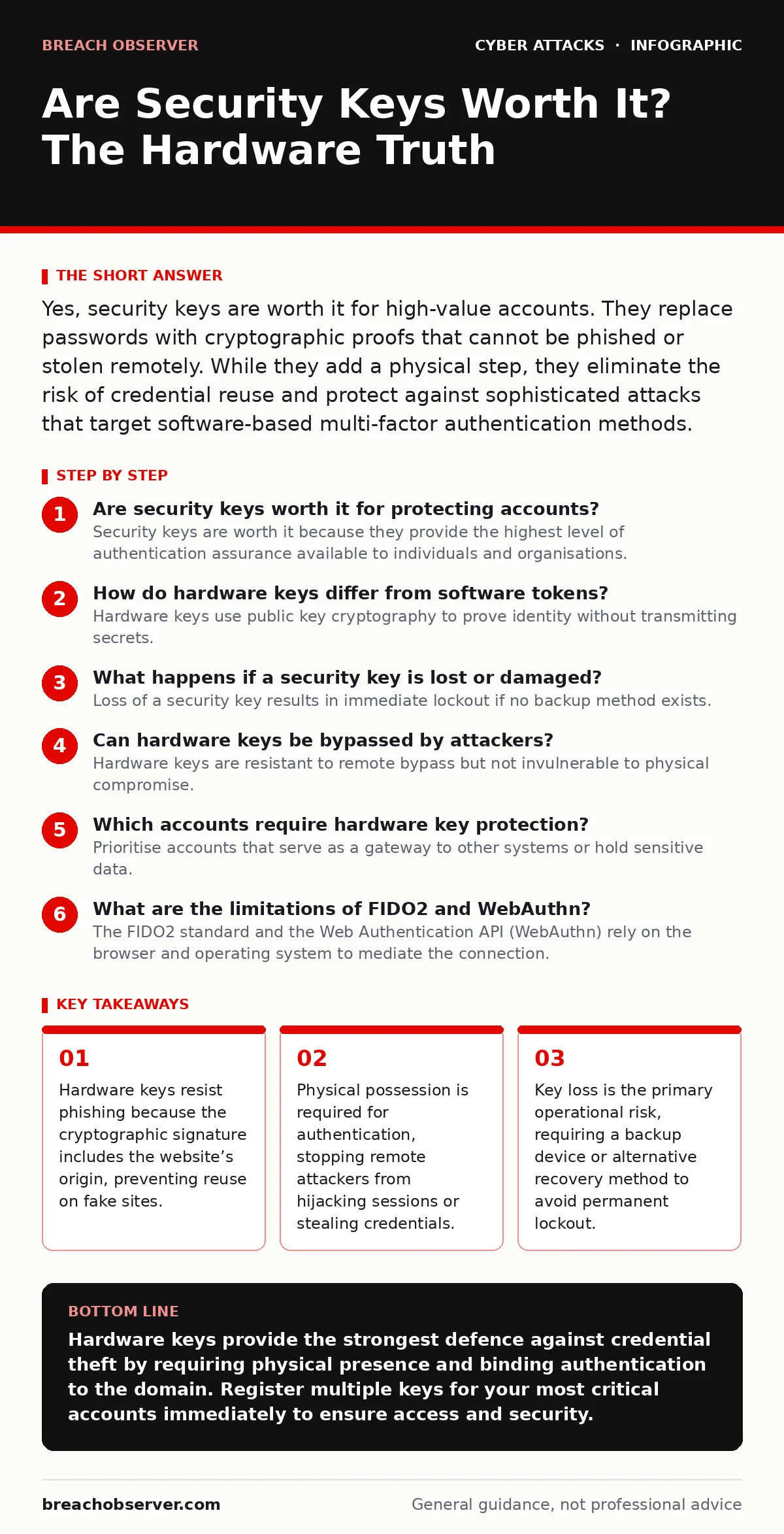
Security keys are worth it because they provide the highest level of authentication assurance available to individuals and organisations. Unlike passwords, which are secrets you know, or SMS codes, which are secrets you receive, a security key is a secret you possess. This physical requirement creates a barrier that remote attackers cannot cross without physical access to the device. The value lies in the elimination of credential theft. When an attacker steals a password, they still cannot log in without the physical key. This stops the most common initial access methods used in cyber attacks.
How do hardware keys differ from software tokens?
Hardware keys use public key cryptography to prove identity without transmitting secrets. When you log in, the website sends a challenge. The key signs this challenge with a private key stored inside the device. The private key never leaves the hardware. Software tokens, such as authenticator apps, generate codes based on time and a shared secret. These codes can be intercepted or guessed if the seed is compromised. Hardware keys also bind the signature to the domain name. If you enter your credentials on a fake site that looks identical to the real one, the key refuses to sign the challenge. This prevents phishing attacks that trick users into revealing their login details.
What happens if a security key is lost or damaged?
Loss of a security key results in immediate lockout if no backup method exists. You cannot retrieve the private key from the device, nor can you reset it remotely. This is a deliberate security design. To mitigate this risk, you must register multiple keys for every critical account. Keep one key on your person and store another in a secure location, such as a home safe. Some services allow a backup code or email verification as a fallback, but these methods are weaker. Relying solely on a single key creates a single point of failure that is worse than using only passwords.
Can hardware keys be bypassed by attackers?
Hardware keys are resistant to remote bypass but not invulnerable to physical compromise. An attacker with physical access can attempt to extract the PIN if the device supports it, though most modern keys limit attempts to prevent brute force. More concerning is the risk of session fixation or man-in-the-middle attacks if the key is used with a compromised computer. The key proves you are who you say you are, but it does not verify that the computer is safe. If malware is already on your machine, it can capture your session cookies after you authenticate. This is why protecting the endpoint remains necessary even with hardware keys.
Which accounts require hardware key protection?
Prioritise accounts that serve as a gateway to other systems or hold sensitive data. Email accounts are the primary target because they enable password resets for all other services. Protecting your email with a hardware key stops attackers from hijacking your identity. Next, secure financial accounts and cloud infrastructure consoles. These accounts have high monetary value and are frequently targeted in payroll diversion fraud. Avoid using hardware keys for low-risk accounts where the inconvenience outweighs the benefit, such as forum logins or temporary service registrations. Focus resources on the accounts that matter most.
What are the limitations of FIDO2 and WebAuthn?
The FIDO2 standard and the Web Authentication API (WebAuthn) rely on the browser and operating system to mediate the connection. If the browser is compromised, an attacker might trick the user into approving a login. Some older websites do not support these standards, forcing you to use passwords or SMS codes. This creates a mixed environment where some accounts are highly secure and others remain vulnerable. Additionally, cross-platform compatibility can vary. A key that works seamlessly on one operating system may require additional drivers or configuration on another. Ensure your chosen keys support the platforms you use daily.
How do security keys interact with account lockout policies?
Hardware keys do not trigger account lockouts in the same way passwords do. Since the key does not transmit a guessable secret, failed attempts usually result from user error, such as plugging in the wrong key. However, if an attacker gains physical access and attempts to brute-force the key’s PIN, the device may lock itself. This is a feature, not a bug. It prevents offline attacks. Your organisation’s account lockout policies should account for hardware key usage. Excessive lockouts due to key issues can disrupt operations. Configure policies to allow recovery without compromising security, such as requiring a backup key rather than a password reset.
| Feature | Passwords | SMS Codes | Hardware Keys |
|---|---|---|---|
| Phishing Resistance | Low | Low | High |
| Remote Theft Risk | High | Medium | Low |
| Physical Loss Impact | None | None | Critical |
| Setup Complexity | Low | Low | Medium |
What is the hidden cost of hardware key adoption?
The hidden cost is operational friction and user training. Users must remember to carry their key. Forgetting it leads to support tickets and temporary lockouts. This friction can lead to users seeking workarounds, such as writing down backup codes or disabling multi-factor authentication. To succeed, you must educate users on the value of the device. Explain that the inconvenience is the price of security. Without clear communication, users may view the key as an obstacle rather than a shield. This is similar to the challenges faced when implementing web filtering, where users may feel restricted. Balance security with usability.
How do hardware keys prevent smishing and credential theft?
Smishing attacks trick users into entering credentials on fake sites. Hardware keys prevent this because they bind the cryptographic signature to the domain. If the attacker sends a link to a lookalike site, the key will not sign the challenge. The login fails silently. This stops the attack at the source. The attacker cannot harvest valid credentials because the key refuses to cooperate with the wrong domain. This makes hardware keys superior to SMS codes, which can be intercepted or forwarded. By eliminating the possibility of credential reuse on phishing sites, you neutralise one of the most common attack vectors.
Key takeaways
- Hardware keys resist phishing because the cryptographic signature includes the website’s origin, preventing reuse on fake sites.
- Physical possession is required for authentication, stopping remote attackers from hijacking sessions or stealing credentials.
- Key loss is the primary operational risk, requiring a backup device or alternative recovery method to avoid permanent lockout.
Hardware keys provide the strongest defence against credential theft by requiring physical presence and binding authentication to the domain. Register multiple keys for your most critical accounts immediately to ensure access and security.
Frequently asked questions
Can I use a security key with any website?
Most major services support FIDO2 or WebAuthn standards, but smaller or older sites may not. Check the login options for "security key" or "FIDO" support before relying on it exclusively.
What if my computer does not have a USB port?
Many modern keys support NFC (Near Field Communication). You can tap the key against a smartphone or laptop with an NFC reader to authenticate, eliminating the need for a physical cable connection.
Are security keys expensive?
Prices vary, but entry-level keys are affordable. Consider the cost of a compromised account versus the price of the device. The investment is minimal compared to the potential damage of a breach.
Can I use a smartphone as a security key?
Yes, many smartphones support acting as a security key via NFC or Bluetooth. However, if the phone is lost or compromised, the security benefit is reduced compared to a dedicated hardware device.
How this guide was produced: written by the Breach Observer editorial team with AI assistance, checked against the public references listed below, and reviewed when the facts change. See our editorial policy or report an error.