
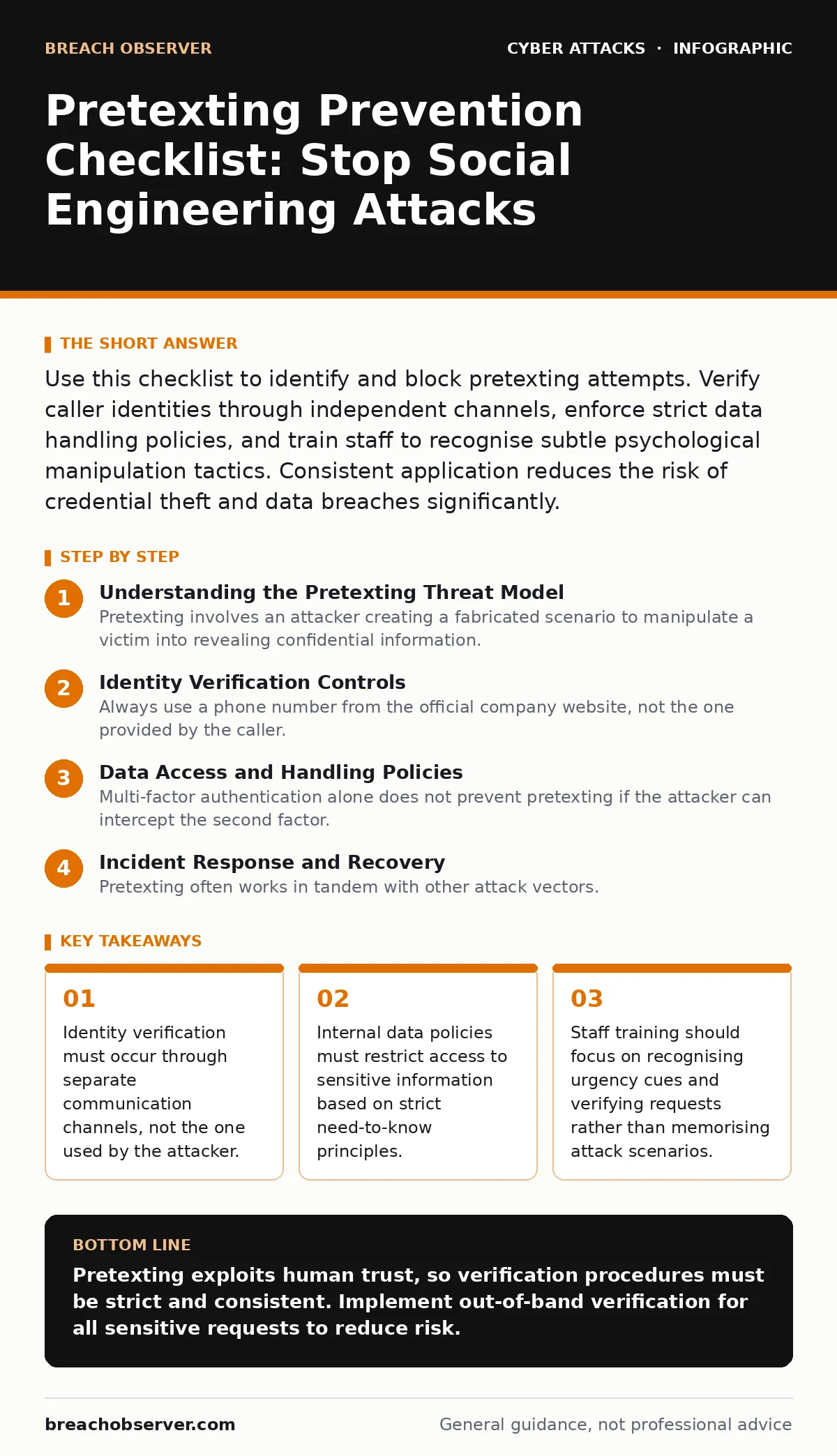
Use this checklist to identify and block pretexting attempts. Verify caller identities through independent channels, enforce strict data handling policies, and train staff to recognise subtle psychological manipulation tactics. Consistent application reduces the risk of credential theft and data breaches significantly.
Understanding the Pretexting Threat Model
Pretexting involves an attacker creating a fabricated scenario to manipulate a victim into revealing confidential information. The attacker builds a false narrative that justifies their request for data or access. This technique relies on psychological manipulation rather than technical exploits. You must treat every unsolicited request for sensitive data as potentially malicious. The attacker often uses publicly available information to make the pretext believable. They may reference recent company events or known personnel changes. This level of detail makes the deception harder to detect. You cannot rely on surface-level consistency to verify legitimacy.
Identity Verification Controls
- Establish out-of-band verification protocols: Confirming identity through a different channel prevents attackers from intercepting or spoofing the initial contact.
- Require unique verification codes for sensitive requests: Using one-time codes ensures that the requester has legitimate access to the verification system.
- Validate caller ID against known directories: Checking numbers against official records helps identify spoofed caller IDs used in voice phishing.
- Implement callback procedures for high-value requests: Calling back on a trusted number confirms the identity of the person making the request.
- Train staff to question unexpected urgency: Attackers often create false urgency to bypass normal verification steps.
Data Access and Handling Policies
- Enforce strict need-to-know access controls: Limiting data access reduces the value of information an attacker can obtain through social engineering.
- Audit user permissions regularly: Removing unnecessary access rights minimizes the impact of compromised accounts.
- Implement data loss prevention tools: Monitoring outbound data transfers helps detect unauthorized exfiltration attempts.
- Define clear data classification standards: Clear labels help employees identify sensitive information that requires extra protection.
- Restrict remote access to sensitive systems: Limiting remote connections reduces the attack surface for external threats.
Employee Awareness and Training
- Conduct regular phishing simulations: Simulated attacks help employees recognize the signs of social engineering in a safe environment.
- Teach recognition of urgency tactics: Employees should be trained to pause and verify when faced with urgent requests.
- Provide clear reporting channels: Easy reporting mechanisms encourage staff to flag suspicious activities without fear of reprisal.
- Update training materials frequently: Keeping content current ensures that employees are aware of the latest attack methods.
- Encourage a culture of verification: Promoting a mindset where asking questions is valued strengthens overall security posture.
Technical Defences and Monitoring
- Deploy multi-factor authentication: Adding a second layer of verification protects accounts even if credentials are stolen.
- Monitor for unusual login patterns: Detecting anomalies in access behaviour helps identify compromised accounts early.
- Implement endpoint detection and response: Advanced monitoring tools can detect and respond to malicious activities on devices.
- Keep software and systems updated: Patching vulnerabilities prevents attackers from exploiting known weaknesses.
- Use hardware security keys for critical accounts: Physical keys provide strong authentication that is resistant to phishing attacks.
Incident Response and Recovery
- Develop a clear incident response plan: Having a predefined plan ensures a coordinated response to security incidents.
- Conduct regular tabletop exercises: Simulating incidents helps teams practice their response procedures and identify gaps.
- Document all security incidents: Detailed records help identify trends and improve future prevention strategies.
- Communicate openly with affected parties: Transparency helps maintain trust and ensures that stakeholders are aware of the situation.
- Review and update policies post-incident: Learning from incidents helps strengthen defences against future attacks.
Integrating Related Security Measures
Pretexting often works in tandem with other attack vectors. For instance, an attacker might use DNS spoofing to redirect users to a fake login page that mimics your company's portal. This technical trick supports the social engineering narrative by providing a seemingly legitimate context for data entry. You should also consider the risk of session cookie theft, where stolen session tokens allow attackers to bypass authentication entirely. If an employee falls for a pretexting call and shares session details, the attacker gains immediate access.
Furthermore, MFA fatigue attacks can overwhelm users with approval requests, forcing them to approve a malicious login. Combating these threats requires a layered approach. You might also review your defences against rainbow table attacks to ensure password hashes are sufficiently salted. Understanding how web filtering limits exposure to malicious sites also complements your social engineering defences. Finally, be aware of shoulder surfing risks in physical environments, as attackers may observe PINs or passwords directly.
Key takeaways
- Identity verification must occur through separate communication channels, not the one used by the attacker.
- Internal data policies must restrict access to sensitive information based on strict need-to-know principles.
- Staff training should focus on recognising urgency cues and verifying requests rather than memorising attack scenarios.
Pretexting exploits human trust, so verification procedures must be strict and consistent. Implement out-of-band verification for all sensitive requests to reduce risk.
Frequently asked questions
How do I verify a caller's identity securely?
Hang up and call back using a verified number from official company sources, never the number provided by the caller.
Can software prevent pretexting attacks?
Software can detect anomalies, but only human verification of identity and intent can fully prevent successful pretexting.
What is the most common sign of a pretexting attempt?
Urgency is the most common sign, as attackers pressure victims to act quickly without verifying the request.
Should I report failed pretexting attempts?
Yes, reporting failed attempts helps identify patterns and improves overall security awareness and response capabilities.
How this guide was produced: written by the Breach Observer editorial team with AI assistance, checked against the public references listed below, and reviewed when the facts change. See our editorial policy or report an error.