
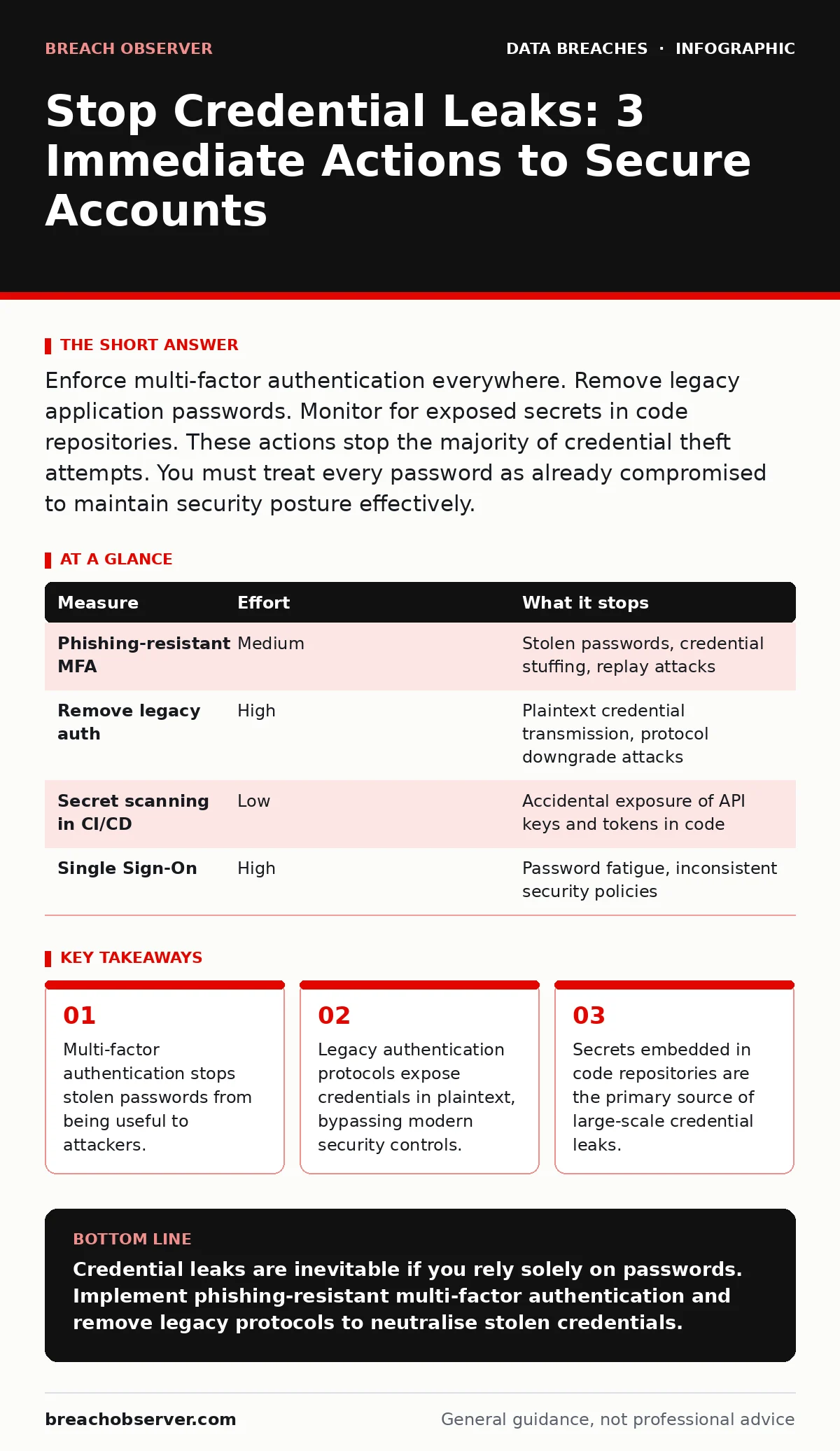
Enforce multi-factor authentication everywhere. Remove legacy application passwords. Monitor for exposed secrets in code repositories. These actions stop the majority of credential theft attempts. You must treat every password as already compromised to maintain security posture effectively.
The Hidden Cost of Password Reuse
Credential leaks rarely begin with a single weak password. They begin with the assumption that a password is unique to one system. When you reuse credentials across platforms, you create a single point of failure for your entire digital identity. An attacker does not need to break your encryption. They only need to find one service where you used the same password. This is why understanding password reuse is the first step in securing your accounts.
Imagine a developer who uses the same admin password for their personal email and a cloud database. A breach of the email provider exposes that password. The attacker then uses it to access the database. The organisation’s internal firewalls never trigger. The intrusion happens because the credential was valid, not because the perimeter was weak. You must assume every password you have ever used is already known to an adversary.
Multi-Factor Authentication as a Hard Barrier
Multi-factor authentication (MFA) adds a second layer of verification that an attacker cannot replicate with a stolen password. It requires something you know (the password) and something you have (a phone or hardware key). This mechanism stops automated attacks and credential stuffing. It does not stop phishing if the attacker tricks you into approving a login request. You must use phishing-resistant MFA methods like FIDO2 security keys or device-bound push notifications.
Standard SMS-based MFA is vulnerable to SIM swapping attacks. An attacker convinces your mobile carrier to transfer your phone number to their device. They then intercept the verification codes. This renders the second factor useless. You should move away from SMS codes entirely. Hardware tokens or authenticator apps that generate time-based one-time passwords provide a significantly higher level of security. These methods keep the verification factor separate from the telecom infrastructure.
| Measure | Effort | What it stops |
|---|---|---|
| Phishing-resistant MFA | Medium | Stolen passwords, credential stuffing, replay attacks |
| Remove legacy auth | High | Plaintext credential transmission, protocol downgrade attacks |
| Secret scanning in CI/CD | Low | Accidental exposure of API keys and tokens in code |
| Single Sign-On | High | Password fatigue, inconsistent security policies |
Eliminating Legacy Authentication Protocols
Many organisations disable modern security features without realising they still support legacy protocols. Protocols like NTLM or basic HTTP authentication transmit credentials in ways that are easy to intercept or replay. Even if you enforce complex passwords, these protocols expose them in plaintext or weakly hashed formats. You must audit your network for these legacy methods. Disabling them forces systems to use secure channels like Kerberos or OAuth 2.0.
This step often breaks older applications. You may find that a critical legacy system relies on basic authentication. You cannot simply disable the protocol without fixing the application. This creates a trade-off between security and operational continuity. You must plan for this downtime. Temporary network segmentation can isolate these legacy systems while you upgrade them. Leaving them connected to the main network exposes your entire environment to credential theft.
Securing Code Repositories and CI/CD Pipelines
Developers often embed API keys, database passwords, and private keys directly into source code. These secrets become part of the version history. Even if you remove them later, they remain accessible to anyone with read access to the repository. This is a primary driver of password leaks in the technology sector. You must implement secret scanning tools in your continuous integration pipelines. These tools detect patterns that match known secret formats and block the commit.
Imagine a developer pushing a configuration file that contains a production database password. The scanning tool catches it and fails the build. The developer removes the secret and regenerates the key. This prevents the credential from ever becoming public. You must treat code repositories as high-security zones. Access should be strictly limited. Regular audits of repository history ensure that old secrets are identified and rotated. This process requires cultural change within development teams.
Implementing Single Sign-On and Just-In-Time Access
Single Sign-On (SSO) consolidates authentication into a single provider. This reduces the number of passwords users must manage. It also centralises logging and monitoring. You can detect anomalous login attempts more easily when all access flows through one gateway. However, SSO creates a single point of failure. If the SSO provider is compromised, an attacker gains access to all connected applications. You must secure the SSO provider with the highest level of protection available.
Just-in-time access grants users temporary privileges for specific tasks. This reduces the window of opportunity for attackers. If a credential is stolen, the attacker has limited time to exploit it before the access expires. This approach aligns with the principle of least privilege. It prevents long-lived service accounts from becoming targets. You must balance security with usability. Excessive friction leads to users finding workarounds that bypass security controls.
See also: Encryption vs Hashing: The Critical Difference for Data Security · Employee Data Breaches: How Insider Access Compromises Your Organisation
Understanding What Does Not Work
Complex password policies that force frequent changes often backfire. Users create predictable patterns, such as changing the last digit of the password each month. Attackers anticipate these patterns. Forcing users to change passwords regularly increases the likelihood of weak credentials and password writing on sticky notes. You should focus on password length and uniqueness rather than complexity and rotation frequency.
Similarly, captchas do not prevent credential theft. They only slow down automated bots. Sophisticated attackers use manual labour or advanced AI to bypass captchas. They add friction for legitimate users without stopping determined adversaries. You must look beyond superficial security measures. Focus on mechanisms that invalidate stolen credentials, such as MFA and token revocation.
Closing Checklist for Immediate Action
You must take concrete steps today to reduce your exposure to credential leaks. Start by auditing your current authentication methods. Identify any systems still using legacy protocols. Disable them or isolate them from the main network. Next, enforce phishing-resistant MFA for all administrative accounts. This stops the majority of targeted attacks. Finally, scan your code repositories for exposed secrets. Rotate any keys you find.
- Audit and disable legacy authentication protocols like NTLM and basic HTTP auth.
- Enforce FIDO2 or device-bound MFA for all privileged and remote access accounts.
- Scan all code repositories for hardcoded secrets and rotate any exposed keys immediately.
Key takeaways
- Multi-factor authentication stops stolen passwords from being useful to attackers.
- Legacy authentication protocols expose credentials in plaintext, bypassing modern security controls.
- Secrets embedded in code repositories are the primary source of large-scale credential leaks.
Credential leaks are inevitable if you rely solely on passwords. Implement phishing-resistant multi-factor authentication and remove legacy protocols to neutralise stolen credentials.
Frequently asked questions
How do I know if my credentials have been leaked?
Use reputable breach monitoring services that scan the dark web for your email addresses and domain names. They alert you when your details appear in new data dumps.
Is passwordless authentication safer than MFA?
Passwordless authentication removes the risk of password theft entirely. It relies on factors you have or are, such as biometrics or hardware keys, making it more secure than traditional MFA.
What should I do if I suspect a credential leak?
Immediately revoke the compromised credentials and force a reset. Enable MFA if it is not already active. Review access logs for any unauthorised activity during the exposure window.
Do password managers prevent credential leaks?
Password managers generate unique, strong passwords for each site, limiting the damage of a single breach. They do not prevent the initial leak but mitigate the impact of password reuse.
How this guide was produced: written by the Breach Observer editorial team with AI assistance, checked against the public references listed below, and reviewed when the facts change. See our editorial policy or report an error.