
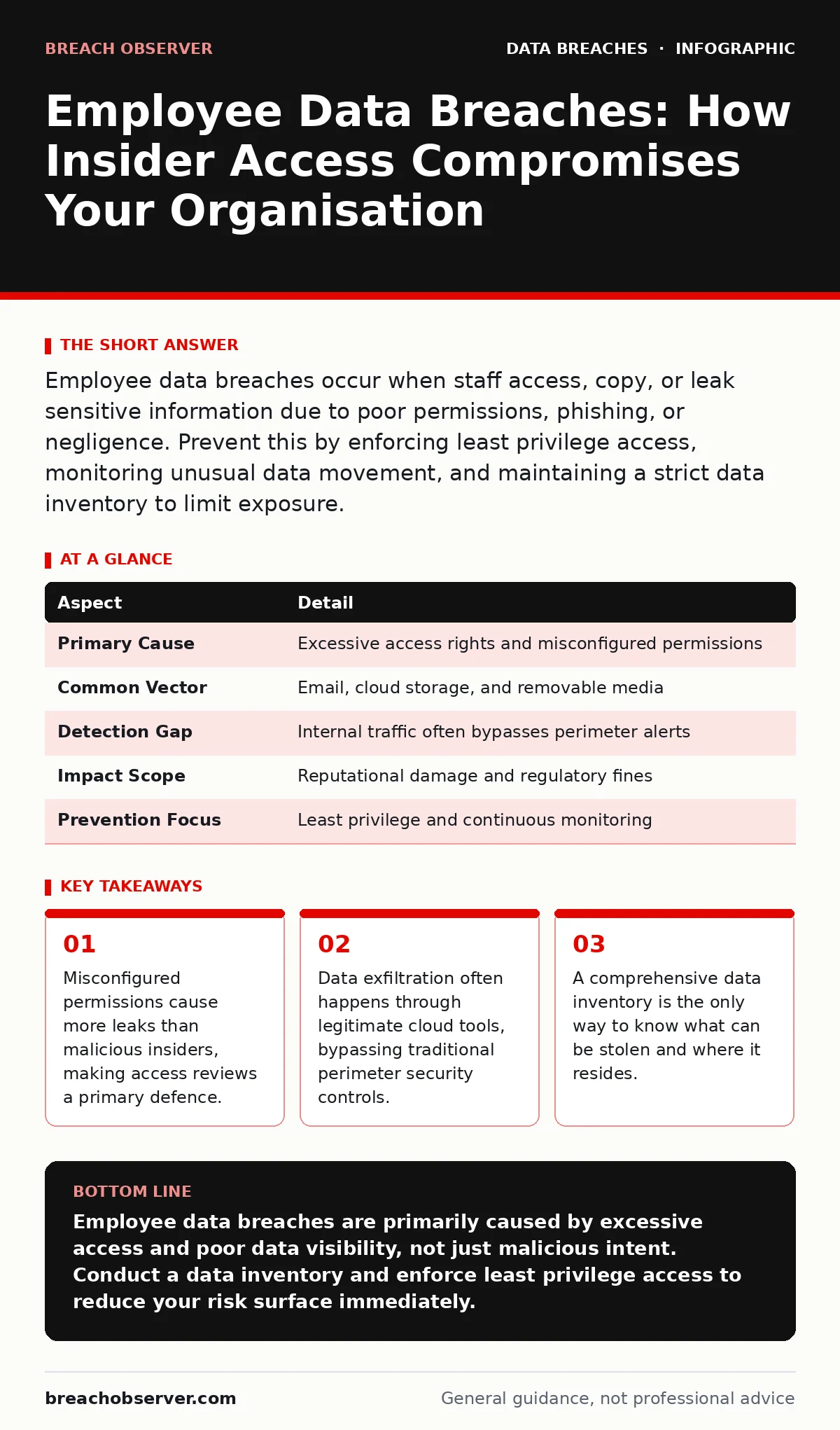
Employee data breaches occur when staff access, copy, or leak sensitive information due to poor permissions, phishing, or negligence. Prevent this by enforcing least privilege access, monitoring unusual data movement, and maintaining a strict data inventory to limit exposure.
Imagine a hotel where every guest receives a master key that opens every room, including the safe. If one guest loses that key, every guest’s privacy is compromised. Most organisations operate with a similar digital logic. Staff members hold keys to vast databases, often far beyond what their daily tasks require. This excess access creates a fragile security posture where a single error or malicious act can expose the entire guest list.
What Are Employee Data Breaches?
Employee data breaches involve the unauthorised access, acquisition, or disclosure of sensitive information by individuals within an organisation. These incidents differ from external attacks because the threat actor already possesses valid credentials and network access. The breach may result from a deliberate attempt to steal data, a well-meaning mistake, or a failure to restrict access appropriately. Understanding this distinction is vital for building effective defences.
| Aspect | Detail |
|---|---|
| Primary Cause | Excessive access rights and misconfigured permissions |
| Common Vector | Email, cloud storage, and removable media |
| Detection Gap | Internal traffic often bypasses perimeter alerts |
| Impact Scope | Reputational damage and regulatory fines |
| Prevention Focus | Least privilege and continuous monitoring |
How Employee Data Breaches Work
The mechanism behind these breaches usually involves three stages: accumulation, extraction, and concealment. First, an employee accumulates access rights over time. They start with basic permissions, then request more for specific projects. Few organisations revoke these rights when the project ends. This accumulation creates a "privilege creep" where staff hold keys to data they no longer need. Second, the data is extracted. This rarely involves complex hacking tools.
It often happens through standard business applications. An employee might download a large customer database to a local drive or upload it to a personal cloud account for "convenience." Third, the activity is concealed. Without specific monitoring for data volume anomalies, these actions look like normal work. The system sees a user logging in and downloading files, which is a permitted action. The context of the volume and frequency is what reveals the breach, not the action itself.
Who Is Affected by Internal Leaks?
The impact extends far beyond the immediate data loss. The organisation faces regulatory penalties because it failed to protect sensitive records. Customers suffer because their personal details are exposed to potential fraud. The employee involved may face termination or legal action, even if their intent was not malicious. Suppose a marketing analyst downloads a full customer list to work from home during a power outage. They use a personal laptop without full disk encryption. If that laptop is lost, the data is exposed. The analyst did not intend to leak the data, but the lack of device controls made the breach inevitable. The organisation bears the cost of notification and remediation.
What People Usually Get Wrong
Many teams believe that firewalls and antivirus software protect against insider threats. These tools are designed to stop external attacks. They cannot easily distinguish between a legitimate large file transfer and a malicious one. Another common error is assuming that only disgruntled employees pose a risk. Staff members often share credentials to collaborate, violating the principle of individual accountability. This practice creates a trail of evidence that is impossible to follow. When an account is compromised, you cannot determine which human actor performed the action. This ambiguity delays incident response and worsens the outcome.
How to Prevent Employee Data Breaches
Prevention requires a shift from perimeter defence to data-centric controls. The first step is implementing the principle of least privilege. Users should only have access to the data necessary for their current role. Access reviews must be automated and frequent. Manual reviews are prone to error and fatigue. The second step is deploying Data Loss Prevention (DLP) solutions. These tools inspect data in motion and at rest.
They can block uploads of sensitive patterns, such as credit card numbers or national ID formats, to unauthorised destinations. The third step is maintaining a rigorous data inventory and mapping process. You cannot protect what you do not know exists. Identify where sensitive data lives, who can access it, and how it moves. This visibility allows you to set accurate DLP rules.
See also: What happens if VPNs are banned: impact on privacy and connectivity · Should I Worry About Data Brokers? The Real Risk
Detecting Anomalies in Real Time
Detection relies on behavioural analytics. You must establish a baseline of normal activity for each user. A finance analyst who usually downloads five files a day suddenly downloading five hundred is an anomaly. The system should flag this deviation. However, false positives are common. A legitimate business need might cause a spike in activity.
Therefore, alerts must be investigated, not just blocked. Context matters. Is the user working late? Are they on leave? Integration with HR systems can provide this context. If an employee has been terminated, their access should be revoked immediately. Automated provisioning and de-provisioning are critical here. Delayed revocation is a common cause of post-employment data theft.
Responding to an Internal Incident
When a breach is detected, the response must be swift but measured. Preserve evidence before disrupting the user’s activity. Shutting down their account immediately may destroy logs needed for investigation. Isolate the account by restricting further access rather than deleting it. Determine the scope of the data accessed. Was it viewed, copied, or transmitted? This distinction affects the severity of the response.
Notify legal and compliance teams early. They will determine if regulatory notification is required. Communicate with affected individuals if necessary. Transparency builds trust, even in difficult circumstances. Review the incident to identify gaps in access controls. Did privilege creep allow this? Was the DLP rule too permissive? Use the incident to harden the environment.
Strengthening Your Defences Long Term
Security is not a one-time project. It requires continuous adaptation. Train employees on the risks of data mishandling. Make them partners in security, not just obstacles. Encourage reporting of suspicious activity without fear of punishment. This creates a culture of vigilance. Regularly test your DLP rules with simulated data. Ensure they catch the right patterns without blocking legitimate work.
Balance security with productivity. Overly restrictive controls lead to shadow IT, where employees find ways around the rules. This creates unmonitored channels for data leakage. Keep your data inventory current. As new applications are adopted, update your mapping. The landscape of data storage changes rapidly. Your defences must evolve with it.
Key takeaways
- Misconfigured permissions cause more leaks than malicious insiders, making access reviews a primary defence.
- Data exfiltration often happens through legitimate cloud tools, bypassing traditional perimeter security controls.
- A comprehensive data inventory is the only way to know what can be stolen and where it resides.
Employee data breaches are primarily caused by excessive access and poor data visibility, not just malicious intent. Conduct a data inventory and enforce least privilege access to reduce your risk surface immediately.
Frequently asked questions
How do I know if an employee is stealing data?
Look for unusual data access patterns, such as large downloads outside of working hours or access to files unrelated to their job role. Implement DLP tools to monitor data movement.
Does multi-factor authentication stop insider threats?
MFA prevents unauthorised access to accounts but does not stop a legitimate user from misusing their access. It secures the door but not what happens inside the room.
What is the difference between data exfiltration and a data breach?
Data exfiltration is the act of removing data from the system. A data breach is the resulting incident where that data is exposed or compromised. Exfiltration is a method; breach is an outcome.
How often should I review user access rights?
Review access rights at least quarterly or whenever an employee changes roles. Immediate revocation is required when an employee leaves the organisation.
How this guide was produced: written by the Breach Observer editorial team with AI assistance, checked against the public references listed below, and reviewed when the facts change. See our editorial policy or report an error.