
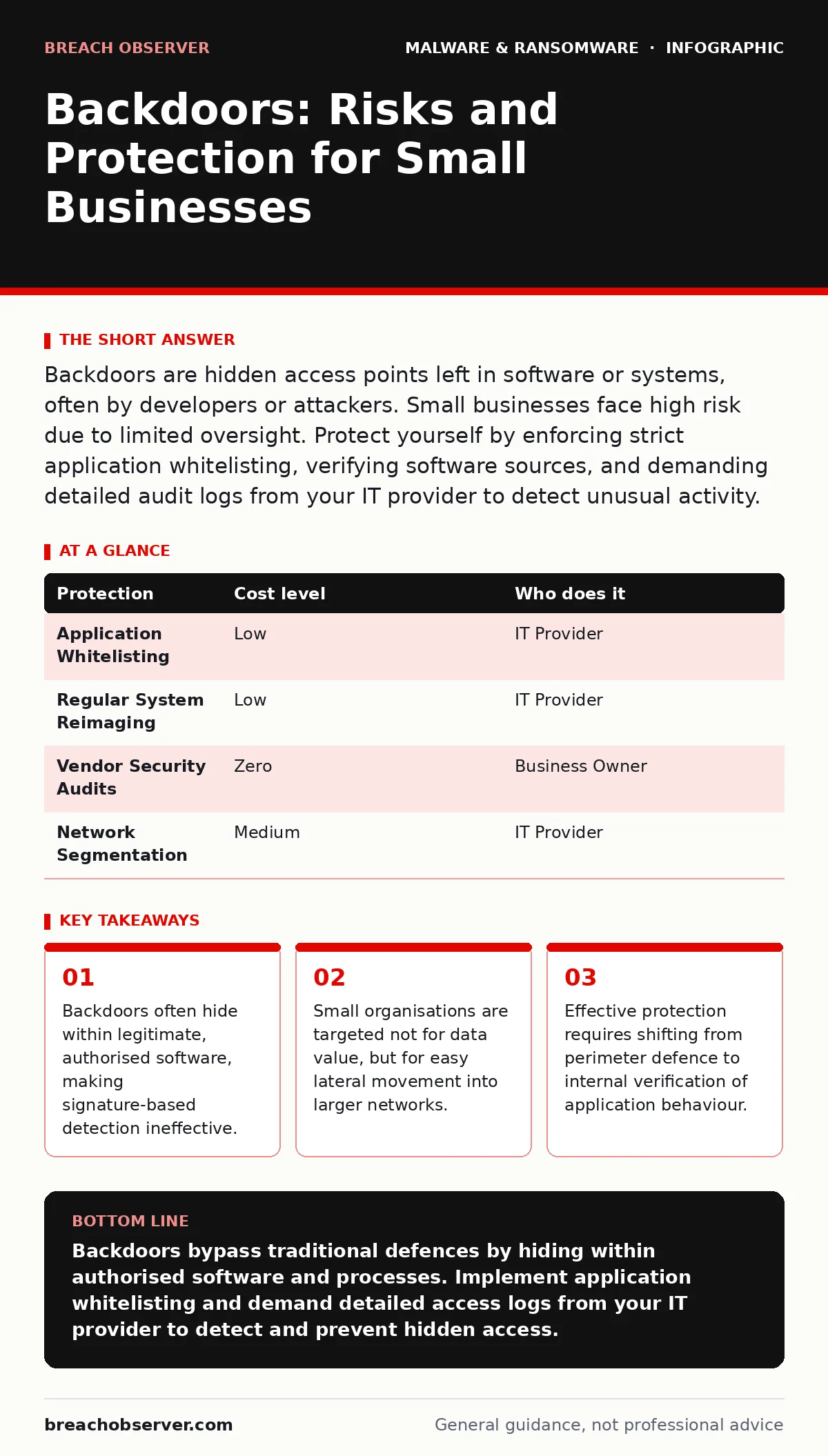
Backdoors are hidden access points left in software or systems, often by developers or attackers. Small businesses face high risk due to limited oversight. Protect yourself by enforcing strict application whitelisting, verifying software sources, and demanding detailed audit logs from your IT provider to detect unusual activity.
The Hidden Nature of Backdoors
A backdoor is a method of bypassing normal authentication or encryption in a computer system. Unlike a virus that spreads or ransomware that locks files, a backdoor’s sole purpose is persistence and access. It allows an attacker to return to your system at will, often without triggering alarms.
You might assume backdoors are only installed by malicious actors after a breach. This is a common misconception. Developers sometimes leave backdoors for maintenance or debugging. If these are not removed before release, they become permanent vulnerabilities. Furthermore, attackers often disguise backdoors as legitimate system processes. They rename malicious files to match standard operating system components, such as svchost.exe or csrss.exe. This camouflage relies on the assumption that you will not question familiar names.
The danger lies in the silence. A backdoor does not necessarily degrade performance or cause crashes. It waits. It listens. It executes commands only when triggered. This stealth makes it one of the most dangerous threats to operational continuity.
Why Small Organisations Are Exposed
Small businesses often believe they are too small to be a direct target. This belief creates a false sense of security. Attackers know that small organisations lack dedicated security operations teams. They also know that small businesses often serve as gateways to larger partners or clients.
Imagine your company connects to a large enterprise’s supply chain portal. If your systems are compromised via a backdoor, the attacker uses your trusted credentials to move laterally into the larger network. Your small organisation becomes the weakest link in a much stronger chain. This is why attackers focus on ease of access rather than the immediate value of your data.
Another factor is the reliance on generalist IT support. Many small firms outsource their IT to managed service providers who handle everything from printer setup to email configuration. While cost-effective, this model often lacks deep security specialisation. If the provider does not actively monitor for anomalous behaviour, a backdoor can remain undetected for years. The lack of internal expertise means you cannot easily verify if the provider’s tools are sufficient.
The Trade-off of Convenience
Convenience often introduces backdoors without your knowledge. Many software applications include remote management features. These features allow vendors to update or repair the software without your direct involvement. While useful, these mechanisms are potential backdoors if not properly secured.
For instance, a remote desktop protocol might be enabled by default in a business application. If the vendor does not patch a vulnerability in this protocol, attackers can exploit it to gain access. You authorised the software, so your firewall allows the traffic. The backdoor is, in effect, a feature you agreed to.
This creates a difficult trade-off. Disabling remote management features might break functionality or void support agreements. Leaving them enabled exposes you to risk. The solution is not to reject the software, but to verify how the remote access is implemented. Does it require multi-factor authentication? Is the communication encrypted? Can you restrict access to specific IP addresses? If the answer is no, you are accepting a hidden cost.
For more on how initial infections often occur, see our guide on malware droppers and loaders. These components often deliver the backdoor payload after the initial compromise.
Low-Cost Protections for Limited Budgets
You do not need expensive enterprise security suites to mitigate backdoor risks. Several low-cost measures can significantly reduce your exposure. The key is to focus on verification and restriction rather than detection.
| Protection | Cost level | Who does it |
|---|---|---|
| Application Whitelisting | Low | IT Provider |
| Regular System Reimaging | Low | IT Provider |
| Vendor Security Audits | Zero | Business Owner |
| Network Segmentation | Medium | IT Provider |
Application whitelisting is one of the most effective defences. Instead of trying to block all known malware, you allow only authorised applications to run. If a backdoor tries to execute a script or a binary that is not on the whitelist, the system blocks it. This prevents the backdoor from functioning, even if it is present.
Regular system reimaging restores computers to a known good state. If a backdoor has been installed, reimaging removes it. This is particularly effective for workstations that do not store large amounts of local data. For servers, you can use golden images to ensure every deployment starts from a clean, verified baseline.
Vendor security audits are free but require effort. Review the security policies of every software vendor you use. Do they disclose vulnerabilities? Do they provide regular security updates? If a vendor is unresponsive or opaque, consider replacing their software. The cost of a breach far exceeds the cost of switching vendors.
What to Ask Your IT Provider
Your IT provider is your first line of defence. However, their standard offerings may not include backdoor detection. You must ask specific questions to ensure they are addressing this risk.
- Do you monitor for anomalous process behaviour, not just known malware signatures?
- How do you verify that remote management tools are secured with multi-factor authentication?
- Can you provide logs showing all administrative access to our systems, including your own?
- What is your process for isolating a system suspected of having a backdoor?
- Do you perform regular penetration tests to identify hidden access points?
If your provider cannot answer these questions confidently, you are at risk. A provider who only focuses on antivirus and firewall management is not addressing the threat of backdoors. You need a partner who understands the importance of internal verification and least privilege access.
For guidance on handling compromised systems, refer to reimaging infected computers. This process is often necessary when a backdoor is discovered, as simple removal may not eliminate all traces.
The Limits of Perimeter Defence
Traditional security focuses on the perimeter: firewalls, intrusion detection systems, and email filters. These tools are necessary but insufficient against backdoors. A backdoor often resides inside an application that has already passed perimeter checks.
Suppose an attacker exploits a vulnerability in a web server to install a backdoor. The traffic looks like normal web requests. The firewall allows it. The email filter is irrelevant. The intrusion detection system sees no malicious payload. The backdoor is already inside.
This is why you must shift your focus to the interior. Monitor for unusual outbound connections. Look for processes running at odd hours. Check for new user accounts or privilege escalations. These are signs of a backdoor in action. For more on securing internet-connected devices, see IoT malware, which often introduces backdoors through poorly secured firmware.
Maintaining Long-Term Security
Backdoor protection is not a one-time task. It requires continuous vigilance and adaptation. Attackers constantly develop new techniques to hide their access. Your defences must evolve accordingly.
Regularly review your software inventory. Remove applications that are no longer used. Each unused application is a potential entry point. Ensure that all software is updated to the latest version. Patches often close vulnerabilities that could be exploited to install backdoors.
For more on securing development environments, see malicious PyPI packages, which can introduce backdoors into your codebase. For desktop-specific risks, consult removing malware from a Mac, as macOS is increasingly targeted by backdoor malware.
Conclusion of Measures
Protecting against backdoors requires a shift in mindset. You must assume that your perimeter will be breached. Focus on limiting the damage and detecting unusual activity. Implement application whitelisting, verify your software sources, and demand transparency from your IT provider.
These measures are not perfect. They do not guarantee complete protection. However, they significantly raise the cost and difficulty for attackers. By making your systems harder to compromise and easier to monitor, you reduce the likelihood of a successful backdoor installation.
Key takeaways
- Backdoors often hide within legitimate, authorised software, making signature-based detection ineffective.
- Small organisations are targeted not for data value, but for easy lateral movement into larger networks.
- Effective protection requires shifting from perimeter defence to internal verification of application behaviour.
Backdoors bypass traditional defences by hiding within authorised software and processes. Implement application whitelisting and demand detailed access logs from your IT provider to detect and prevent hidden access.
Frequently asked questions
Can antivirus software detect backdoors?
Standard antivirus software relies on known signatures and may miss custom or newly created backdoors. It is a necessary layer but insufficient for complete protection against stealthy access tools.
How do I know if my IT provider is checking for backdoors?
Ask for evidence of behavioural monitoring and regular penetration testing. If they only provide antivirus reports, they are likely not detecting sophisticated backdoors that mimic legitimate system processes.
Is application whitelisting difficult to implement?
Initial setup requires time to identify and approve all legitimate software. However, once configured, it runs automatically and prevents unauthorised code from executing, reducing ongoing maintenance efforts.
What should I do if I suspect a backdoor?
Isolate the affected system from the network immediately to prevent lateral movement. Do not attempt to remove the backdoor yourself, as this may alert the attacker. Contact your IT provider for forensic analysis and reimaging.
How this guide was produced: written by the Breach Observer editorial team with AI assistance, checked against the public references listed below, and reviewed when the facts change. See our editorial policy or report an error.