
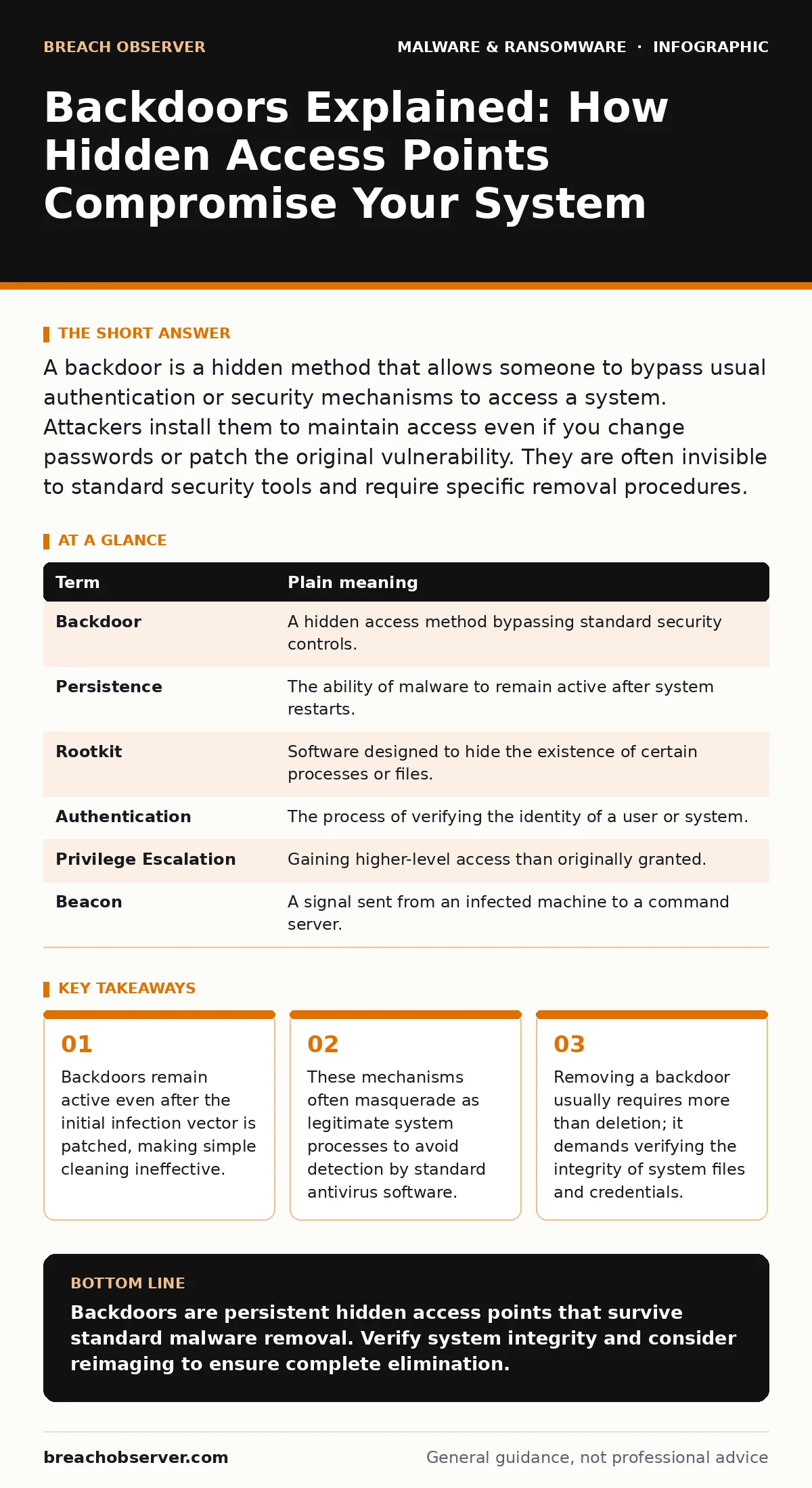
A backdoor is a hidden method that allows someone to bypass usual authentication or security mechanisms to access a system. Attackers install them to maintain access even if you change passwords or patch the original vulnerability. They are often invisible to standard security tools and require specific removal procedures.
The Unlocked Window Analogy
Imagine your home security relies entirely on a sturdy front door with a complex lock. You change the key often, and you inspect the hinges regularly. This represents your standard authentication methods. Now, imagine a builder left a small, unlocked window in the attic during construction. It is not on the blueprints. The builder did not steal your keys; they simply left a way in that does not require them.
This unlocked window is a backdoor. It is a hidden entry point into a computer system or network that bypasses normal authentication or encryption. Unlike a broken lock that you can see and fix, this window exists within the structure itself. It allows entry without triggering the alarms designed to detect forced entry at the main door.
Defining the Mechanism
To understand the threat, you must distinguish between different types of unauthorized access. A backdoor is not a virus that replicates, nor is it always ransomware that encrypts your files. It is specifically a mechanism for persistence. Attackers use it to return to the system after the initial breach is detected.
Consider how malware droppers and loaders operate. These programs deliver the initial payload. Once inside, the loader may deploy a backdoor. If you remove the dropper but miss the backdoor, the attacker still has access. The backdoor is the enduring link, while the dropper was merely the delivery vehicle.
| Term | Plain meaning |
|---|---|
| Backdoor | A hidden access method bypassing standard security controls. |
| Persistence | The ability of malware to remain active after system restarts. |
| Rootkit | Software designed to hide the existence of certain processes or files. |
| Authentication | The process of verifying the identity of a user or system. |
| Privilege Escalation | Gaining higher-level access than originally granted. |
| Beacon | A signal sent from an infected machine to a command server. |
Why Standard Cleaning Fails
The most common mistake is assuming that removing the visible virus removes the threat. This is rarely true for sophisticated attacks. Ransomware-as-a-service groups often include backdoor installation in their kits to ensure they can return if the encryption fails or to steal data before locking the system.
Imagine finding a burglar in your kitchen. You eject them and lock the front door. But if the attic window remains open, they can return an hour later. In cybersecurity, this means that deleting a malicious file is insufficient. The backdoor may have modified system libraries or created new user accounts with administrative rights. These changes persist because they are part of the operating system's fabric, not just a file sitting in a folder.
The Hidden Cost of Trust
Backdoors exploit trust. They often use the same communication channels as legitimate software updates. This makes them difficult to distinguish from normal traffic. When a system calls home to check for updates, a backdoor may use that same connection to send stolen credentials or receive new instructions.
This is why managed detection and response (MDR) services focus on behaviour, not just file signatures. They look for unusual connections from system processes. If the printer service suddenly sends data to an external server at 3 AM, it is a red flag. The backdoor is not trying to break in; it is trying to look like it belongs. This mimicry is its primary defence against detection.
IoT and Embedded Risks
The risk is not limited to desktop computers. IoT malware often exploits backdoors built into devices by manufacturers. Some smart devices ship with default credentials that cannot be changed. These are factory backdoors. They are not installed by an attacker; they are baked into the hardware.
Suppose you buy a smart camera. The manufacturer includes a hidden admin account for their own maintenance. If this account is not disabled, it is a backdoor. Attackers scan the internet for these known default credentials. Once inside, they can pivot to other devices on your network. The backdoor here is a convenience feature for the vendor that becomes a security liability for the user.
Simple Safety Habits
You cannot patch every backdoor because you often do not know they exist. Instead, you must limit what an attacker can do if they do find one. This is the principle of least privilege. Ensure that your daily user account does not have administrative rights. If a backdoor gives an attacker access to your user account, they cannot change system-wide settings without admin credentials.
Regularly audit your user accounts. Look for accounts you did not create. Check for scheduled tasks that run unfamiliar scripts. These are common hiding spots for backdoors. Furthermore, keep your software updated. Patches often close known backdoors that were discovered by security researchers.
- Disable default administrator accounts on all devices.
- Review active network connections for unfamiliar destinations.
- Use a separate, limited-privilege account for daily browsing.
When to Rebuild
If you suspect a sophisticated backdoor, simple removal is risky. The attacker may have planted rootkit components that hide their presence from the operating system. In these cases, the integrity of the system is compromised. You no longer trust the tools you use to inspect the system.
The solution is often to start fresh. Golden images are clean, verified copies of an operating system used to restore computers. Using a golden image ensures that no hidden backdoors remain from the previous installation. This is more time-consuming than running a scanner, but it provides certainty. For high-value targets, this is the only reliable method.
Key takeaways
- Backdoors remain active even after the initial infection vector is patched, making simple cleaning ineffective.
- These mechanisms often masquerade as legitimate system processes to avoid detection by standard antivirus software.
- Removing a backdoor usually requires more than deletion; it demands verifying the integrity of system files and credentials.
Backdoors are persistent hidden access points that survive standard malware removal. Verify system integrity and consider reimaging to ensure complete elimination.
Frequently asked questions
Can a backdoor be installed without me clicking anything?
Yes, attackers can exploit unpatched software vulnerabilities to install backdoors silently. This is often done through drive-by downloads or network exploits.
Do firewalls stop backdoors?
Firewalls can block incoming connections, but backdoors often initiate outbound connections to command servers. This makes them harder to detect with standard firewall rules.
How do I know if my system has a backdoor?
Look for unknown user accounts, unusual outbound network traffic, or system files with unexpected modifications. Unexplained performance issues can also be a sign.
Is removing a backdoor enough to secure the system?
No, attackers likely stole credentials or data before you found the backdoor. You must also change all passwords and verify that no other systems were compromised.
How this guide was produced: written by the Breach Observer editorial team with AI assistance, checked against the public references listed below, and reviewed when the facts change. See our editorial policy or report an error.