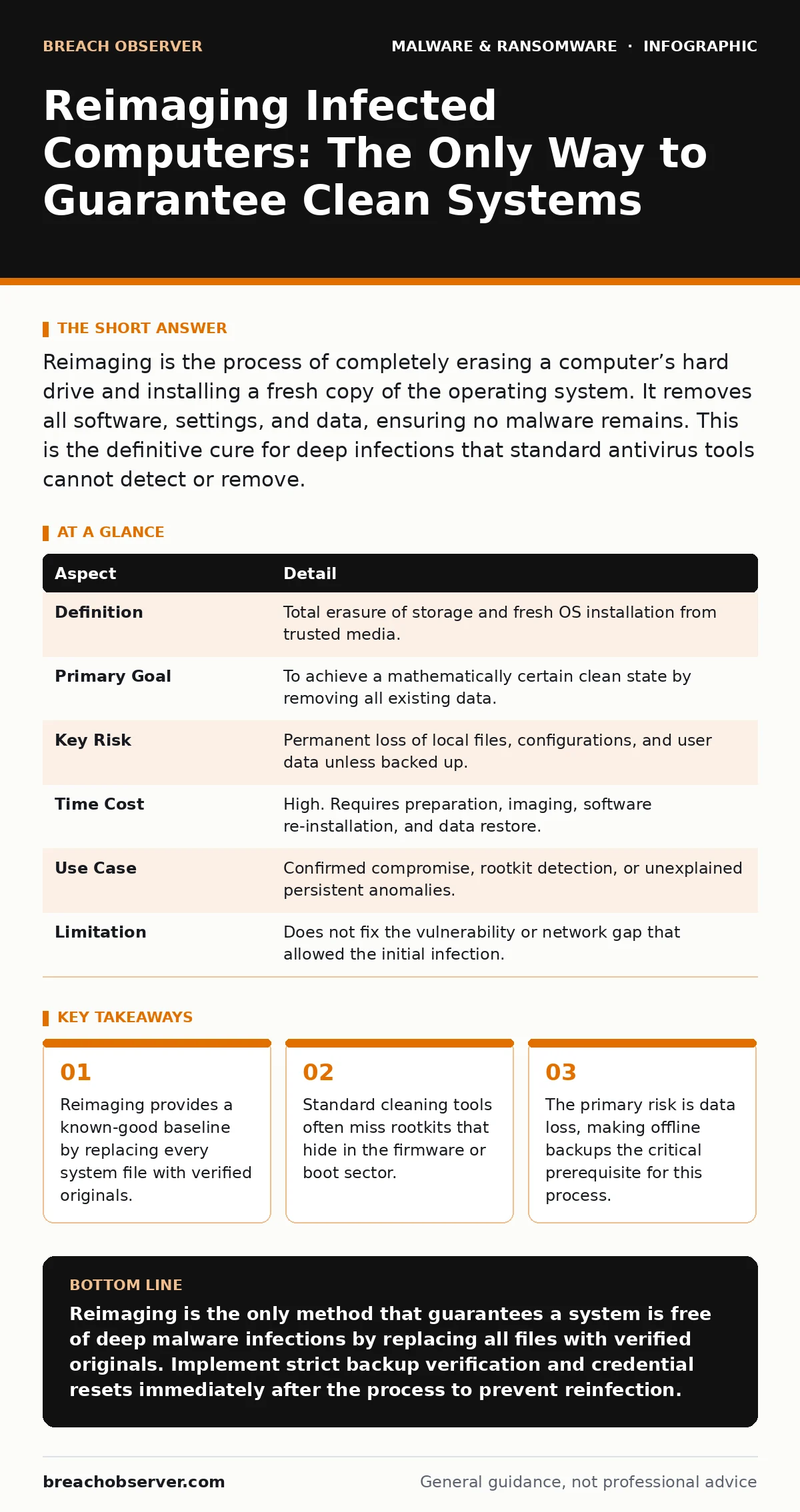
Reimaging is the process of completely erasing a computer’s hard drive and installing a fresh copy of the operating system. It removes all software, settings, and data, ensuring no malware remains. This is the definitive cure for deep infections that standard antivirus tools cannot detect or remove.
Why Cleaning Fails Against Deep Infections
Imagine your home has been invaded. You sweep the floors and change the locks. It looks clean. But the intruder has moved into the walls, behind the drywall, where your broom cannot reach. Most malware infections are similar. Standard antivirus scans look at running processes and known file signatures. They are like the broom. They miss what is hidden in the structure.
Reimaging is the equivalent of tearing down the walls and rebuilding the house. You do not try to find the intruder in the insulation. You remove the entire structure and replace it with new materials. This approach guarantees that no malicious code remains, because there is no code left on the machine except what you explicitly install.
The problem with trying to "clean" an infected system is the unknown unknown. You might remove the visible ransomware note, but the backdoor that allowed the attacker in might still be open. If you cannot prove the system is clean, you must assume it is compromised. Reimaging removes the assumption.
| Aspect | Detail |
|---|---|
| Definition | Total erasure of storage and fresh OS installation from trusted media. |
| Primary Goal | To achieve a mathematically certain clean state by removing all existing data. |
| Key Risk | Permanent loss of local files, configurations, and user data unless backed up. |
| Time Cost | High. Requires preparation, imaging, software re-installation, and data restore. |
| Use Case | Confirmed compromise, rootkit detection, or unexplained persistent anomalies. |
| Limitation | Does not fix the vulnerability or network gap that allowed the initial infection. |
The Mechanics of a Fresh Start
Reimaging involves two distinct phases: destruction and reconstruction. The destruction phase uses a bootable medium, such as a USB drive containing a clean operating system installer or a dedicated wiping tool. This medium boots independently of the hard drive, ensuring that any malware running on the drive cannot interfere with the wipe process.
Once booted, the storage device is overwritten. This is not just deleting files. It is erasing the partition table and the file system metadata. Some methods overwrite the entire disk with zeros or random data. This prevents forensic recovery of the previous state. For solid-state drives, a secure erase command sent via the drive controller is often more effective than software overwriting.
The reconstruction phase installs a fresh operating system from a trusted source. This source must be verified. You must check the cryptographic signature of the installation files to ensure they have not been tampered with. If you install from a corrupted or malicious source, you are building a new house with rotten wood.
You then install drivers and applications. This is where the discipline of a clean build matters. You should only install software from verified vendors. You should avoid restoring old user profiles or configuration files unless they have been scanned and validated. Restoring a compromised configuration file can reinfect the clean system immediately.
Where Reimaging Fits in Your Defences
Reimaging is not a first-line defence. It is a last-resort remediation. Your first line is prevention: patching systems, segmenting networks, and limiting user privileges. If an infection occurs, your second line is containment: isolating the machine from the network to stop lateral movement.
Reimaging comes after containment. You isolate the infected machine so it cannot talk to other systems. Then you assess the damage. If the infection is superficial, such as a simple virus that targets documents, cleaning might suffice. If the infection is deep, such as a rootkit that modifies the kernel, cleaning is unreliable. Reimaging is the correct choice.
This process fits into the broader incident response lifecycle. It is part of the eradication and recovery phases. It does not replace the need for investigation. You must still determine how the attack happened. If you reimage the machine but do not close the security gap, the attacker will return. They likely have credentials or an exploit that still works on the new system.
What People Usually Get Wrong
The most common mistake is treating reimaging as a data backup solution. People think they can reimage their computer and then restore everything from a cloud backup. This is dangerous. If the backup contains the malware, you are restoring the infection. You must verify that your backups are clean and immutable. Read-only backups are safer because malware cannot modify them.
Another error is assuming that a "reset" function in the operating system is the same as reimaging. Many modern systems offer a reset option that keeps personal files. This is not a full reimage. It may leave behind system files, drivers, or registry entries that are compromised. A true reimage wipes everything. It does not keep personal files. It starts from zero.
There is also a hidden cost in time and productivity. Reimaging a single machine can take several hours. For a team, it means lost work. You must plan for this downtime. You cannot rush a reimage. If you skip steps, you risk leaving the system vulnerable. The trade-off is clear: take the time now to ensure security, or risk a breach later that costs much more.
The Hidden Costs of a Clean Slate
Reimaging is not just about the machine. It is about the ecosystem around it. When you wipe a device, you lose local configurations. Browser bookmarks, email rules, and application settings are gone. You must have a way to restore these without restoring malware. Group policy or configuration management tools can help apply settings consistently.
There is also the human factor. Users often resist reimaging because it disrupts their workflow. They may try to bypass the process or hide the infection. You must communicate clearly why this is necessary. Explain that the goal is to protect their data and the organisation’s integrity. Transparency builds trust.
You must also consider the forensic value of the infected machine. If you are under legal obligation or need to understand the attack vector, you should image the drive before wiping it. Create a forensic copy. Then wipe the original. This preserves evidence for investigation while allowing you to return the machine to service.
See also: Breach Notification Rule Requirements: Timelines, Triggers and Compliance · Incident Response Runbooks: 6 Common Misunderstandings Fixed
Ensuring the New System Stays Clean
The value of a reimage is zero if the new system is immediately reinfected. You must ensure the entry point is closed. This means changing passwords. If the attacker had access to the machine, they likely captured credentials. Resetting these credentials is mandatory.
You must also update the operating system and all software. The attacker may have used a known vulnerability. Patching that vulnerability prevents them from using the same method to gain access again. You should also review firewall rules and access controls. Did the machine have too much access? Reduce privileges to the minimum required.
Finally, monitor the reimaged system closely. Watch for unusual network traffic or process behaviour. This is your verification step. If the system behaves normally, the reimage was successful. If anomalies appear, you may have missed something, or the attacker has another foothold. Continue to investigate until you are certain the threat is gone.
Key takeaways
- Reimaging provides a known-good baseline by replacing every system file with verified originals.
- Standard cleaning tools often miss rootkits that hide in the firmware or boot sector.
- The primary risk is data loss, making offline backups the critical prerequisite for this process.
- Reimaging is a containment measure, not a detection tool; it fixes the host, not the network gap.
Reimaging is the only method that guarantees a system is free of deep malware infections by replacing all files with verified originals. Implement strict backup verification and credential resets immediately after the process to prevent reinfection.
Frequently asked questions
Can I reimage a laptop that is stuck in a boot loop?
Yes, if you can boot from an external USB drive. The boot loop is often a symptom of the corruption that reimaging will fix.
Does reimaging remove viruses from external hard drives?
No, reimaging only affects the drive you install the operating system onto. You must scan or wipe external drives separately.
How long does it take to reimage a computer?
It depends on the hardware and the amount of software to reinstall. Typically, it takes a few hours from start to finish.
Is reimaging better than formatting?
Formatting is part of reimaging. Reimaging includes formatting, OS installation, and driver setup. It is a complete process, not just a disk operation.
How this guide was produced: written by the Breach Observer editorial team with AI assistance, checked against the public references listed below, and reviewed when the facts change. See our editorial policy or report an error.