
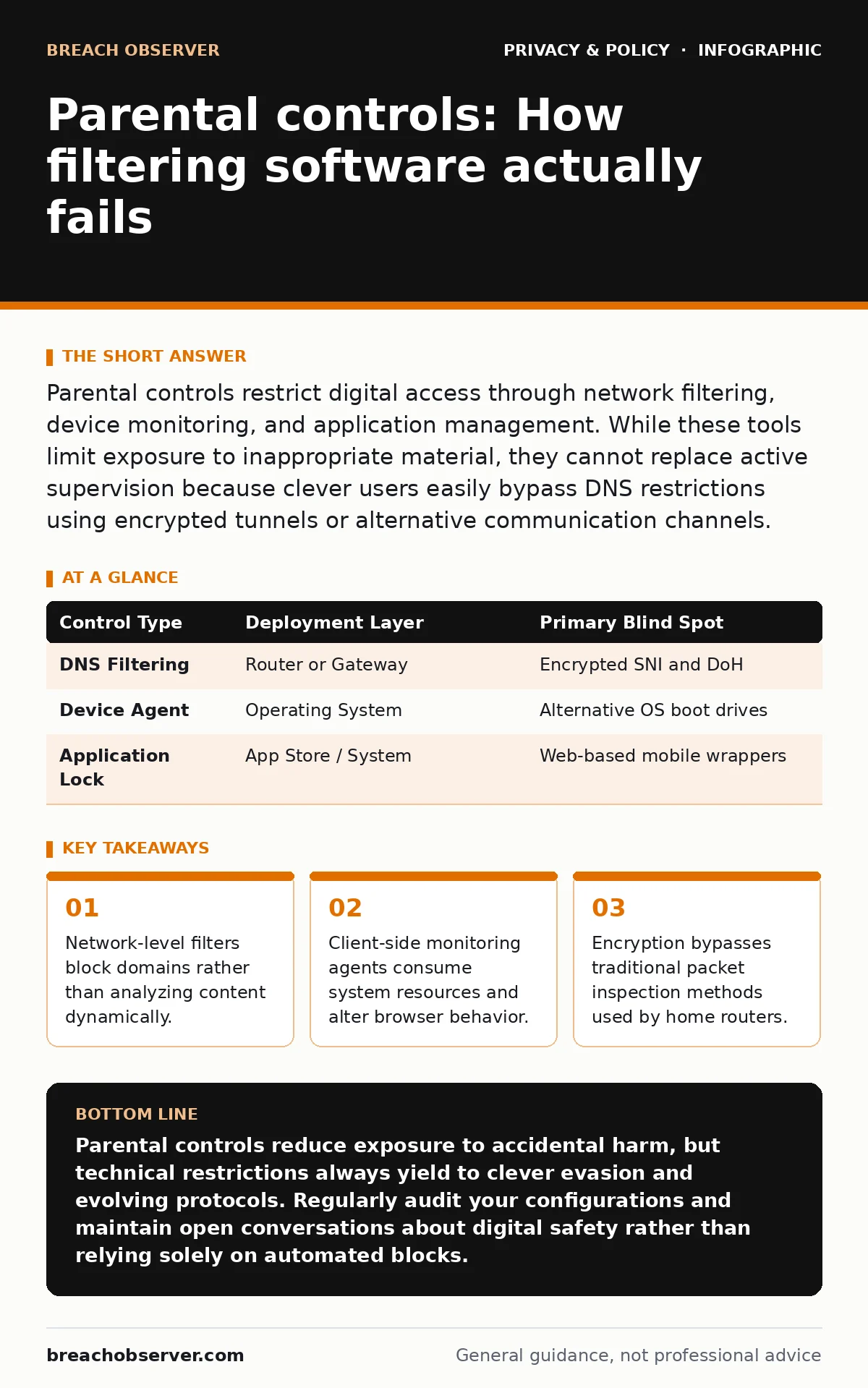
Parental controls restrict digital access through network filtering, device monitoring, and application management. While these tools limit exposure to inappropriate material, they cannot replace active supervision because clever users easily bypass DNS restrictions using encrypted tunnels or alternative communication channels.
How do network-level parental controls block content?
Network-level parental controls intercept domain name system requests to prevent devices from resolving restricted web addresses. This mechanism operates at the router or gateway level, checking requested hostnames against a blocklist maintained by a vendor. When a match occurs, the gateway redirects the browser to a local landing page instead of returning the true internet protocol address.
Network filters fail when domains host both benign and restricted content on the same infrastructure. A content delivery network hosting educational videos alongside adult material forces a binary choice between blocking everything or allowing everything. Furthermore, modern web traffic uses encrypted name resolution protocols that obscure requested hostnames from home routers, rendering domain-based blocking ineffective.
What is the difference between DNS filtering and device-level agents?
Domain name system filtering operates upstream at the router, whereas device-level agents run directly on the operating system of the target computer or phone. Device agents intercept network traffic locally before encryption occurs, allowing them to inspect uniform resource locators and apply rules regardless of which Wi-Fi network the device joins.
Device agents require administrative privileges to function correctly, creating maintenance overhead and potential stability issues on the host operating system. Clever users often boot machines into alternative operating environments from external drives, bypassing the installed agent entirely. Hardware security features in modern processors attempt to mitigate this, but kernel-level software introduces crash risks and privacy concerns similar to commercial spyware.
| Control Type | Deployment Layer | Primary Blind Spot |
|---|---|---|
| DNS Filtering | Router or Gateway | Encrypted SNI and DoH |
| Device Agent | Operating System | Alternative OS boot drives |
| Application Lock | App Store / System | Web-based mobile wrappers |
Can parental controls prevent children from encountering data brokers?
Parental controls do not stop legitimate applications and websites from harvesting personal information and selling it to data brokers. Filtering software restricts destination URLs and application downloads, but it does not audit the tracking pixels, software development kits, or telemetry code embedded inside approved applications.
Protecting personal information requires strict permission management rather than simple content filtering. Applications often collect location data, device identifiers, and contact lists under the guise of functionality. You must configure operating system privacy toggles individually for every application to limit unnecessary data collection.
Why do safe search settings fail on shared household devices?
Safe search enforcement relies on cookies and browser flags that apply to specific user accounts rather than the physical hardware. When multiple family members share a single tablet or computer without distinct operating system profiles, one user clears cookies or modifies settings, disabling restrictions for everyone else.
Browser accounts synchronize settings across the cloud, meaning changes made on a school laptop can inadvertently alter filtering behavior on a home desktop. Enforcing restrictions requires creating separate operating system profiles with restricted privileges for children, coupled with a separate administrator account secured by a strong password.
How do encrypted tunnels bypass standard web filters?
Encrypted tunnels encapsulate restricted network traffic inside standard protocols like hypertext transfer protocol secure, hiding the destination from intermediate inspection points. Home routers rely on recognizing patterns in unencrypted headers to identify prohibited categories. When a connection is tunneled, the router sees only a stream of encrypted bytes destined for an unknown proxy server.
| Tunnel Method | Mechanism | Countermeasure |
|---|---|---|
| Virtual Private Network | Encapsulated IP packets | Block known proxy ports |
| Secure Shell Tunnel | Port forwarding over SSH | Restrict outbound shell access |
| HTTPS Domain Fronting | Hidden SNI routing | Inspect certificate details |
Advanced users utilize these tunnels to route traffic through external servers, completely bypassing local DNS blocks. Defending against this requires inspecting Transport Layer Security handshakes and blocking unauthorized outbound ports, though determined users will always find unblocked ports like standard web traffic ports.
See also: Full Disk Encryption: How to Protect Data at Rest and Its Limits · Hiding location on X: mistakes that expose your physical coordinates
Do application-layer firewalls provide better protection than router filters?
Application-layer firewalls inspect the actual payload of network packets rather than relying solely on destination addresses or port numbers. This granular approach allows security software to block specific features within an application, such as chat functions inside a video game, while permitting the core software to operate normally.
Application firewalls consume significant processing power and require constant signature updates to recognize new protocols. When software updates frequently, firewall rules break, causing false positives that block legitimate educational traffic. Balancing security with usability requires regular audits of firewall logs to catch blocked business logic.
How do smart home privacy risks intersect with parental monitoring?
Smart home devices collect ambient audio and video data that bypass traditional web filters entirely. Voice assistants and connected toys transmit telemetry and voice recordings directly to corporate servers over encrypted channels, ignoring router-level DNS blocks designed for web browsers.
Securing these environments requires placing internet-of-things devices on a separate virtual local area network isolated from family computing devices. This containment prevents compromised smart appliances from scanning local storage or intercepting traffic belonging to children's computers.
Can time-limit features be bypassed by altering system clocks?
Time-limit controls often rely on the local operating system clock to determine when access expires and when locks engage. If a user possesses administrative privileges or physical access to the basic input/output system, they can roll back the system time or timezone to trick the scheduling software into granting unauthorized access.
Robust time limits synchronize with external network time servers to prevent local clock manipulation. If the device cannot reach an authenticated time server, secure systems default to a locked state rather than trusting the local hardware clock. You must ensure that low-level system settings remain locked behind a robust administrator password.
Key takeaways
- Network-level filters block domains rather than analyzing content dynamically.
- Client-side monitoring agents consume system resources and alter browser behavior.
- Encryption bypasses traditional packet inspection methods used by home routers.
Parental controls reduce exposure to accidental harm, but technical restrictions always yield to clever evasion and evolving protocols. Regularly audit your configurations and maintain open conversations about digital safety rather than relying solely on automated blocks.
Frequently asked questions
Can my internet service provider see everything my children type into search engines?
Internet service providers see domain names and unencrypted uniform resource locators, but modern encrypted search queries remain hidden from network operators.
What happens to parental controls when a device connects to a mobile hotspot?
Home router filters and local DNS settings cease functioning immediately when a device switches to a cellular network or an external Wi-Fi hotspot.
Do browser extensions provide adequate filtering for older teenagers?
Browser extensions offer granular category blocking, but tech-savvy teenagers easily disable or remove them if the underlying operating system account lacks proper restrictions.
How do operating system updates affect existing parental control configurations?
Major operating system updates frequently reset privacy permissions, re-enable telemetry features, or disrupt third-party filtering agents, requiring a complete post-update audit.
How this guide was produced: written by the Breach Observer editorial team with AI assistance, checked against the public references listed below, and reviewed when the facts change. See our editorial policy or report an error.