
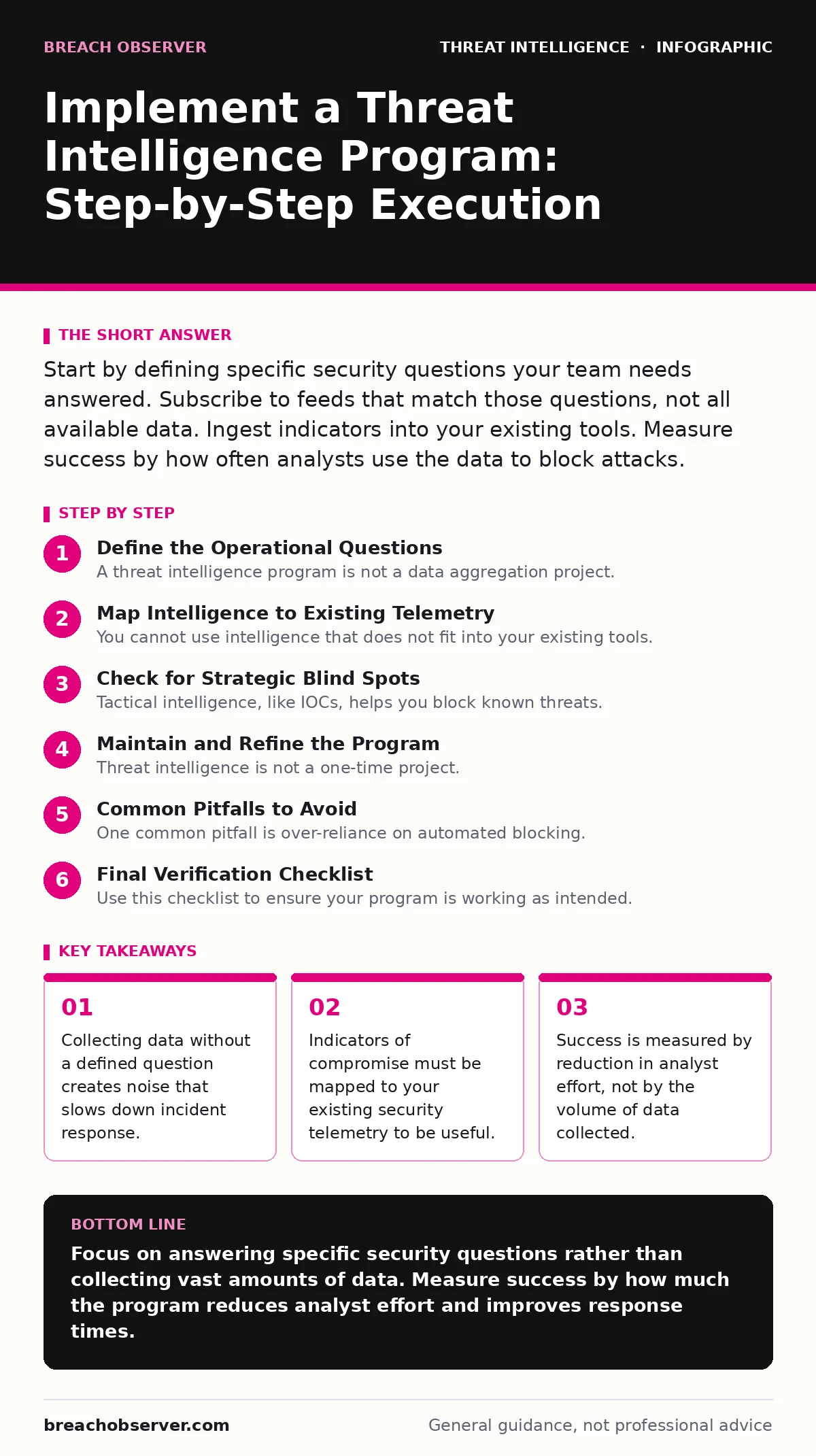
Start by defining specific security questions your team needs answered. Subscribe to feeds that match those questions, not all available data. Ingest indicators into your existing tools. Measure success by how often analysts use the data to block attacks.
Define the Operational Questions
A threat intelligence program is not a data aggregation project. It is a service that provides context to your security operations. If you do not start with a specific question, you will drown in irrelevant noise. Imagine you are looking for a specific person in a crowd. You cannot find them if you do not know what they look like or why they are there.
Start by asking your incident response team what they struggle with. Do they spend too much time triaging false positives? Do they lack context when they see a suspicious IP address? Write down three specific questions. For example, "Which malware families are currently targeting our industry sector?" or "What are the known tactics for initial access in our environment?"
These questions become your requirements. They dictate which data sources you need and how you process that data. Without this step, you are building a library no one visits.
Map Intelligence to Existing Telemetry
You cannot use intelligence that does not fit into your existing tools. Your security tools generate security telemetry, which is the raw data logs and events recorded by your systems. If your intelligence feed provides data in a format your tools cannot read, the intelligence is useless.
Audit your current stack. Can your firewall ingest IP blocklists? Can your endpoint detection platform match file hashes against a known malware database? Identify the gaps. If your tools cannot natively ingest certain data types, you need a translation layer or a manual process to bridge the gap.
This mapping ensures that when you receive an alert, your analysts already have the context they need. It reduces the time between detection and response.
Step 1: Select Data Sources Aligned to Questions
Choose data sources that answer your specific questions. Do not subscribe to every feed available. A smaller set of high-quality sources is better than a large set of noisy ones. Look for sources that provide indicators of compromise (IOCs), which are specific artifacts like IP addresses, domain names, or file hashes that signal malicious activity.
Ensure the source provides context, not just raw data. A list of malicious IP addresses is less useful than a list that explains why those IPs are malicious and what attack they are part of. This context helps your analysts prioritise their work.
Verification: Review the last ten items from each potential source. Ask yourself: "Would this help me answer one of my operational questions?" If the answer is no, discard the source.
Step 2: Establish an Ingestion Pipeline
Build a reliable way to get data from your sources into your tools. This is often called an ingestion pipeline. It can be an automated API connection or a manual download process, depending on your resources. The key is consistency. The data must arrive regularly and be formatted correctly.
Test the pipeline with a small batch of data. Ensure that the data is parsed correctly and that any false positives are handled. For example, a known malicious IP might be a false positive if it is also a legitimate cloud provider. Your pipeline must have a way to filter these out.
Verification: Send a test indicator through the pipeline. Check that it appears in your security dashboard within the expected timeframe. Confirm that the context fields are populated correctly.
Step 3: Integrate with Detection Logic
Raw intelligence is not enough. You must integrate it into your detection logic. This means creating rules or queries that trigger alerts when your security telemetry matches your intelligence data. For example, if your endpoint detects a file hash that matches a known malware hash in your intelligence database, it should trigger an alert.
This step turns passive data into active defence. It allows your systems to automatically block or flag known threats. It frees your analysts to focus on unknown threats that require human investigation.
Verification: Simulate an attack using a known benign indicator that is marked as malicious in your test database. Confirm that the detection logic triggers an alert and that the alert contains the correct context from your intelligence source.
Step 4: Measure Analyst Usage
A program is only successful if people use it. Track how often analysts reference your intelligence data during incident response. Do they use it to enrich alerts? Do they use it to hunt for new threats? If they do not use it, the program is failing.
Collect feedback from analysts. What is missing? What is noisy? Use this feedback to refine your data sources and processing. This iterative process ensures the program evolves with your needs.
Verification: Conduct a monthly review of incident reports. Count how many times intelligence data was cited as a factor in the investigation. Track this number over time to see if usage is increasing.
Check for Strategic Blind Spots
Tactical intelligence, like IOCs, helps you block known threats. But it does not help you understand the attacker's intent. For that, you need strategic intelligence. This involves understanding the motives, capabilities, and resources of threat actors.
Consider using frameworks like the Diamond Model of intrusion analysis to structure your understanding. This model looks at adversaries, infrastructure, capabilities, and victims. It helps you see the bigger picture and anticipate future attacks.
Imagine a group of attackers is targeting your industry. Tactical intelligence will tell you which IPs to block. Strategic intelligence will tell you why they are attacking and what they might do next. This allows you to prepare for attacks that have not happened yet.
Maintain and Refine the Program
Threat intelligence is not a one-time project. It is a continuous cycle. Threats change, and so must your program. Regularly review your data sources, ingestion pipelines, and detection logic. Remove sources that are no longer useful. Add new sources as your needs evolve.
Train your analysts on how to use the intelligence. They need to understand the context and limitations of the data. This training ensures they use the intelligence effectively and do not rely on it blindly.
Common Pitfalls to Avoid
One common pitfall is over-reliance on automated blocking. While automated blocking is efficient, it can be bypassed by sophisticated attackers who use techniques not covered by your indicators. Always have manual investigation capabilities.
Another pitfall is ignoring internal data. Your own logs and telemetry are a valuable source of intelligence. Combine external intelligence with internal data to get a complete picture. This approach, often called network detection and response, allows you to identify threats that are unique to your environment.
Finally, avoid siloing the intelligence program. Share insights with other teams, such as risk management and compliance. This ensures that the intelligence informs broader business decisions, not just technical responses.
See also: Cyber Kill Chain Lockheed Martin: Stages, Weaknesses, and Defence
Final Verification Checklist
Use this checklist to ensure your program is working as intended.
- Operational questions are clearly defined and documented.
- Data sources are aligned with those questions.
- Ingestion pipeline is automated and reliable.
- Detection logic integrates intelligence with security telemetry.
- Analysts are using the intelligence in their daily work.
- Feedback loops are in place to refine the program.
- Strategic intelligence is considered alongside tactical data.
Key takeaways
- Collecting data without a defined question creates noise that slows down incident response.
- Indicators of compromise must be mapped to your existing security telemetry to be useful.
- Success is measured by reduction in analyst effort, not by the volume of data collected.
Focus on answering specific security questions rather than collecting vast amounts of data. Measure success by how much the program reduces analyst effort and improves response times.
Frequently asked questions
How do I choose between open-source and commercial threat intelligence feeds?
Open-source feeds are free but often lack context and require more manual processing. Commercial feeds provide curated data and context but cost money. Choose based on your budget and the level of support you need.
Can I implement a threat intelligence program with a small team?
Yes, start small. Focus on a few high-value questions and use automated ingestion where possible. Prioritise integration with existing tools to reduce manual work.
How often should I update my threat intelligence data?
Update as frequently as your tools allow. For fast-moving threats like malware, hourly updates may be necessary. For slower-moving threats like strategic trends, daily or weekly updates may suffice.
What is the difference between tactical and strategic threat intelligence?
Tactical intelligence provides specific indicators like IP addresses to block immediate threats. Strategic intelligence provides context about attacker motives and trends to inform long-term planning.
How this guide was produced: written by the Breach Observer editorial team with AI assistance, checked against the public references listed below, and reviewed when the facts change. See our editorial policy or report an error.