
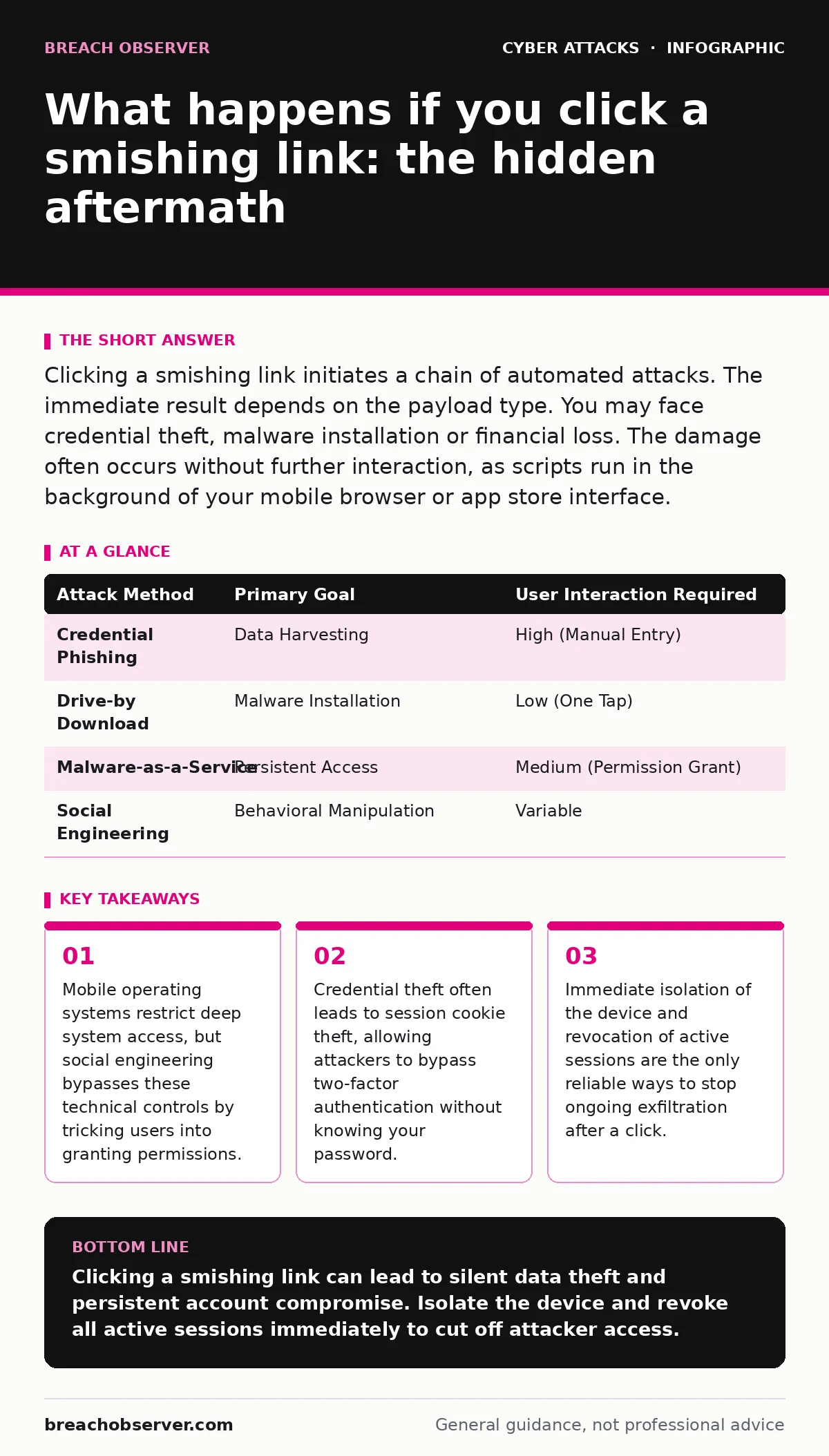
Clicking a smishing link initiates a chain of automated attacks. The immediate result depends on the payload type. You may face credential theft, malware installation or financial loss. The damage often occurs without further interaction, as scripts run in the background of your mobile browser or app store interface.
What happens if you click a smishing link
Clicking a smishing link triggers an immediate redirection to a hostile web server or a malicious application package download. The outcome depends entirely on the intent of the attacker and the technical capabilities of your device. In the most common scenario, the link directs you to a phishing page designed to mimic a trusted service. This page requests sensitive information such as login credentials, banking details or personal identification numbers. The moment you submit this data, it is transmitted to the attacker’s infrastructure for immediate exploitation or sale on underground markets.
In more advanced scenarios, the link initiates a drive-by download. This process attempts to install malicious software on your device without your explicit consent. While modern mobile operating systems have strong sandboxing mechanisms, vulnerabilities in browsers or outdated software can allow these payloads to execute. Once installed, this malware can monitor keystrokes, capture screenshots or intercept incoming messages, turning your device into a persistent threat vector for your contacts and accounts.
Does clicking the link immediately compromise your device?
No, simply clicking the link does not always result in immediate system compromise. Modern mobile platforms enforce strict permission models that prevent websites from accessing your file system or other apps without explicit user approval. However, the act of clicking confirms that your phone number is active and that you are responsive to messages. This confirmation increases the value of your contact information in the eyes of attackers, leading to more targeted and sophisticated follow-up attempts.
The real danger lies in what happens next. If the landing page asks for input, you are engaging with the attack. If the page attempts to download a file, your browser may block it, or it may prompt you to confirm the action. A single confirmation can override security warnings. Attackers often use urgent language to pressure you into bypassing these safety checks. The psychological pressure is the primary mechanism, not a technical exploit of your operating system.
How do attackers bypass mobile security features?
Attackers bypass mobile security by exploiting human trust rather than technical flaws. They use domain spoofing to create URLs that look nearly identical to legitimate services. This technique relies on the fact that most users do not inspect the full domain structure. For instance, a slight character change in a familiar brand name can redirect you to a malicious site that serves identical content. This is a form of DNS spoofing at the application layer, where the visual cues of trust are replicated perfectly.
Another method involves abusing legitimate app distribution channels. Attackers may create fake applications that mimic popular utilities or banking apps. These apps request excessive permissions, such as access to SMS messages or call logs. Once installed, they operate within the legitimate boundaries of the operating system, making them difficult to detect using standard antivirus tools. The permission model itself becomes the weapon, as the user voluntarily grants the attacker the keys to the kingdom.
| Attack Method | Primary Goal | User Interaction Required |
|---|---|---|
| Credential Phishing | Data Harvesting | High (Manual Entry) |
| Drive-by Download | Malware Installation | Low (One Tap) |
| Malware-as-a-Service | Persistent Access | Medium (Permission Grant) |
| Social Engineering | Behavioral Manipulation | Variable |
What is the role of session cookies in this attack?
Session cookies are small pieces of data stored by your browser that keep you logged into websites. When you click a smishing link and log in with your credentials, the attacker can also capture the session cookie. This allows them to impersonate you without needing your password or two-factor authentication code. This is known as session cookie theft. It is a critical bypass mechanism because it renders multi-factor authentication useless.
Even if you change your password immediately, the stolen session cookie may remain valid until it expires. The attacker can use this window to access your accounts, transfer funds or request sensitive data. This is why changing your password is not enough. You must also force a logout from all active sessions. This action invalidates existing cookies, ensuring that the attacker’s access is terminated. Without this step, the compromise persists regardless of your password strength.
Can your contacts be affected by your mistake?
Yes, your contacts can become secondary targets. If the smishing payload includes malware with SMS interception capabilities, the attacker can read your incoming verification codes. This allows them to reset passwords for your accounts by intercepting the one-time passcodes sent to your phone. Furthermore, the malware can send phishing messages from your number to your contacts. These messages appear trustworthy because they come from a known contact, increasing the likelihood of further infections.
This cascade effect turns your device into a distribution node for the attack. The attacker leverages your social graph to expand their reach. Your contacts may receive messages asking for urgent financial help or containing malicious links. This is a form of payroll diversion fraud at the interpersonal level, where trust is weaponised to facilitate broader compromise. Cleaning your device is not enough; you must notify your contacts to prevent further spread.
What immediate steps stop the damage?
Isolate the device from the network immediately. Turn on airplane mode to cut off data and Wi-Fi connections. This prevents the malware from sending stolen data or receiving further commands. Next, do not enter any passwords or PINs. If you have already entered credentials, assume they are compromised. Change your passwords from a different, clean device. Do not use the infected phone for this task, as keyloggers may be active.
Revoke active sessions for all critical accounts. This includes banking, email and social media platforms. Look for options to "log out of all devices" or "revoke active sessions." This invalidates any stolen session cookies. If you installed an application during the attack, uninstall it immediately. Check your device for any unknown apps or unusual battery drain, which can indicate background processes. If the infection persists, a factory reset may be necessary, but this should be a last resort after backing up only essential files, not apps.
How do you verify if a message is legitimate?
Never trust the sender ID or the content of the message alone. Attackers can spoof caller IDs and SMS sender names to match trusted organisations. Instead, verify the message through an independent channel. If a message claims to be from your bank, log in to your banking app or website directly using a bookmarked link. Do not click any links in the message. Check your account balance and recent transactions. If the message is legitimate, the bank will also notify you through their official app or website dashboard.
Look for generic greetings and urgent language. Legitimate organisations rarely ask for sensitive information via SMS. They also do not threaten immediate account closure or legal action. These tactics are designed to induce panic and bypass rational thought. If a message asks you to confirm personal details, it is almost certainly a scam. Treat any unsolicited message requesting action as hostile until proven otherwise through a separate, verified communication method.
What long-term habits prevent future smishing?
Adopt a zero-trust mindset for all incoming communications. Assume that any message containing a link or request for action is potentially malicious. Use web filtering solutions that block known malicious domains and warn about suspicious URLs. These tools add a layer of defence that operates in the background, reducing the reliance on user vigilance. Regularly update your operating system and applications to patch known vulnerabilities that drive-by downloads might exploit.
Educate yourself on the latest attack vectors. Attackers constantly evolve their techniques to bypass filters and user expectations. Understanding how these attacks work helps you recognise the subtle signs of compromise. For example, knowing about account lockout policies can help you understand why an attacker might flood your account with login attempts to trigger a reset email. By staying informed, you can anticipate threats rather than reacting to them.
Key takeaways
- Mobile operating systems restrict deep system access, but social engineering bypasses these technical controls by tricking users into granting permissions.
- Credential theft often leads to session cookie theft, allowing attackers to bypass two-factor authentication without knowing your password.
- Immediate isolation of the device and revocation of active sessions are the only reliable ways to stop ongoing exfiltration after a click.
Clicking a smishing link can lead to silent data theft and persistent account compromise. Isolate the device and revoke all active sessions immediately to cut off attacker access.
Frequently asked questions
Can a smishing link steal my money directly from my bank account?
No, the link itself cannot access your bank account. However, if you enter your login details on the phishing site, the attacker can use those credentials to transfer funds.
Is deleting the SMS message enough to stop the attack?
No, deleting the message does not remove any malware that may have been installed or invalidate any session cookies that were stolen. You must take further technical steps.
Can I trust a message from a known contact containing a link?
No, your contact’s device may be compromised. The message could be sent automatically by malware without their knowledge. Always verify the request through a different communication channel.
Do two-factor authentication codes protect me from smishing?
They provide some protection, but not complete safety. If the attacker steals your session cookie or intercepts your SMS codes via malware, two-factor authentication can be bypassed.
How this guide was produced: written by the Breach Observer editorial team with AI assistance, checked against the public references listed below, and reviewed when the facts change. See our editorial policy or report an error.