
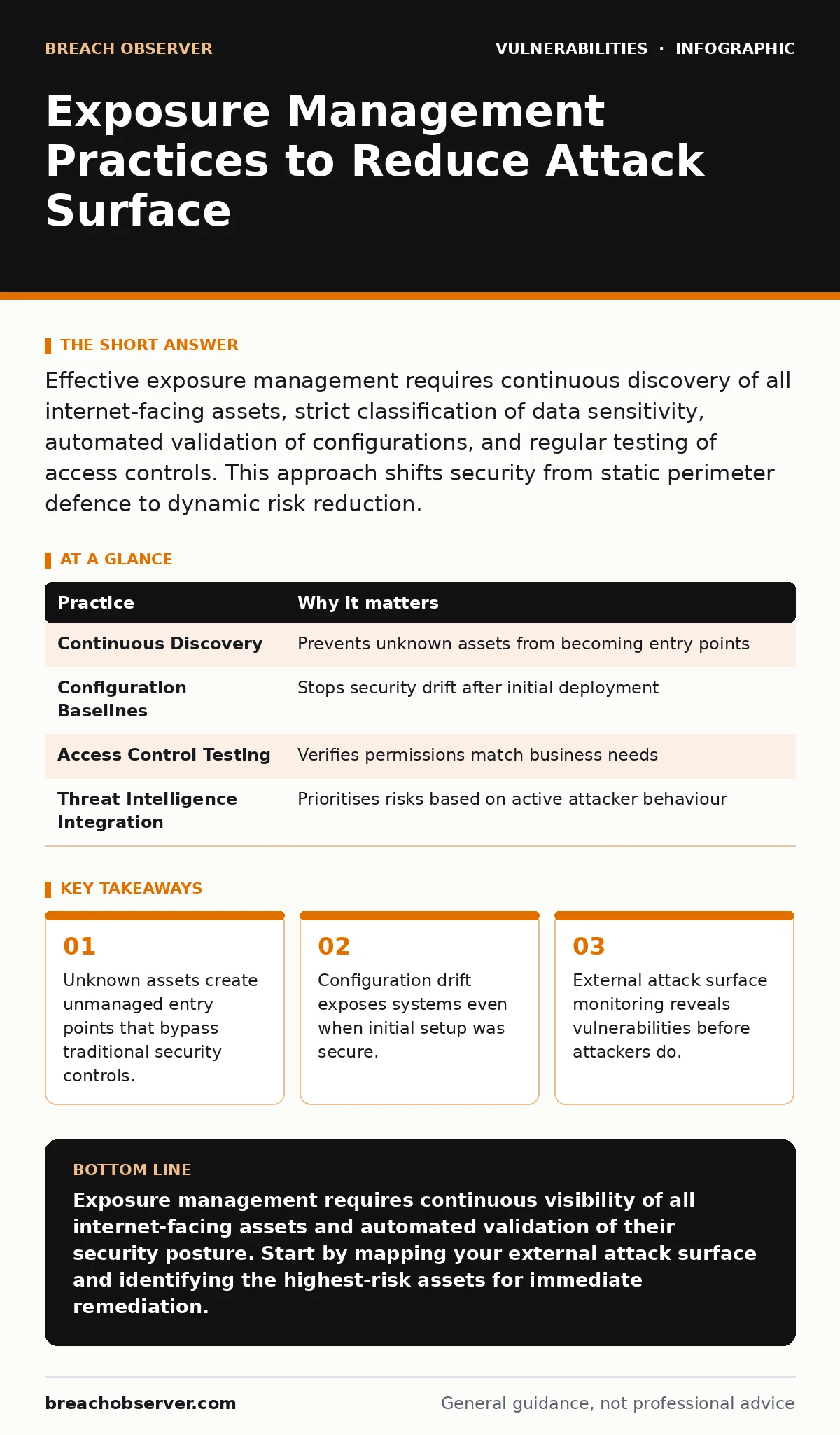
Effective exposure management requires continuous discovery of all internet-facing assets, strict classification of data sensitivity, automated validation of configurations, and regular testing of access controls. This approach shifts security from static perimeter defence to dynamic risk reduction.
Defining the Attack Surface Boundary
Traditional security focuses on protecting known systems within a defined network perimeter. This approach fails when attackers exploit assets outside that perimeter. Exposure management shifts the focus to every asset visible from the internet. You must identify what exists, how it is configured, and who can access it. This includes cloud instances, APIs, and legacy systems that may have been forgotten. The goal is to reduce the number of points an attacker can use to enter your environment.
Imagine a company that secures its main website but leaves an old development server exposed. Attackers often scan for these overlooked assets first. They use automated tools to find open ports and default credentials. Once inside, they move laterally to reach valuable data. By defining the boundary clearly, you eliminate these blind spots.
Continuous Asset Discovery
Static inventories become outdated quickly. New assets are deployed daily, and old ones are rarely decommissioned properly. You need a system that continuously scans the internet for assets associated with your organisation. This includes domains, IP addresses, and cloud storage buckets. The tool must detect changes in real time. If a new server appears, it should be flagged immediately. This ensures you are not defending a list that no longer matches reality.
Many teams rely on internal IT systems for asset lists. These systems often miss shadow IT or personal devices used for work. An external view reveals the true picture. It shows what the internet sees, not what you think exists.
| Practice | Why it matters |
|---|---|
| Continuous Discovery | Prevents unknown assets from becoming entry points |
| Configuration Baselines | Stops security drift after initial deployment |
| Access Control Testing | Verifies permissions match business needs |
| Threat Intelligence Integration | Prioritises risks based on active attacker behaviour |
Validating Configuration Standards
Deploying a system securely is only the first step. Configurations change over time due to updates, patches, or manual adjustments. These changes can introduce vulnerabilities. You must establish a baseline for each type of asset. Then, continuously compare current configurations against that baseline. Any deviation should trigger an alert. This includes open ports, disabled security features, or outdated software versions.
Consider a web server that was hardened correctly. A routine update re-enables a debugging feature. An attacker exploits this feature to gain remote access. Without continuous validation, this change goes unnoticed. Regular checks ensure that security standards are maintained throughout the asset's lifecycle.
Assessing External Reachability
Not all assets need to be accessible from the internet. Some systems are exposed by mistake or for convenience. You must assess whether each asset truly needs external access. If it does not, block it at the network level. Use firewalls and access control lists to restrict traffic. Only allow connections from trusted sources. This reduces the number of targets available to attackers.
For assets that must be public, limit the services exposed. Disable unnecessary ports and protocols. Use application firewalls to filter malicious traffic. This approach, known as least privilege, ensures that only required functionality is available. It minimises the impact of a potential breach.
Integrating Threat Intelligence
Knowing your assets is not enough. You must understand how attackers are targeting similar systems. Threat intelligence provides context for your exposure data. It highlights which vulnerabilities are being exploited in the wild. This allows you to prioritise remediation efforts. Focus on the risks that pose the greatest immediate danger.
Integrate this intelligence with your exposure management platform. Automatically flag assets that match known threat patterns. This shifts your response from reactive to proactive. You address weaknesses before they are exploited.
See also: Vendor Patch Cycles: Why Timing Dictates Your Security Posture · Detection Engineering: A Practical Step-by-Step Implementation Plan
Automating Remediation Workflows
Identifying a vulnerability is useless if it is not fixed. Manual processes are slow and prone to error. You need automated workflows to assign and track remediation tasks. When a risk is detected, create a ticket automatically. Assign it to the correct team based on asset ownership. Set deadlines based on severity.
Track the progress of each fix. Escalate issues that are not resolved in time. This ensures that exposure is reduced consistently. Automation prevents tasks from being lost in busy inboxes. It creates accountability for every identified risk.
Reviewing Access Control Policies
Even if an asset is secure, incorrect access controls can lead to breaches. You must regularly review who can access each system. Remove permissions that are no longer needed. Ensure that multi-factor authentication is enforced for all administrative accounts. Test these controls periodically to verify they work as expected.
See our guide on broken access control for detailed techniques on securing permissions. Weak access controls are a common cause of data leaks. Regular reviews prevent privilege creep and ensure that only authorised users can interact with sensitive systems.
Monitoring for Subdomain Risks
Subdomains are often overlooked in security planning. They can be used to host malicious content or phishing pages. Attackers register subdomains to mimic your brand. You must monitor all registered subdomains. Ensure that DNS records are correctly configured. Remove any unused subdomains to prevent subdomain takeover attacks.
Suppose an employee leaves the company and their personal subdomain is not removed. An attacker registers the domain and hosts a phishing site. Users trust the subdomain because it matches your brand. Continuous monitoring detects these risks early. It allows you to reclaim or disable compromised subdomains quickly.
Key takeaways
- Unknown assets create unmanaged entry points that bypass traditional security controls.
- Configuration drift exposes systems even when initial setup was secure.
- External attack surface monitoring reveals vulnerabilities before attackers do.
Exposure management requires continuous visibility of all internet-facing assets and automated validation of their security posture. Start by mapping your external attack surface and identifying the highest-risk assets for immediate remediation.
Frequently asked questions
How often should I scan my external attack surface?
Scans should run continuously or at least daily to detect new assets and configuration changes in real time.
What is the difference between exposure management and vulnerability management?
Vulnerability management focuses on known flaws in software, while exposure management covers all external assets and their configurations, including unknown devices.
Can exposure management prevent all cyber attacks?
No, it reduces the attack surface and helps prioritise risks, but it does not eliminate all vulnerabilities or insider threats.
How do I handle assets I do not own but are associated with my brand?
Monitor these assets for malicious activity and use legal channels to request removal or takedown if they are being used for phishing.
How this guide was produced: written by the Breach Observer editorial team with AI assistance, checked against the public references listed below, and reviewed when the facts change. See our editorial policy or report an error.