
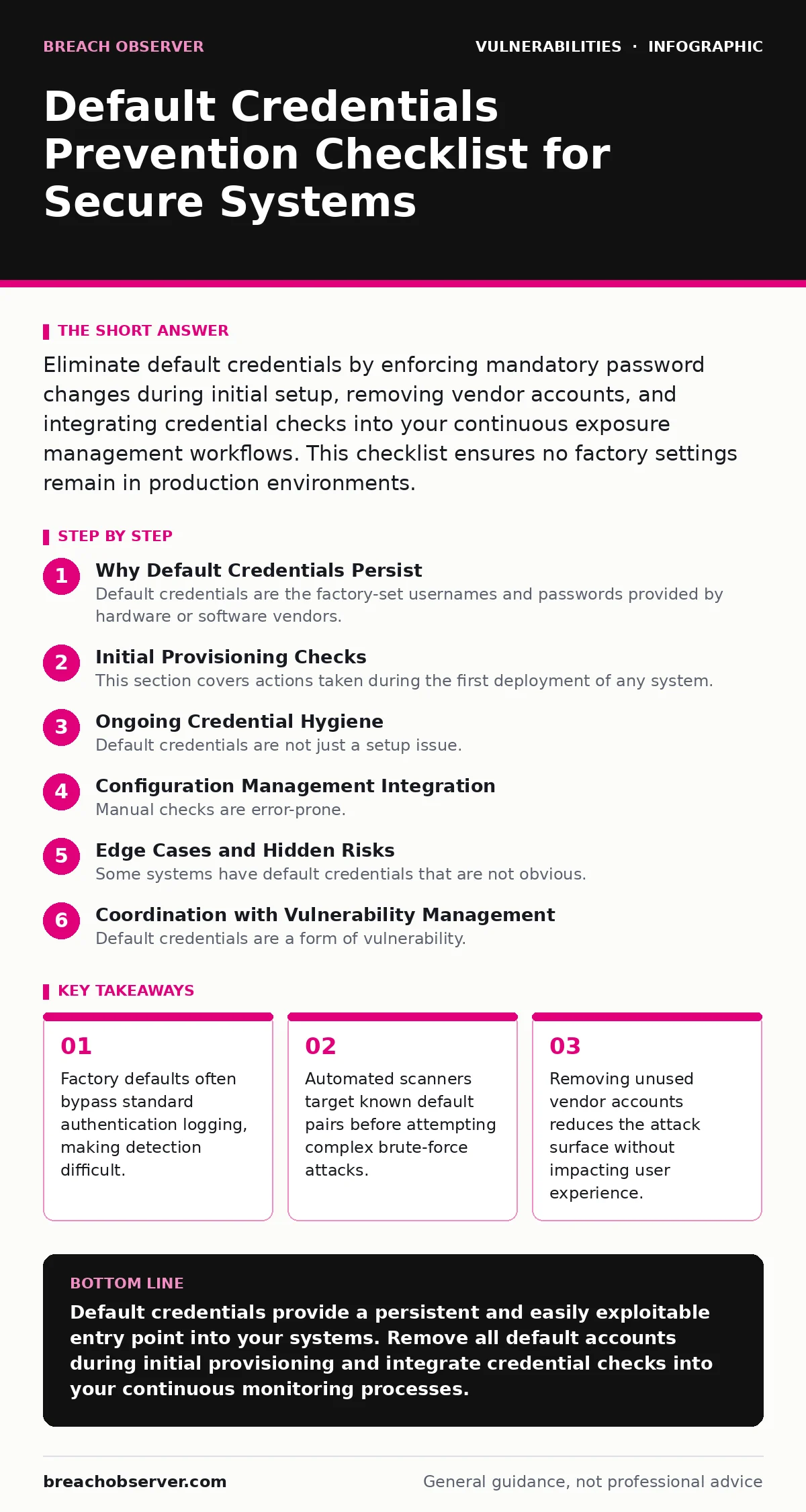
Eliminate default credentials by enforcing mandatory password changes during initial setup, removing vendor accounts, and integrating credential checks into your continuous exposure management workflows. This checklist ensures no factory settings remain in production environments.
Why Default Credentials Persist
Default credentials are the factory-set usernames and passwords provided by hardware or software vendors. These settings allow initial configuration but often remain active if administrators neglect to change them. Many systems allow the default account to coexist with new administrative accounts. This creates a hidden backdoor that bypasses standard security policies.
The default account may not be subject to multi-factor authentication or password complexity rules. Attackers target these known pairs because they require no guessing. The persistence of these accounts stems from a false sense of security. Administrators assume that changing their own password is sufficient. This assumption fails when the original vendor account remains valid.
Initial Provisioning Checks
This section covers actions taken during the first deployment of any system. These steps prevent default credentials from entering the production environment.
- Disable or delete the default administrative account immediately: removing the account eliminates the possibility of it being used later.
- Force a password change on first login: this ensures the initial credential is never used for actual operations.
- Verify that no other factory accounts exist: some systems have multiple default users for different roles.
- Check for hardcoded credentials in configuration files: scripts may embed default passwords for automated setup.
- Ensure the change process cannot be bypassed: some systems allow skipping the initial setup wizard.
Imagine a new server is deployed with a default root account. An attacker scans the network and finds this account. Because the password was never changed, the attacker gains full access. This scenario highlights the need for immediate action during provisioning. The speed of deployment often leads to skipping these checks.
Ongoing Credential Hygiene
Default credentials are not just a setup issue. They can reappear through updates or misconfigurations. Regular checks are necessary to maintain security.
- Audit accounts after major software updates: patches may reset or create new default accounts.
- Monitor for login attempts with known default pairs: this detects active scanning or forgotten accounts.
- Review service accounts for hardcoded passwords: application services may use default credentials for internal communication.
- Check backup systems for default access: backups often have separate access controls that are overlooked.
- Verify that deleted accounts are truly removed: some systems keep accounts in a disabled state rather than deleting them.
Configuration Management Integration
Manual checks are error-prone. Integrating credential checks into your configuration management tools ensures consistency. This approach scales with your infrastructure.
- Define baseline configurations without default credentials: this sets a standard for all new deployments.
- Use configuration drift detection: alerts when systems deviate from the secure baseline.
- Automate the removal of default accounts: scripts can enforce the deletion of vendor accounts.
- Document exceptions carefully: if a default account is kept, document why and how it is secured.
- Review access logs for default account usage: any activity from these accounts should trigger an alert.
This integration reduces the reliance on human memory. It ensures that security policies are applied consistently. The cost of integration is upfront effort. The benefit is long-term automation.
Edge Cases and Hidden Risks
Some systems have default credentials that are not obvious. These hidden risks require specific attention.
- Check firmware for embedded credentials: some hardware stores passwords in firmware that cannot be changed.
- Review API endpoints for default keys: APIs may have default authentication keys that are publicly known.
- Examine third-party plugins for default settings: plugins may introduce their own default credentials.
- Verify that sandbox environments are secure: test systems often use default credentials for convenience.
- Check for default credentials in documentation: public docs may reveal default settings for specific versions.
See also: Pre-authentication vulnerabilities: detection, exploitation and mitigation · Why Vulnerability Embargoes Matter for Security Operations
Coordination with Vulnerability Management
Default credentials are a form of vulnerability. They should be treated with the same rigor as software bugs. This coordination ensures that they are tracked and resolved.
- Add default credential checks to your penetration testing scope: testers should verify that default accounts are removed.
- Include default credentials in your coordinated vulnerability disclosure program: vendors should be notified if default credentials are found.
- Track default credential issues in your vulnerability database: this allows for prioritisation and remediation tracking.
- Review exposure management reports for default credentials: these reports highlight systems with known default access.
- Ensure out-of-band patches address default credential issues: urgent fixes should include credential changes.
This approach ensures that default credentials are not overlooked. They are treated as critical security issues. The coordination between teams improves overall security posture.
Final Verification Steps
Before closing the provisioning process, final checks ensure that no default credentials remain. These steps provide a final layer of assurance.
- Perform a final audit of all accounts: verify that no default accounts remain active.
- Test access with known default credentials: attempt to log in with default pairs to confirm they are blocked.
- Review logs for any default account activity: ensure that no default accounts were used during setup.
- Document the credential change process: record how and when default credentials were changed.
- Schedule regular reviews: set reminders to re-check for default credentials periodically.
Key takeaways
- Factory defaults often bypass standard authentication logging, making detection difficult.
- Automated scanners target known default pairs before attempting complex brute-force attacks.
- Removing unused vendor accounts reduces the attack surface without impacting user experience.
Default credentials provide a persistent and easily exploitable entry point into your systems. Remove all default accounts during initial provisioning and integrate credential checks into your continuous monitoring processes.
Frequently asked questions
How do I find default credentials for my systems?
Consult the vendor documentation for each system. Many vendors publish default credentials in their setup guides or support pages.
Can default credentials be changed instead of removed?
Changing the password is better than leaving it default, but removing the account is more secure. It eliminates the risk of the account being re-enabled or misconfigured.
What if a system requires a default account for operation?
If the account is required, disable it when not in use. Ensure it has strong authentication and is monitored for any activity.
How often should I check for default credentials?
Check during every provisioning process and after any major updates. Automated checks should run continuously to detect new instances.
How this guide was produced: written by the Breach Observer editorial team with AI assistance, checked against the public references listed below, and reviewed when the facts change. See our editorial policy or report an error.