
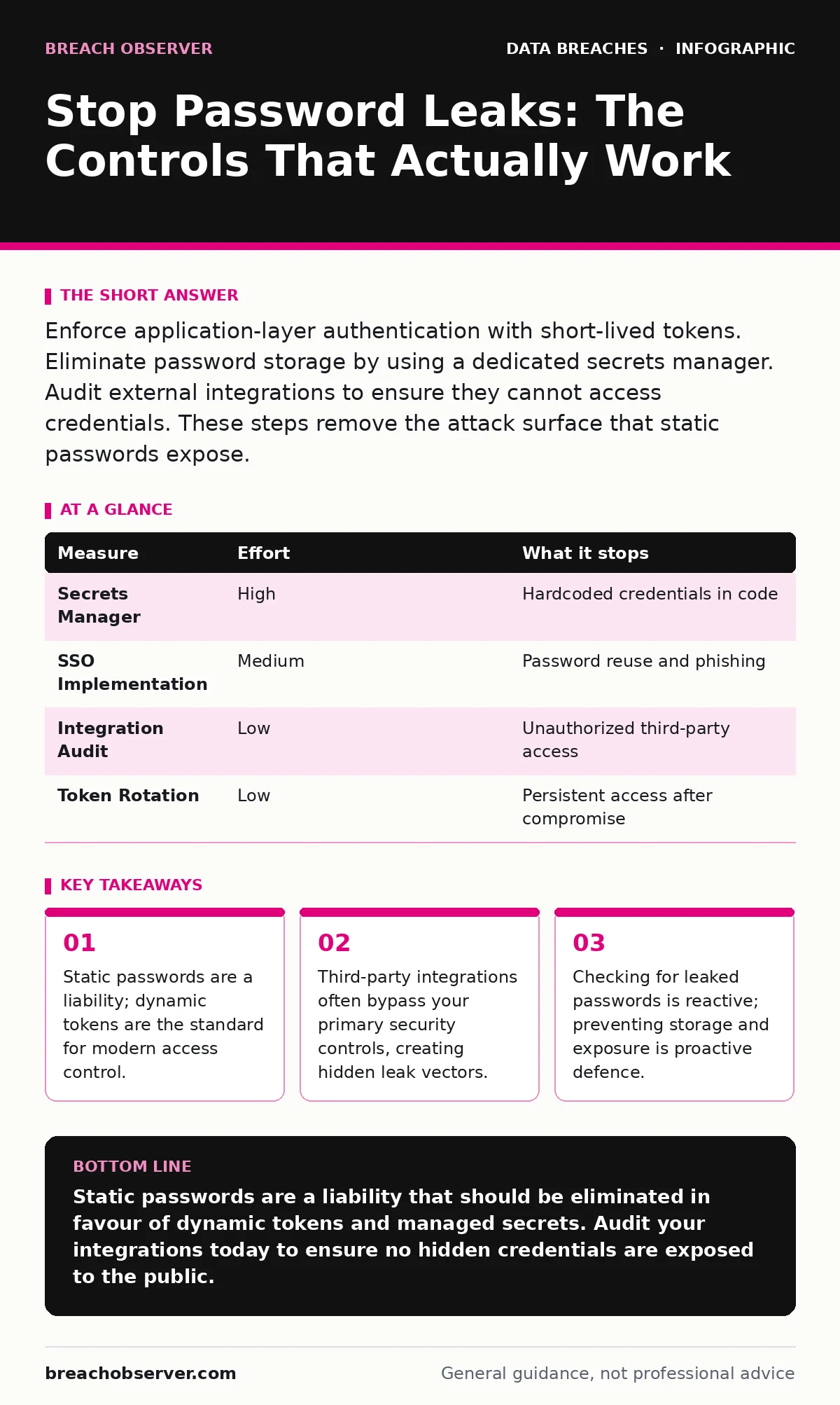
Enforce application-layer authentication with short-lived tokens. Eliminate password storage by using a dedicated secrets manager. Audit external integrations to ensure they cannot access credentials. These steps remove the attack surface that static passwords expose.
The Myth of Password Security
You cannot secure a password. You can only secure the system that validates it. When you store a password, you create a high-value target. Attackers do not care about the password itself; they care about the access it grants. The goal is to remove the password from the equation entirely.
Most organisations treat passwords as the primary line of defence. This is a fundamental error. Passwords are easily compromised through reuse, phishing, and database theft. Once a password is in the wild, it remains there. You must shift your focus from protecting the secret to limiting the value of the secret.
Eliminate Static Credentials
The most effective way to prevent password leaks is to stop using passwords for machine-to-machine communication. Use API keys, certificates, or OAuth tokens instead. These mechanisms allow for granular permission control and immediate revocation.
If a password is compromised, an attacker has persistent access until you change it. If an API key is compromised, you revoke it in seconds. This reduces the window of exposure. For human users, implement single sign-on (SSO) with multi-factor authentication. This centralises identity management and removes the need for users to remember complex strings.
Audit Third-Party Integrations
Your internal network is not your perimeter. Third-party applications, plugins, and integrations often require credentials to function. These credentials are frequently stored in configuration files, environment variables, or code repositories.
Imagine a marketing tool that connects to your customer database. If the tool’s API key is leaked, the attacker accesses your data. You must map every integration and verify how credentials are stored. Use a data inventory and mapping exercise to identify where secrets live.
| Measure | Effort | What it stops |
|---|---|---|
| Secrets Manager | High | Hardcoded credentials in code |
| SSO Implementation | Medium | Password reuse and phishing |
| Integration Audit | Low | Unauthorized third-party access |
| Token Rotation | Low | Persistent access after compromise |
Implement Secrets Management
Hardcoding credentials in source code is a common mistake. Developers often commit passwords to version control systems. Once committed, these secrets are visible to anyone with repository access. They remain in the history even if deleted later.
Use a dedicated secrets manager. These tools encrypt secrets at rest and in transit. They provide APIs for applications to retrieve credentials dynamically. This ensures that no static password exists on your servers or in your code. It also allows for automatic rotation, reducing the impact of any potential leak.
Restrict Data Access
Not every service needs full access to your data. Apply the principle of least privilege. If a service only needs to read user emails, it should not have access to payment details. This limits the damage if credentials are compromised.
Implement role-based access control (RBAC). Define specific roles with minimal permissions. Regularly review these roles to ensure they align with current business needs. This is closely related to data classification. If you do not know what data you have, you cannot protect it. Refer to our guide on data classification for best practices.
See also: Family Password Managers: 7 Setup Mistakes That Leak Data · Data Exfiltration: How Attackers Steal Information and How to Stop It
Monitor for Anomalies
Prevention is not enough. You must detect when something goes wrong. Monitor for unusual access patterns, such as login attempts from new locations or at unusual times. Look for bulk data exports or repeated failed authentication attempts.
Set up alerts for these activities. Investigate them immediately. This does not prevent the leak, but it limits the exposure. Combine this with full disk encryption to protect data at rest. If an attacker gains physical access to a server, encryption ensures they cannot read the data. See our guide on full disk encryption for implementation details.
What Does Not Work
Checking for leaked passwords on breach databases is a reactive measure. It tells you what has already happened. It does not prevent future leaks. It also creates a false sense of security. Users may change their password, but if the system is still vulnerable, the new password will also be leaked.
Another common mistake is relying on firewalls to protect credentials. Firewalls control network traffic, not application logic. If an attacker tricks a user into revealing their password, the firewall cannot stop them. Phishing remains a primary vector for credential theft.
Closing Checklist
Use this checklist to assess your current posture. These actions provide immediate risk reduction.
- Audit all third-party integrations for hardcoded credentials.
- Implement a secrets manager for all application credentials.
- Review and restrict access permissions for all services.
Key takeaways
- Static passwords are a liability; dynamic tokens are the standard for modern access control.
- Third-party integrations often bypass your primary security controls, creating hidden leak vectors.
- Checking for leaked passwords is reactive; preventing storage and exposure is proactive defence.
Static passwords are a liability that should be eliminated in favour of dynamic tokens and managed secrets. Audit your integrations today to ensure no hidden credentials are exposed to the public.
Frequently asked questions
How often should I rotate API keys?
Rotate API keys regularly, ideally every ninety days or upon any change in personnel or service scope. Automation is key to maintaining this discipline without disrupting operations.
Is multi-factor authentication enough to prevent leaks?
No. MFA protects against password theft but not against session hijacking or compromised credentials used in authorised contexts. It is one layer of defence, not a complete solution.
What is the best way to store passwords for users?
You should not store passwords. Use a single sign-on provider that handles identity verification. If you must store them, use a strong, adaptive hashing algorithm like Argon2 or bcrypt.
How do I find hardcoded secrets in my code?
Use automated scanning tools integrated into your development pipeline. These tools detect patterns resembling credentials and alert developers before code is merged. Combine this with regular manual audits.
How this guide was produced: written by the Breach Observer editorial team with AI assistance, checked against the public references listed below, and reviewed when the facts change. See our editorial policy or report an error.