
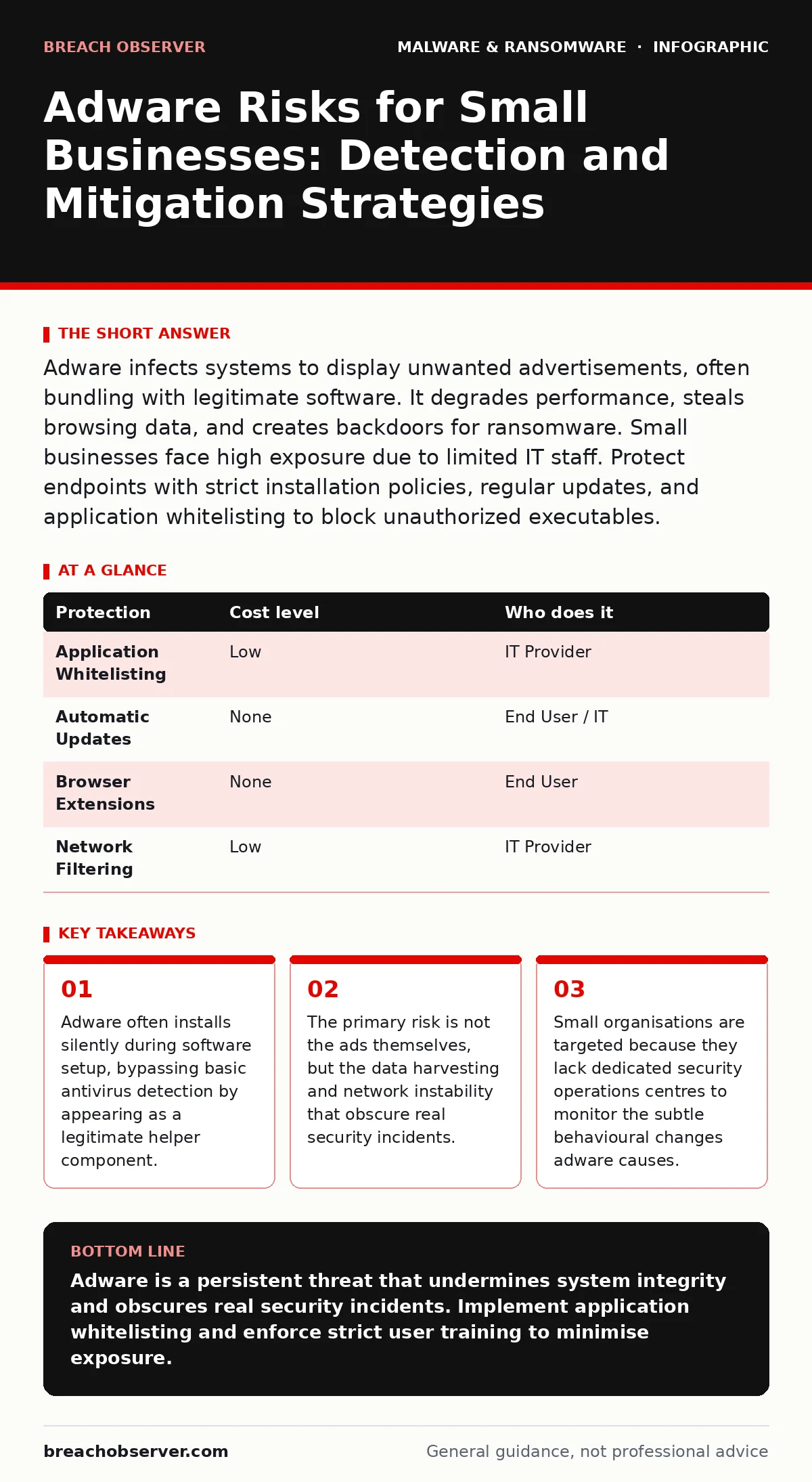
Adware infects systems to display unwanted advertisements, often bundling with legitimate software. It degrades performance, steals browsing data, and creates backdoors for ransomware. Small businesses face high exposure due to limited IT staff. Protect endpoints with strict installation policies, regular updates, and application whitelisting to block unauthorized executables.
Why Small Organisations Face Disproportionate Risk
Small organisations often lack the bandwidth to monitor every installation on every device. Adware exploits this gap by hiding in plain sight. It rarely arrives as a standalone malicious file. Instead, it bundles with legitimate software you need for daily work. This tactic is known as bundling. The installer presents a choice to install additional software, but the interface is designed to make you miss the opt-out option.
You might assume that using reputable software stores prevents this. That assumption is incorrect. Many popular free applications distribute adware through their official installers. The risk increases when employees have administrative privileges on their workstations. An admin account allows the adware to modify system files, install browser extensions, and change default search engines. These changes persist even after a reboot, making removal difficult without deep system knowledge.
The exposure is structural. Small teams often rely on a single IT provider for break-fix support. If that provider does not actively monitor for behavioural anomalies, adware can reside on the network for months. It drains bandwidth and CPU cycles, reducing productivity. More dangerously, it creates a baseline of "noisy" network traffic. When a real attack occurs, the security signals are buried under the constant chatter of adware tracking servers.
The Hidden Costs of Adware Infection
The visible symptom of adware is the advertisement. The hidden cost is data leakage and system instability. Adware components often include keyloggers or screen scrapers. They record what you type and capture images of your screen. This data is sent to remote servers. For a small business, this means customer data, internal emails, and login credentials are at risk.
Adware also interferes with security tools. Some adware families disable real-time protection or modify firewall rules to allow their own traffic. This creates a blind spot. If you rely on standard antivirus scans, you may miss these modifications because the adware presents itself as a trusted helper. The system appears clean, but the security posture is compromised.
Consider the impact on remote work. Adware consumes significant upstream bandwidth. Video calls become pixelated. File uploads fail. The IT team spends hours troubleshooting connectivity issues that stem from a simple infection. This delay in identifying the root cause leads to frustrated staff and missed deadlines. The operational cost of downtime often exceeds the cost of proper security tooling.
Low-Cost Protections for Limited Budgets
You do not need expensive enterprise suites to mitigate adware. Several low-cost measures provide significant protection. The first step is implementing application control. This restricts which programs can run on your devices. By whitelisting only approved applications, you block adware from executing, even if it is installed.
Regular software updates are non-negotiable. Adware often exploits known vulnerabilities in outdated software. Enable automatic updates for operating systems and critical applications. If automatic updates are disabled, schedule a weekly maintenance window to apply patches. This closes the doors adware uses to enter your system.
Browser hygiene is another critical layer. Use a browser that supports strict tracking prevention. Configure it to block third-party cookies and scripts. Install a reputable ad-blocking extension, but ensure it is kept up to date. These extensions filter out the networks adware uses to deliver ads and collect data. They act as a shield at the point of entry.
| Protection | Cost level | Who does it |
|---|---|---|
| Application Whitelisting | Low | IT Provider |
| Automatic Updates | None | End User / IT |
| Browser Extensions | None | End User |
| Network Filtering | Low | IT Provider |
What to Ask an IT Provider
Your IT provider is your first line of defence. However, not all providers offer the same level of security expertise. You must verify their capabilities explicitly. Do not assume that standard maintenance includes adware removal or prevention. Ask specific questions about their monitoring and response procedures.
Request a demonstration of their endpoint detection capabilities. Can they see when a new executable runs? Can they distinguish between a legitimate update and an adware installer? If they rely solely on signature-based antivirus, you are vulnerable to new adware variants. You need behavioural analysis that detects suspicious actions, such as a browser modifying system files.
Ask about their patch management strategy. How quickly do they apply security updates to your fleet? Do they test updates in a staging environment before deployment? Delays in patching leave your systems exposed to known exploits. A provider who cannot guarantee timely updates is a liability, not an asset.
- Does your provider monitor for behavioural anomalies, not just known virus signatures?
- What is the average time to detect and remove adware from an infected endpoint?
- Do they provide regular reports on installation attempts that were blocked?
- How do they manage administrative privileges to prevent unauthorized software installation?
The Role of User Awareness
Technology alone cannot stop adware. Users must understand the risks of clicking "Next" without reading. Training should focus on the mechanics of bundling. Explain that free software often has a cost, and that cost is your data. Teach staff to look for custom installation options.
Encourage a culture of verification. If a colleague recommends a tool, verify it through official channels before downloading. Do not accept installers from personal email or instant messages. Use only the corporate software portal or approved repositories. This reduces the attack surface significantly.
Remind users that ads are not just annoying; they are indicators of compromise. If a computer starts displaying pop-ups, even outside the browser, report it immediately. Early reporting allows the IT team to isolate the device before the adware spreads or installs more dangerous payloads.
Integration with Broader Security Practices
Adware protection does not exist in a vacuum. It must align with your broader security strategy. For instance, if adware compromises a device, your disaster recovery plans must account for data loss from that endpoint. Ensure backups are frequent and isolated from the network.
Mobile devices are also vulnerable. Malicious mobile apps often use similar bundling tactics as desktop adware. Apply the same scrutiny to app stores as you do to desktop software repositories. Check permissions and reviews before installing.
Internet of Things devices can also be vectors. IoT malware often spreads through weak credentials and outdated firmware. Adware on a smart TV or printer can pivot to your main network. Segment your network to isolate these devices from sensitive business systems.
Cleaning Up and Preventing Recurrence
If adware is detected, quick action is required. Standard removal tools may not catch all components. You may need to reimaging infected computers to ensure a clean state. This is time-consuming but necessary. A partially cleaned system is still a risk.
Use golden images for deployment. These are pre-configured system images that include only approved software. By deploying from a known good state, you eliminate the risk of adware being installed during the initial setup. It ensures consistency and security across all devices.
Be wary of software downloads from third-party sites. Malicious PyPI packages and other open-source repositories can contain hidden adware or malware droppers and loaders. These components install the main malicious payload later. Verify the integrity of all downloaded packages using checksums and digital signatures.
Key takeaways
- Adware often installs silently during software setup, bypassing basic antivirus detection by appearing as a legitimate helper component.
- The primary risk is not the ads themselves, but the data harvesting and network instability that obscure real security incidents.
- Small organisations are targeted because they lack dedicated security operations centres to monitor the subtle behavioural changes adware causes.
Adware is a persistent threat that undermines system integrity and obscures real security incidents. Implement application whitelisting and enforce strict user training to minimise exposure.
Frequently asked questions
Can adware turn into ransomware?
Adware itself does not encrypt files, but it often installs backdoors that allow attackers to deploy ransomware later. The initial infection weakens your defences.
Is adware the same as spyware?
Adware displays advertisements, while spyware secretly collects data. However, many adware packages include spyware components, blurring the line between the two.
How do I know if I have adware?
Look for sudden changes in browser homepage, new toolbars, or pop-ups appearing outside the browser. Unexplained slowdowns and high network usage are also signs.
Does firewalls stop adware?
Firewalls can block some adware communication, but they do not prevent installation. Adware often uses standard web ports, which firewalls allow by default.
How this guide was produced: written by the Breach Observer editorial team with AI assistance, checked against the public references listed below, and reviewed when the facts change. See our editorial policy or report an error.