
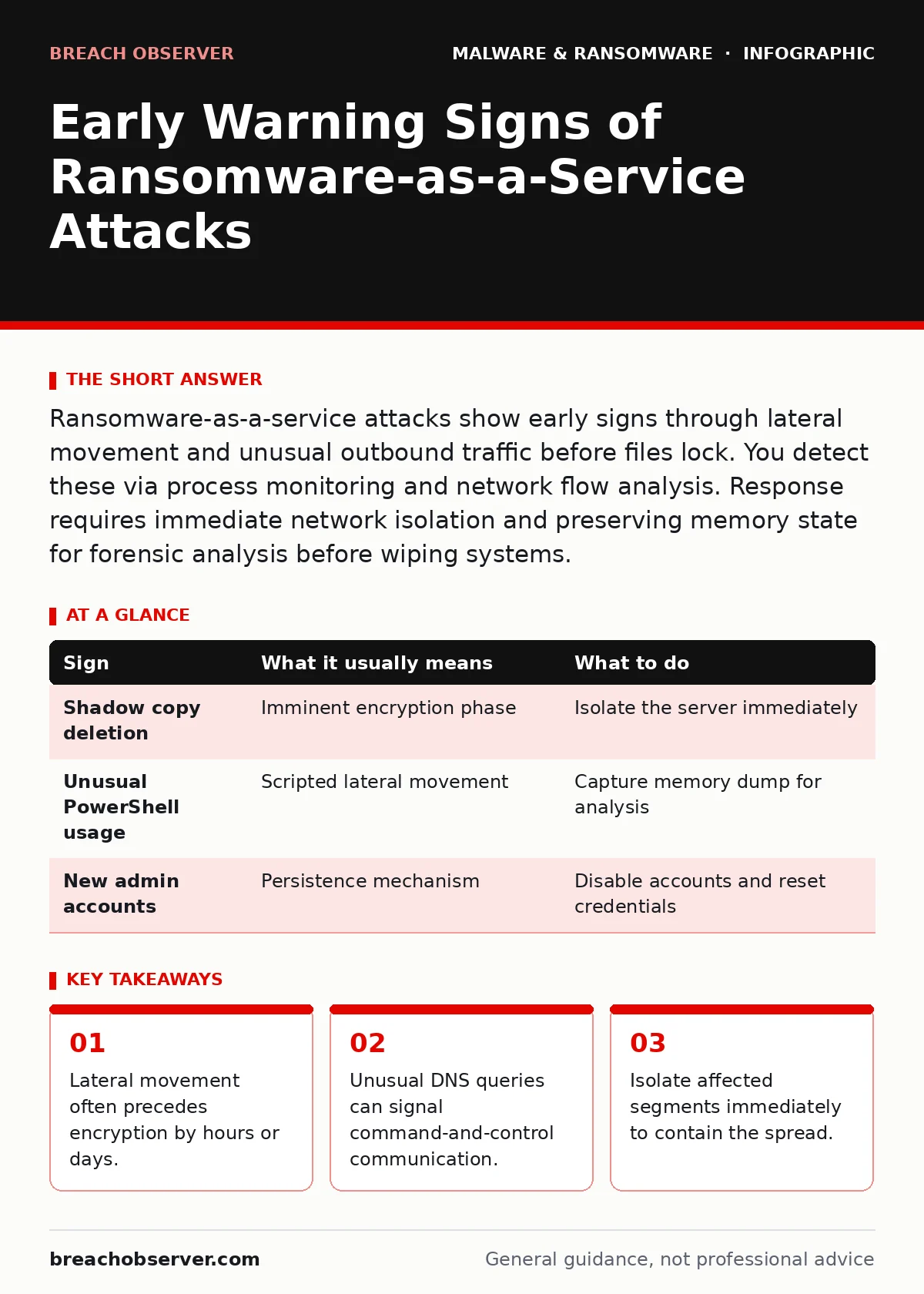
Ransomware-as-a-service attacks show early signs through lateral movement and unusual outbound traffic before files lock. You detect these via process monitoring and network flow analysis. Response requires immediate network isolation and preserving memory state for forensic analysis before wiping systems.
Recognising Initial Access Indicators
Ransomware-as-a-service (RaaS) operates like a criminal franchise. Affiliates gain initial access, often through phishing or exposed remote desktop services. You may notice failed login attempts from unusual geolocations. These attempts are not always successful. The attacker may be testing credentials. Look for multiple failures from a single source IP within a short timeframe. This pattern differs from a single mistyped password. It suggests automated credential stuffing or brute-force tools.
Detecting Lateral Movement Patterns
Once inside, the attacker moves laterally to find sensitive data. This movement is often silent. You might see unexpected connections between workstations and file servers. Standard endpoint protection may not flag this as malicious. It is simply administrative activity. However, if a standard user account accesses a domain controller, that is abnormal. Monitor for service principal name changes. These changes can indicate the attacker is mimicking legitimate services to move undetected.
Identifying Data Staging Behaviours
Before encryption, RaaS affiliates often exfiltrate data for double extortion. This creates heavy outbound traffic. You may see large data transfers to unknown cloud storage buckets. These transfers often occur during off-hours to avoid detection. Look for unusual spikes in bandwidth usage. Check for new cloud storage accounts created recently. These accounts may have weak permissions. The attacker uses them to store stolen data before demanding payment.
Spotting File System Anomalies
File system changes are often the first visible sign. You may notice files being renamed or permissions altered. Attackers often disable shadow copies to prevent recovery. This generates event logs on the affected server. Look for Volume Shadow Copy Service deletions. These actions are destructive and irreversible. They signal that encryption is imminent. Do not wait for files to lock. Act when you see shadow copies being removed.
| Sign | What it usually means | What to do |
|---|---|---|
| Shadow copy deletion | Imminent encryption phase | Isolate the server immediately |
| Unusual PowerShell usage | Scripted lateral movement | Capture memory dump for analysis |
| New admin accounts | Persistence mechanism | Disable accounts and reset credentials |
Monitoring Process Execution Chains
RaaS affiliates use legitimate tools for malicious purposes. This is known as living off the land. You may see PowerShell or WMI executing unusual commands. These tools are standard on Windows systems. They do not trigger antivirus alerts. However, the parameters passed to them are often suspicious. Look for encoded commands or scripts downloading from remote URLs. These scripts often act as loaders. They fetch the actual ransomware payload from the internet.
See also: Incident Response Runbooks: 6 Common Misunderstandings Fixed · Implement a Threat Intelligence Program: Step-by-Step Execution
Analysing Network Traffic Anomalies
Network traffic patterns reveal hidden activity. RaaS affiliates use encrypted channels to communicate with command-and-control servers. You may see DNS queries for newly registered domains. These domains are often used for short periods. Look for DNS tunneling indicators. This involves encoding data within DNS queries. It allows the attacker to bypass firewalls. Monitor for high volumes of DNS requests to a single domain. This suggests data exfiltration or command retrieval.
Implementing Immediate Containment Steps
When you spot these signs, speed is critical. Isolate the affected network segment. Do not shut down the machine immediately. You need to preserve memory for forensic analysis. Shutting down destroys volatile memory. This memory contains encryption keys and process details. Capture a memory dump before powering off. Then, disconnect the device from the network. This prevents the malware from spreading to other systems.
Reimaging infected computers is often necessary after containment. You cannot trust the operating system once malware has established persistence. Use golden images for rapid deployment. These are pre-configured, clean system images. They allow you to restore functionality quickly. Do not restore from backups that were taken after the initial infection. These backups may contain the malware. Verify backup integrity before restoration.
Removing malware from a Mac requires different tools. macOS has its own security mechanisms. Ransomware on macOS often targets Time Machine backups. Check for modified backup configurations. Disable remote login if it was enabled. Review user account privileges. Ensure only necessary users have administrative rights. This limits the damage an attacker can do.
Key takeaways
- Lateral movement often precedes encryption by hours or days.
- Unusual DNS queries can signal command-and-control communication.
- Isolate affected segments immediately to contain the spread.
Frequently asked questions
How quickly should I respond to potential RaaS signs?
Respond within minutes. Lateral movement can spread across a network in under an hour. Delay allows the attacker to encrypt more data and exfiltrate sensitive information.
Can endpoint detection prevent RaaS attacks?
Endpoint detection helps but is not foolproof. RaaS affiliates use living off the land techniques that mimic legitimate activity. Combine endpoint detection with network monitoring for better visibility.
Why is memory forensics important in ransomware cases?
Memory contains encryption keys and process details not stored on disk. Analyzing memory can help decrypt files without paying the ransom. It also reveals the attack path used by the affiliate.
How do I know if my backups are safe?
Test backups regularly for integrity and cleanliness. Ensure backups are offline or immutable. Online backups can be encrypted by ransomware if the attacker gains access to the backup network.
How this guide was produced: written by the Breach Observer editorial team with AI assistance, checked against the public references listed below, and reviewed when the facts change. See our editorial policy or report an error.