
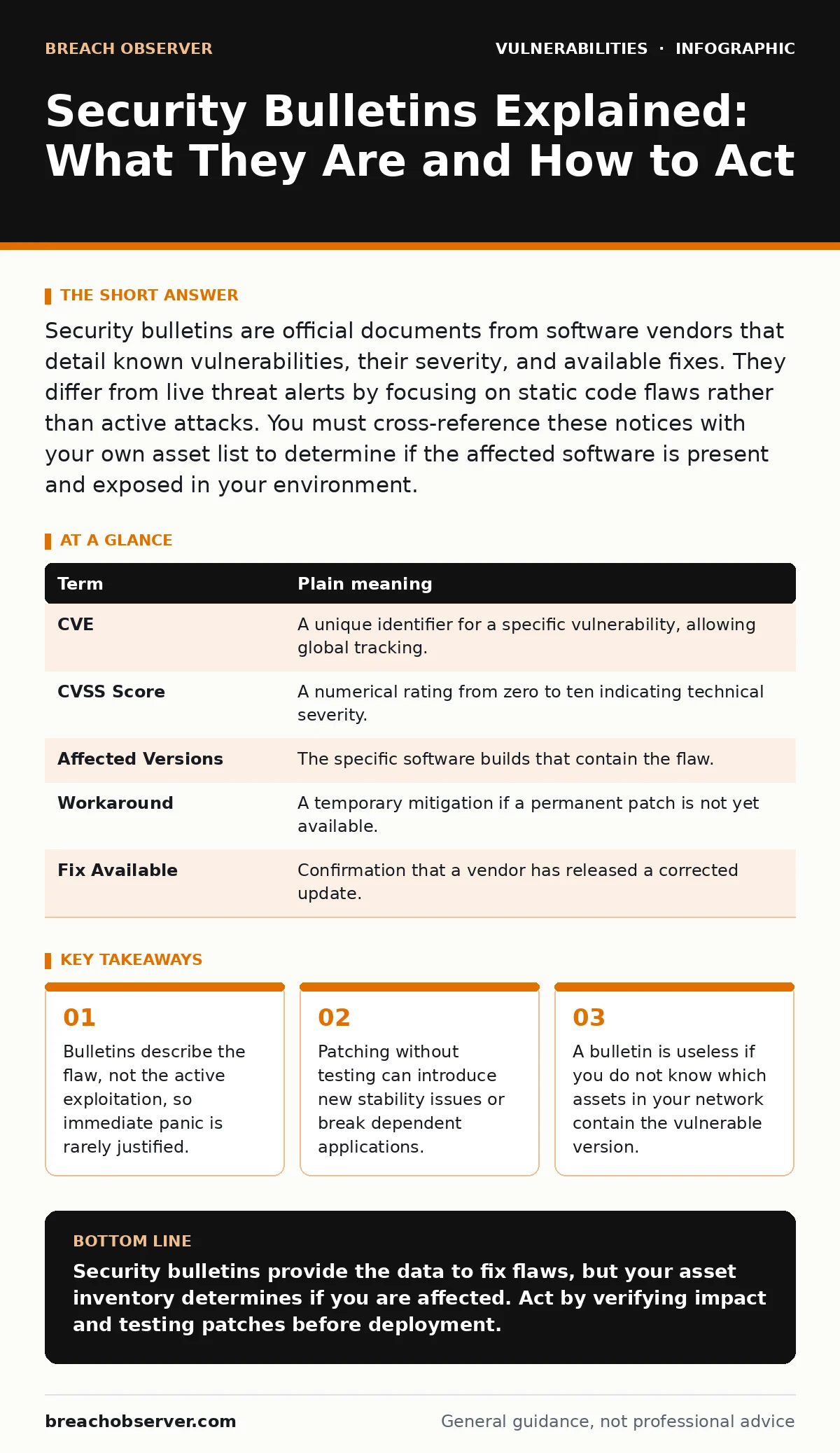
Security bulletins are official documents from software vendors that detail known vulnerabilities, their severity, and available fixes. They differ from live threat alerts by focusing on static code flaws rather than active attacks. You must cross-reference these notices with your own asset list to determine if the affected software is present and exposed in your environment.
The Building Inspection Report
Imagine you own a large office complex. A security bulletin is not a burglar currently picking the lock on your front door. The report explains the defect, the risk of collapse, and the procedure to reinforce the structure. It does not mean the building is falling down today. It means the potential for failure exists, and you have a documented method to reduce that risk.
This analogy holds because most vulnerabilities are latent. They sit in the code waiting for specific conditions to trigger them. The bulletin is the notification that the condition is possible. You do not evacuate the building because the report arrived. You schedule a maintenance window to fix the weld.
Defining the Core Components
To read these documents effectively, you must understand the specific language vendors use. These terms appear in almost every bulletin, regardless of the software type.
| Term | Plain meaning |
|---|---|
| CVE | A unique identifier for a specific vulnerability, allowing global tracking. |
| CVSS Score | A numerical rating from zero to ten indicating technical severity. |
| Affected Versions | The specific software builds that contain the flaw. |
| Workaround | A temporary mitigation if a permanent patch is not yet available. |
| Fix Available | Confirmation that a vendor has released a corrected update. |
Confusion often arises when readers see a high CVSS score and assume immediate danger. A score of nine indicates severe technical impact if exploited, but it does not account for whether the software is exposed to the internet or used internally. A high score on a server room tool is less risky than a medium score on a public-facing web server.
The Inventory Gap
The most common failure point is not the bulletin itself but the lack of context. You cannot act on a bulletin if you do not know what you have. This is why maintaining an accurate IT asset inventory is a prerequisite for security. If your inventory is outdated, you will either miss a critical patch or waste time patching systems that no longer exist.
Imagine receiving a report about a flaw in a specific brand of elevator. If you do not know which floors have those elevators, you cannot send a technician. You might guess, but guessing leads to missed risks. In cybersecurity, this gap allows attackers to exploit known flaws simply because the defenders are blind to their own infrastructure.
Severity vs Exploitability
A common mistake is treating all bulletins as equal. Some vulnerabilities require physical access to a machine. Others can be triggered by sending a specially crafted email. The bulletin will usually describe the attack vector. You must assess whether your environment matches that vector.
If a bulletin describes a flaw in a database engine that requires authentication, and your database is not accessible from the internet, the risk is lower. However, if that same database is exposed, the risk spikes. This is where understanding broken access control becomes relevant. Even if the code is patched, poor access controls can allow an attacker to reach the vulnerable component in the first place.
The Cost of Hasty Patching
Patching is not always the immediate next step. Applying a fix to a production system can introduce instability. This is known as regression. A patch might solve one flaw but break a dependent application. This is why you must test patches in a non-production environment first.
Consider the risk of end-of-life software. If you are running software that no longer receives updates, there will be no bulletin for new flaws. You are left with no official fix. In this case, you must isolate the system or replace it. Relying on bulletins for unsupported software is a false sense of security, as vendors will stop issuing them entirely.
See also: Pre-authentication vulnerabilities: detection, exploitation and mitigation · Why Vulnerability Embargoes Matter for Security Operations
Try This Now
- Locate the latest bulletin for your most critical application. Read the "Affected Versions" section carefully.
- Check your asset inventory to see if any systems run those specific versions.
- If a match is found, test the patch in a staging environment before deploying it to production.
Common Points of Confusion
Many teams confuse security bulletins with threat intelligence feeds. Bulletins are about the product's code. Threat intelligence is about attacker behaviour. They are related but distinct. A bulletin tells you the door is weak. Intelligence tells you someone is knocking.
Another confusion is the belief that a CVSS score predicts likelihood. It does not. It predicts impact. A flaw with a low score might be easily exploitable but cause minor damage. A high-score flaw might be hard to exploit but destroy the system if successful. You must weigh both factors.
Integrating with Broader Defences
Bulletins are one part of a layered defence. They do not replace the need for secure coding practices. If developers understand how command injection works, they can write code that is less susceptible to such flaws in the first place. Similarly, knowing about file upload vulnerabilities helps you configure servers to reject dangerous file types, reducing the attack surface even if a bulletin is delayed.
Imagine a building with weak beams. Reinforcing them is good. But installing alarms and guards provides additional protection. Bulletins are the reinforcement. Other security measures are the alarms. You need both to maintain a secure posture.
Key takeaways
- Bulletins describe the flaw, not the active exploitation, so immediate panic is rarely justified.
- Patching without testing can introduce new stability issues or break dependent applications.
- A bulletin is useless if you do not know which assets in your network contain the vulnerable version.
Security bulletins provide the data to fix flaws, but your asset inventory determines if you are affected. Act by verifying impact and testing patches before deployment.
Frequently asked questions
How often should I check for security bulletins?
Set up automated subscriptions for critical software vendors. Review them weekly for standard tools and daily for internet-facing services.
What if a vendor does not release a patch?
Implement workarounds such as network segmentation or access restrictions. Consider replacing the software if the risk is too high.
Are all CVEs equally dangerous?
No. Context matters. A CVE on an internal-only tool is less dangerous than one on a public web server. Assess exposure, not just the score.
Can I ignore low-severity bulletins?
Review them. Low severity may mean low impact, but if the flaw is easily exploitable and widespread, it may still warrant attention.
How this guide was produced: written by the Breach Observer editorial team with AI assistance, checked against the public references listed below, and reviewed when the facts change. See our editorial policy or report an error.