
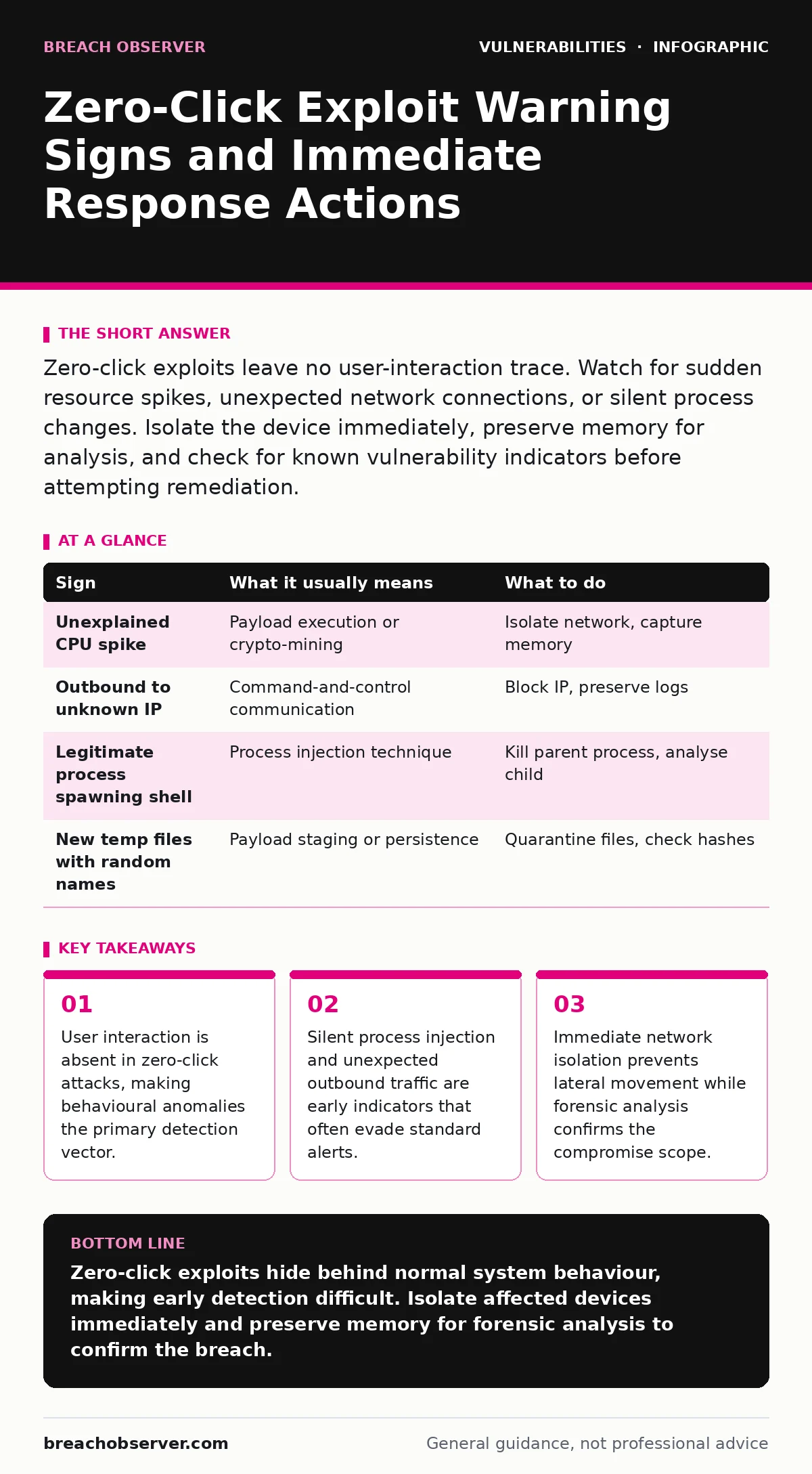
Zero-click exploits leave no user-interaction trace. Watch for sudden resource spikes, unexpected network connections, or silent process changes. Isolate the device immediately, preserve memory for analysis, and check for known vulnerability indicators before attempting remediation.
Identifying the First Visible Anomalies
Zero-click exploits execute code without requiring the victim to click a link or open a file. The initial signs are often subtle system deviations rather than overt malware alerts. You will notice sudden spikes in CPU or memory usage that do not correlate with active applications. These resource drains occur as the exploit payload establishes persistence or exfiltrates data.
Unexpected network connections appear in firewall logs without a corresponding user request. The device may initiate outbound traffic to unfamiliar IP addresses or ports. This behaviour indicates that the exploit has successfully executed and is communicating with a command-and-control server. Standard endpoint protection may not flag this if the traffic mimics legitimate protocols.
Overlooking the Silent Indicators
Many indicators of a zero-click compromise are easy to miss because they mimic normal system behaviour. Process injection allows malicious code to run within legitimate system processes, hiding from standard process lists. You must inspect the parent-child relationships of running processes to detect these anomalies. A legitimate browser process spawning a command shell is a strong red flag.
Silent file system changes are another hidden sign. New files may appear in temporary directories or system folders with random names. These files often lack standard extensions or possess unusual timestamps. Checking file integrity hashes against known good baselines reveals these modifications. Without regular baseline audits, these small changes remain invisible for weeks.
Immediate Containment Procedures
When you suspect a zero-click exploit, immediate isolation is the priority. Disconnect the affected device from the network to stop data exfiltration and lateral movement. Do not power off the device, as this destroys volatile memory evidence. Keep the system running to preserve the state of the exploit in RAM for forensic analysis.
Document the exact time and nature of the anomaly. Capture network logs, process lists, and memory dumps before any remediation steps. This evidence is critical for understanding the attack vector and scope. If you are unsure how to handle memory forensics, consult a specialist team before proceeding.
| Sign | What it usually means | What to do |
|---|---|---|
| Unexplained CPU spike | Payload execution or crypto-mining | Isolate network, capture memory |
| Outbound to unknown IP | Command-and-control communication | Block IP, preserve logs |
| Legitimate process spawning shell | Process injection technique | Kill parent process, analyse child |
| New temp files with random names | Payload staging or persistence | Quarantine files, check hashes |
Analysing the Exploit Mechanism
Zero-click exploits often target vulnerabilities in widely used software components, such as image parsers or messaging protocols. Understanding the specific vulnerability helps determine the scope of the breach. For instance, type confusion vulnerabilities allow an attacker to treat one data type as another, leading to memory corruption. Identifying the affected component guides your patching strategy.
Review your software versions against known vulnerability databases. Apply patches immediately to vulnerable components. If a patch is unavailable, implement virtual patching or application whitelisting to mitigate the risk. Regular dependency scanning can help identify vulnerable libraries before they are exploited.
Preventing Future Exploitation
Preventing zero-click exploits requires a defence-in-depth strategy. Minimise the attack surface by disabling unnecessary features and services. For example, disable automatic processing of media files in messaging applications where possible. Use application sandboxing to restrict the capabilities of potentially compromised processes.
Implement strict network segmentation to limit lateral movement. Even if an exploit succeeds, segmentation prevents the attacker from accessing critical systems. Monitor for unusual lateral traffic patterns between segments. Regular security assessments and penetration testing help identify weak points in your defences.
See also: Pre-authentication vulnerabilities: detection, exploitation and mitigation · Why Vulnerability Embargoes Matter for Security Operations
Integrating with Security Operations
Integrate zero-click detection into your broader security operations. Correlate endpoint telemetry with network logs to identify subtle anomalies. Use behavioural analytics to detect deviations from normal baseline activity. Automated alerting for specific indicators, such as unexpected process injections, reduces detection time.
Maintain an up-to-date inventory of all software and dependencies. This inventory allows you to quickly assess the impact of new vulnerabilities. Implement remediation tracking to ensure patches are applied promptly. Regular reviews of your security posture help identify gaps in your detection and response capabilities.
Key takeaways
- User interaction is absent in zero-click attacks, making behavioural anomalies the primary detection vector.
- Silent process injection and unexpected outbound traffic are early indicators that often evade standard alerts.
- Immediate network isolation prevents lateral movement while forensic analysis confirms the compromise scope.
Zero-click exploits hide behind normal system behaviour, making early detection difficult. Isolate affected devices immediately and preserve memory for forensic analysis to confirm the breach.
Frequently asked questions
Can antivirus software detect zero-click exploits?
Traditional antivirus often misses zero-click exploits because they execute before file creation. Behavioural analysis and endpoint detection and response are more effective.
How long do zero-click exploits take to execute?
Execution is typically instantaneous, occurring within milliseconds of the malicious data being processed by the vulnerable application.
What is the difference between zero-click and one-click exploits?
One-click exploits require user interaction, such as opening a file. Zero-click exploits execute automatically without any user action.
Should I disable all messaging apps?
No, but you should configure them to disable automatic media processing and keep them updated to mitigate known vulnerabilities.
How this guide was produced: written by the Breach Observer editorial team with AI assistance, checked against the public references listed below, and reviewed when the facts change. See our editorial policy or report an error.