
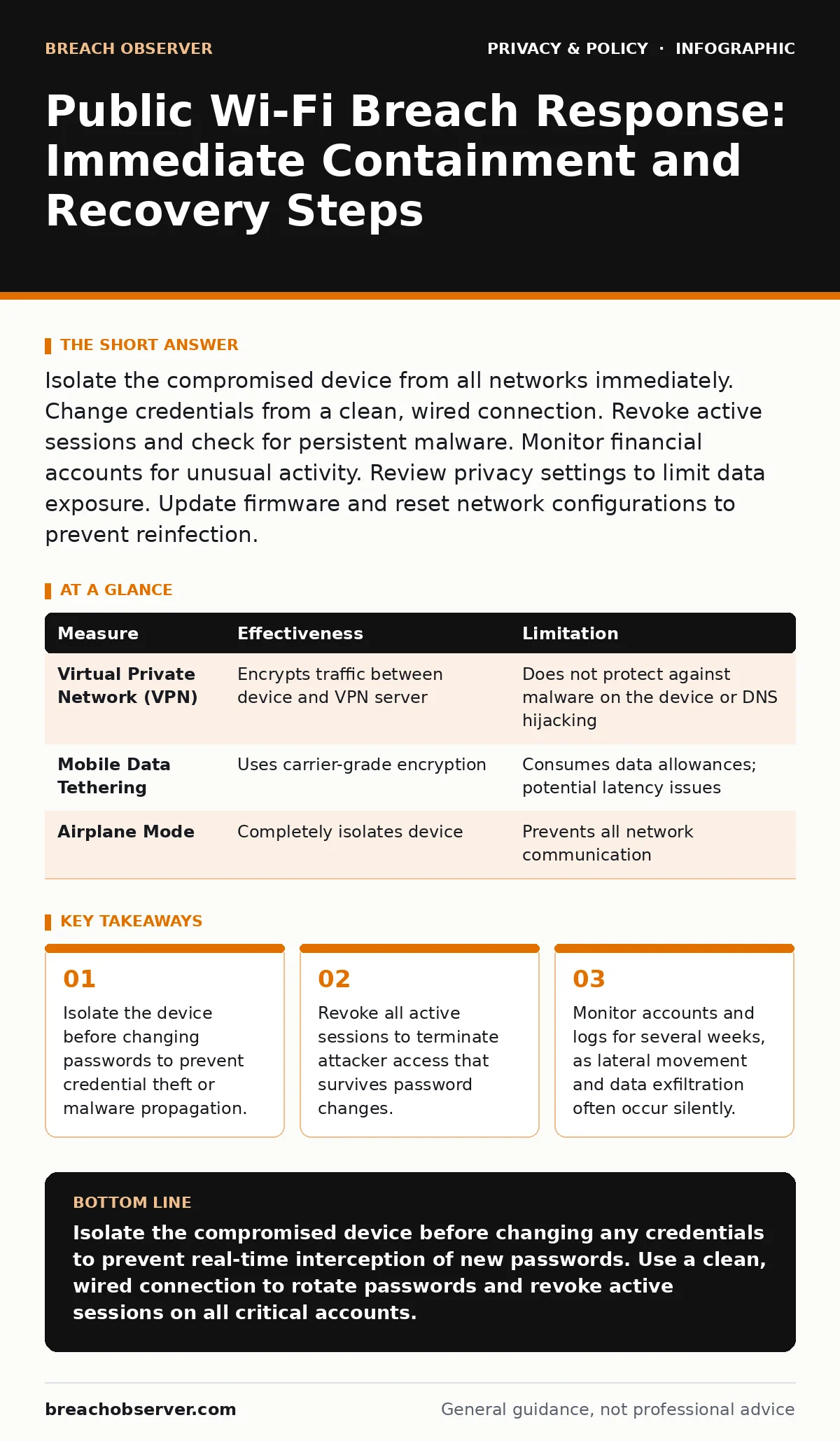
Isolate the compromised device from all networks immediately. Change credentials from a clean, wired connection. Revoke active sessions and check for persistent malware. Monitor financial accounts for unusual activity. Review privacy settings to limit data exposure. Update firmware and reset network configurations to prevent reinfection.
First hour
Imagine you notice unusual network traffic or a warning from your security software while connected to a café’s wireless network. Your immediate instinct is likely to panic and reset your primary email password. This reaction is counterproductive. The priority is containment, not remediation. You must sever the link between the compromised device and the hostile network environment.
- Disconnect the device from Wi-Fi immediately. Switch to mobile data if you must maintain connectivity, but treat the mobile connection as potentially compromised until verified.
- Power down Bluetooth and Near Field Communication (NFC) radios. These interfaces can be exploited for local data exfiltration or device pairing attacks.
- Identify which accounts were active during the exposure window. Note the time range and the applications used.
The goal of this phase is to stop the bleeding. You are not yet fixing the problem; you are ensuring the attacker cannot see what you do next. If the device is infected with keylogging malware, every keystroke you type, including new passwords, is being recorded. Isolating the device breaks the attacker’s line of sight.
First day
Once the device is isolated, you must remediate the exposure. Use a different, trusted device connected via a wired Ethernet cable to change critical credentials. Do not rely on wireless connections for this step. Start with your primary email account, as this is the master key to resetting all other services.
- Change the password for your primary email account. Enable multi-factor authentication if it is not already active.
- Revoke active sessions. Most major platforms allow you to see where your account is logged in. Terminate all sessions except the one you are currently using on the clean device. This forces any attacker holding a stolen session token to log out.
- Change passwords for financial accounts, cloud storage, and work-related systems.
This process addresses the immediate credential theft risk. However, it does not address malware that may have persisted on the original device. If you suspect a malicious executable was downloaded or installed, the device should be considered untrusted. For critical work, the safest option is to wipe the device and restore from a known-good backup.
First week
Recovery involves monitoring and hardening. Credential changes stop immediate access, but attackers may have copied data before you reacted. They might also have installed persistent backdoors that survive password resets. You need to verify the integrity of your systems and monitor for secondary effects.
- Check your financial statements for small, unauthorized transactions. These are often test charges to verify card validity before larger fraud.
- Review login history logs for your critical accounts. Look for logins from unfamiliar locations or devices.
- Update your device’s operating system and firmware. Public Wi-Fi attacks often exploit known vulnerabilities in outdated network stacks or browser engines.
Consider the scope of data exposure. If you accessed sensitive documents or entered personal details, the risk extends beyond passwords. Review how you handle biometric data if your device stored templates locally. Ensure that online tracking mechanisms are not being used to correlate your activity with the breach. For families, review password managers for families to ensure shared credentials are rotated.
Who to tell
Notification depends on the severity and nature of the data exposed. You must distinguish between personal inconvenience and legal liability. If you used corporate resources or accessed work data, your security operations team must be notified immediately. They need to assess the risk to the organisation’s network perimeter.
For personal breaches, consider the following:
- Financial Institutions: Report suspected fraud to your bank or card issuer. They can freeze accounts and issue new cards. This is often faster than waiting for fraudulent charges to appear.
- Credit Reference Agencies: Place a fraud alert on your credit file. This requires lenders to verify your identity before issuing new credit. It is a temporary measure that adds a layer of verification.
- Affected Services: Inform the support teams of any services where you suspect data theft. They may be able to monitor for unusual activity on your account.
Do not broadcast the breach on social media. This provides attackers with additional information about your response timeline and emotional state, which they can use to tailor social engineering attacks.
How to stop a repeat
Prevention requires architectural changes, not just behavioural tweaks. Public Wi-Fi networks are inherently untrusted because you cannot verify the identity of the network operator or the other users. The assumption must be that any data transmitted over such a network is visible to third parties.
| Measure | Effectiveness | Limitation |
|---|---|---|
| Virtual Private Network (VPN) | Encrypts traffic between device and VPN server | Does not protect against malware on the device or DNS hijacking |
| Mobile Data Tethering | Uses carrier-grade encryption | Consumes data allowances; potential latency issues |
| Airplane Mode | Completely isolates device | Prevents all network communication |
Relying on a VPN is common but misunderstood. A VPN encrypts your traffic, but it does not verify the destination. If you are tricked into connecting to a rogue access point that looks like a legitimate network, the VPN may simply encrypt your traffic to the attacker’s server. The attacker can still perform man-in-the-middle attacks if they control the DNS resolution.
The most effective defence is to avoid transmitting sensitive data over public Wi-Fi entirely. Use mobile data for transactions and logins. If you must use public Wi-Fi, limit activity to non-sensitive browsing. Disable file sharing and printer discovery features, which can expose your device to local network attacks.
See also: What is CCPA request: rights, process and business impact · Employee Data Breaches: How Insider Access Compromises Your Organisation
Long-term hygiene
Security is a continuous process. After the immediate crisis, you must establish habits that reduce the impact of future exposures. This includes regular audits of your digital footprint and strict adherence to least privilege principles.
- Regularly review data subject access requests to understand what data is held by third parties. You can request deletion of unnecessary data, reducing the value of your profile to attackers.
- Implement anonymization techniques where possible. Use separate email addresses for different services to compartmentalise exposure.
- Understand the right to be forgotten in your jurisdiction. While not always applicable, it can help limit the persistence of exposed data online.
These steps do not guarantee security, but they reduce the attack surface. By limiting the amount of personal data available online and compartmentalising your digital identity, you ensure that a single breach does not compromise your entire digital life.
Key takeaways
- Isolate the device before changing passwords to prevent credential theft or malware propagation.
- Revoke all active sessions to terminate attacker access that survives password changes.
- Monitor accounts and logs for several weeks, as lateral movement and data exfiltration often occur silently.
Isolate the compromised device before changing any credentials to prevent real-time interception of new passwords. Use a clean, wired connection to rotate passwords and revoke active sessions on all critical accounts.
Frequently asked questions
Should I factory reset my device after using public Wi-Fi?
A factory reset is recommended only if you suspect malware installation or if you accessed highly sensitive data. For routine browsing, a thorough security scan and password rotation are usually sufficient.
How long should I monitor my accounts for fraud?
Monitor financial and critical accounts for at least six months. Attackers often delay using stolen data to avoid early detection, waiting for the initial alert phase to pass.
Does a VPN protect me from all public Wi-Fi risks?
No. A VPN encrypts your traffic but does not protect against malware on your device, phishing sites, or DNS hijacking. It also does not verify the legitimacy of the Wi-Fi network itself.
Can attackers see my browsing history on public Wi-Fi?
On unencrypted HTTP sites, yes. On HTTPS sites, they can see the domain you are visiting but not the specific pages or data entered, unless they use advanced techniques like SSL stripping, which is less common but possible.
How this guide was produced: written by the Breach Observer editorial team with AI assistance, checked against the public references listed below, and reviewed when the facts change. See our editorial policy or report an error.