
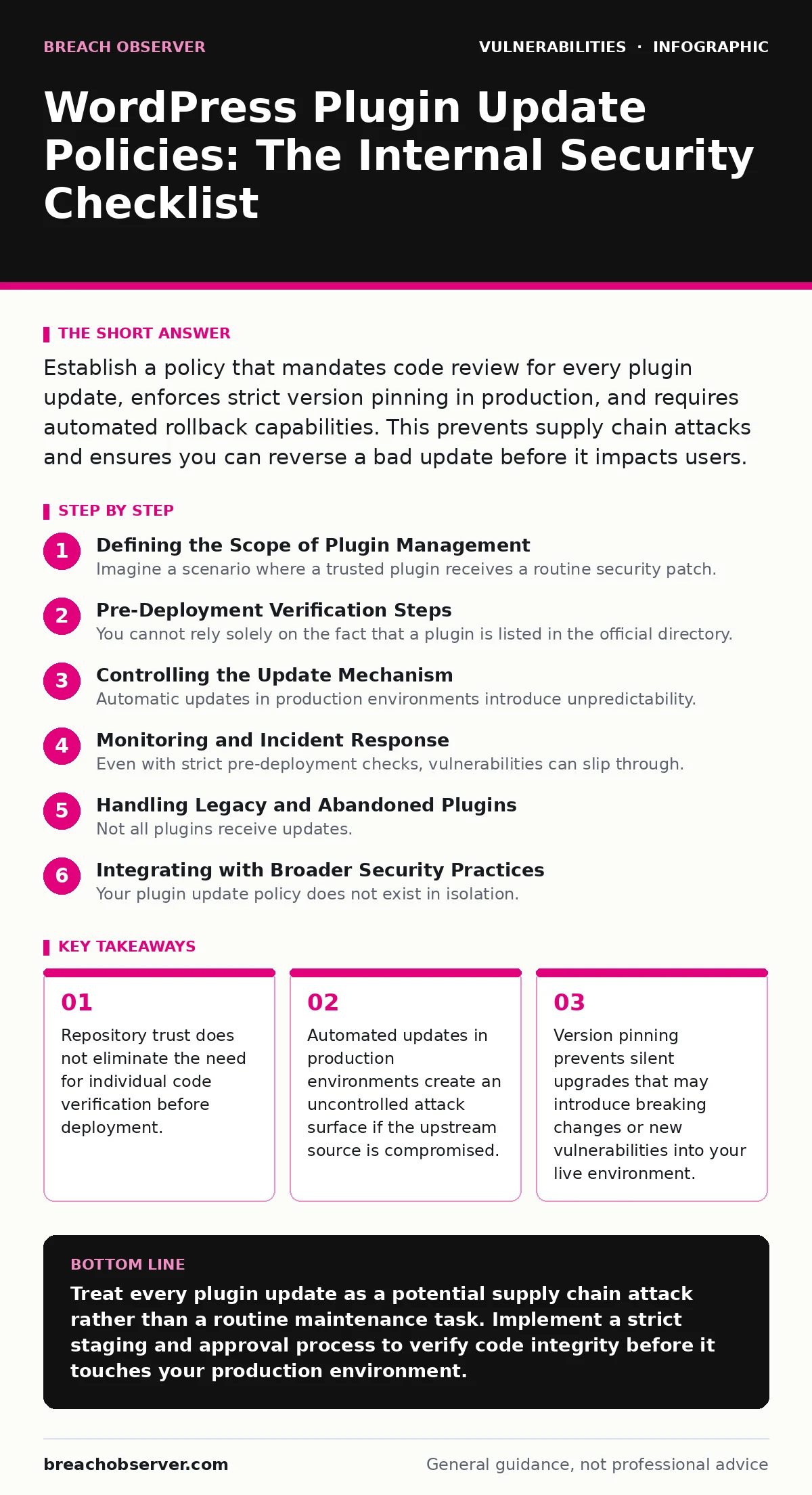
Establish a policy that mandates code review for every plugin update, enforces strict version pinning in production, and requires automated rollback capabilities. This prevents supply chain attacks and ensures you can reverse a bad update before it impacts users.
Defining the Scope of Plugin Management
Imagine a scenario where a trusted plugin receives a routine security patch. That patch contains a latent flaw that exploits a zero-day vulnerability in your server’s underlying operating system. Your policy must address not just the plugin code, but the entire deployment pipeline. You need to determine which plugins are critical to business operations and which are decorative. Critical plugins require stricter controls because their failure halts revenue or data processing. Decorative plugins can often be removed entirely if they do not serve a core function.
Pre-Deployment Verification Steps
You cannot rely solely on the fact that a plugin is listed in the official directory. The directory checks for basic malware signatures, but it does not audit logic flaws or insecure coding practices. Your policy must include a mandatory review step before any update reaches the production environment. This review should check the plugin’s changelog for mentions of security fixes. It should also verify that the developer has a history of responding to security bulletins. If a plugin has not been updated in over a year, it is likely abandoned. Abandoned plugins become liabilities because they will not receive patches for new vulnerabilities.
- Verify the plugin author’s identity: Confirm the developer is reputable and responsive to security reports to reduce supply chain risk.
- Review the changelog for security mentions: Look for specific references to patched vulnerabilities rather than vague "bug fixes" to understand the risk.
- Check for recent activity: Ensure the plugin has active development to guarantee future patches for emerging threats.
- Validate file integrity hashes: Compare the downloaded package against known good hashes to detect tampering during transit.
Controlling the Update Mechanism
Automatic updates in production environments introduce unpredictability. If an update breaks your site or introduces a vulnerability, automatic installation ensures the damage occurs without human intervention. Your policy should disable automatic updates for all plugins in live environments. Instead, use a staging environment that mirrors production. Apply updates to staging first. Run automated tests to ensure functionality. Only after successful testing should the update be applied to production. This delay provides a window to detect issues before they affect users. It also allows you to coordinate with your team to handle any necessary configuration changes.
- Disable automatic updates in production: Prevent silent changes that could break functionality or introduce unvetted code into your live system.
- Implement a staging environment: Test updates in an isolated mirror of production to catch breaking changes before they impact users.
- Schedule manual update windows: Apply changes during low-traffic periods to minimize the impact of potential downtime or errors.
- Require dual approval for critical plugins: Mandate that two team members approve updates for plugins handling sensitive data or payments.
Monitoring and Incident Response
Even with strict pre-deployment checks, vulnerabilities can slip through. Your policy must include continuous monitoring for signs of compromise. This includes watching for unexpected file changes, new user accounts with administrative privileges, or unusual outbound network traffic. You should also monitor security bulletins for your specific plugins.
If a vulnerability is disclosed, your response time determines the severity of the impact. A coordinated vulnerability disclosure process helps developers patch issues responsibly, but you must act immediately if the patch is not yet available. Consider temporary mitigations, such as restricting access to the plugin’s endpoints, until a proper fix is deployed.
- Monitor file integrity continuously: Detect unauthorized changes to plugin files that may indicate an active intrusion or backdoor installation.
- Track security bulletins actively: Subscribe to notifications for critical plugins to receive early warnings about disclosed vulnerabilities.
- Define emergency rollback procedures: Ensure you can revert to a previous version quickly if an update causes instability or security issues.
- Audit plugin permissions regularly: Review the capabilities granted to each plugin to ensure they follow the principle of least privilege.
Handling Legacy and Abandoned Plugins
Not all plugins receive updates. Some developers abandon their projects, leaving them vulnerable to new threats. Your policy must address these legacy plugins. If a plugin is no longer maintained, the safest option is to remove it entirely. If removal is not possible due to functional dependencies, you must isolate it. This might involve running it on a separate server or restricting its network access. You should also consider developing a custom replacement that meets your security standards. Relying on an abandoned plugin is a calculated risk that increases over time. The longer it remains unpatched, the higher the likelihood of exploitation.
- Identify abandoned plugins: Flag plugins with no updates in the last 12 months for immediate review and potential removal.
- Isolate legacy components: Restrict network access for plugins that cannot be updated to limit their attack surface.
- Develop custom replacements: Create secure, maintained alternatives for critical functionality provided by abandoned third-party plugins.
- Document legacy risks: Record the known vulnerabilities of legacy plugins to inform risk assessments and insurance requirements.
See also: Remediation Tracking: How to Close Vulnerabilities Before Exploitation · Pre-authentication vulnerabilities: detection, exploitation and mitigation
Integrating with Broader Security Practices
Your plugin update policy does not exist in isolation. It must align with your broader security strategy. For instance, a strong Content Security Policy can mitigate the impact of a compromised plugin by restricting where scripts can load from. Similarly, regular penetration testing can identify how plugin vulnerabilities might be exploited in your specific environment. You should also ensure that default credentials are changed for all plugin installations. Many plugins use predictable usernames and passwords, which are easy targets for brute-force attacks. By integrating these practices, you create multiple layers of defense that reduce the overall risk.
Key takeaways
- Repository trust does not eliminate the need for individual code verification before deployment.
- Automated updates in production environments create an uncontrolled attack surface if the upstream source is compromised.
- Version pinning prevents silent upgrades that may introduce breaking changes or new vulnerabilities into your live environment.
Treat every plugin update as a potential supply chain attack rather than a routine maintenance task. Implement a strict staging and approval process to verify code integrity before it touches your production environment.
Frequently asked questions
Should I use a security plugin to manage updates?
Security plugins can automate some checks, but they do not replace the need for human review and staging environment testing. They are tools, not policies.
How often should I review my plugin inventory?
Review your inventory monthly. Remove any plugins that are not actively used or that have not received updates recently.
What if a critical plugin breaks after an update?
Your policy must include a tested rollback procedure. Keep backups of your database and files before applying any updates to enable quick restoration.
Can I trust plugins from the official directory?
The directory provides a baseline of safety, but it does not guarantee security. You must still perform your own due diligence and code review.
How this guide was produced: written by the Breach Observer editorial team with AI assistance, checked against the public references listed below, and reviewed when the facts change. See our editorial policy or report an error.